Hi vh85,
Thanks for using Apple Support Communities. We understand you're running into an issue with your phone number, and we're happy to help. When you say registering your number, are you trying to add your phone number to iMessage? If so, use the steps to do that here:
1. Go to Settings > Messages and make sure that iMessage is on. You might need to wait a moment for it to activate.
2. Tap Send & Receive. If you see “Use your Apple ID for iMessage,” tap it and sign in with the same Apple ID that you use on your Mac, iPad, and iPod touch.
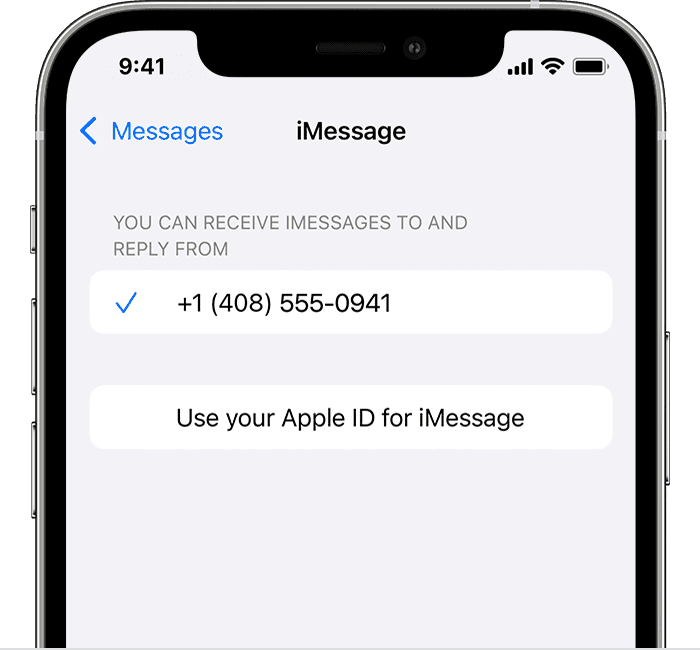
3. In the "You can receive iMessages to and Reply From" section, make sure that your phone number and Apple ID are selected.
4. Go to Settings > FaceTime and make sure that your phone number and Apple ID are selected in the "You can be reached by FaceTime at" section.
See more about those steps here: Add or remove your phone number in Messages or FaceTime - Apple Support
If this isn't related to iMessage, let us know exactly where you are attempting to register your phone number and we'll go from there.
Thanks.


