Hello Hafsah28,
We'd like to provide you with a few steps that may be able to assist you with getting your right AirPod working properly:
If there's no sound in one AirPod
- Make sure that your charging case is fully charged.
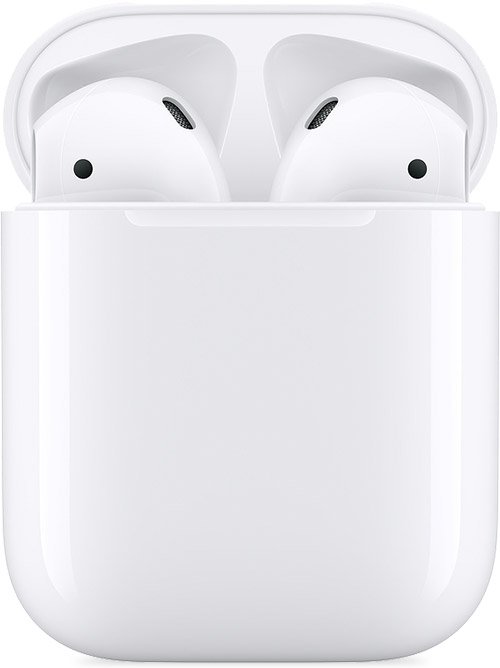
- Place both AirPods in your charging case and let them charge for 30 seconds.
- Open the charging case near your iPhone or iPad.
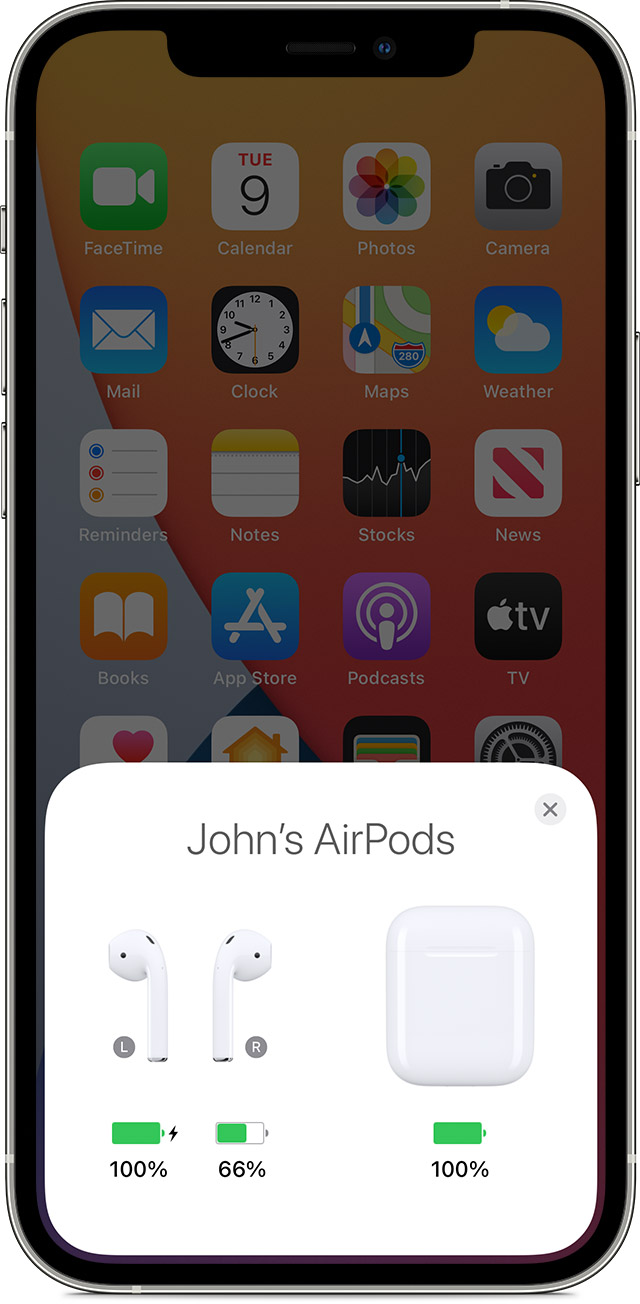
4. Check the charge status on your iPhone or iPad to make sure that each AirPod is charging 
5. Put both AirPods in your ears.
6. Play audio to test both AirPods.
7. If an AirPod still isn't working, reset your AirPods.
If there's low volume in one AirPod
If your left or right AirPod isn't playing any sound, or if the volume is too quiet, follow these steps:
- Check the microphone and speaker mesh on each AirPod.
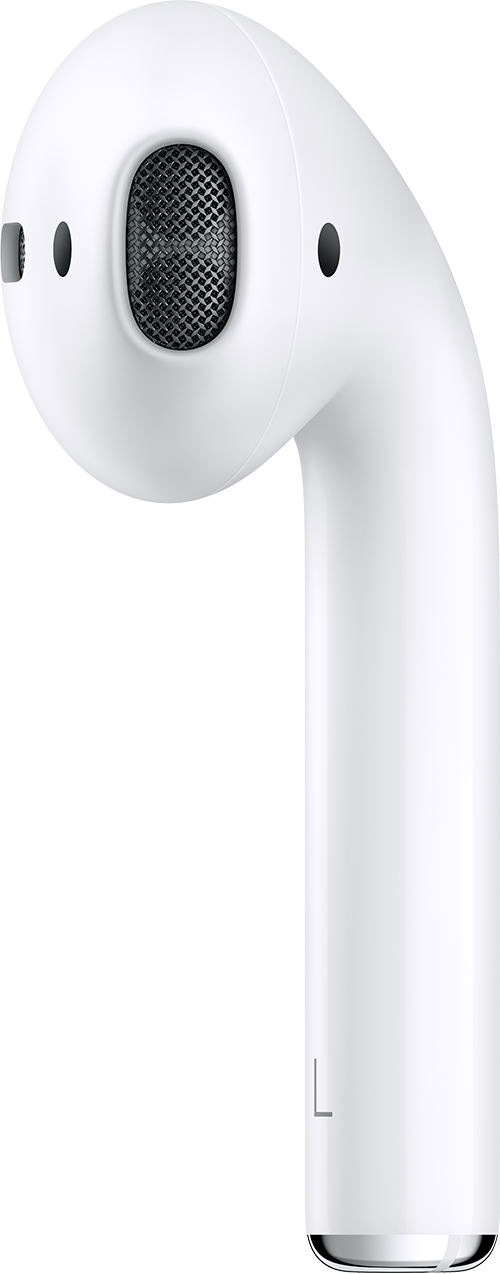
2. If you see any debris, clean your AirPods using the guidelines in this article, and see if that fixes the issue.
3. Go to Settings > Accessibility > Audio/Visual > Balance, and make sure that the balance is set in the middle.
More details here: If your left or right AirPod isn't working
If your AirPod continues to display the same behavior, we suggest that you have it evaluated at an Apple Store or an Apple Authorized Service Provider. You can follow this link for further direction:
AirPods Replacement, Repair, & Service
Take care


