
How to stream photos to Apple TV from MacMini
When using Photos software I would like to stream some events or groups of photographs to my Apple TV connected to the TV in another room.
Apple TV 4K (1st generation)
When using Photos software I would like to stream some events or groups of photographs to my Apple TV connected to the TV in another room.
Apple TV 4K (1st generation)
Hello
rebeccabeeke,
Thank you for reaching out to Apple Support Communities.
You can't AirPlay from one Apple TV to another AirPlay device but you can from an iOS/macOS device to the Apple TV.
These steps should help:
"Mirror your iPhone or iPad to a TV or Mac
3.Tap the Screen Mirroring button 
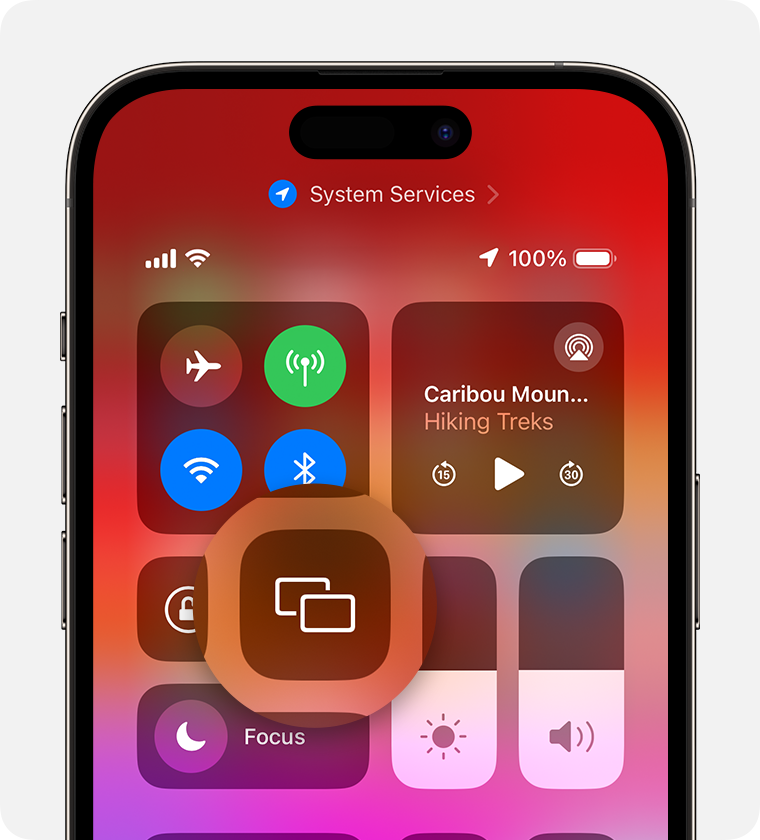
4.Select your TV or Mac from the list.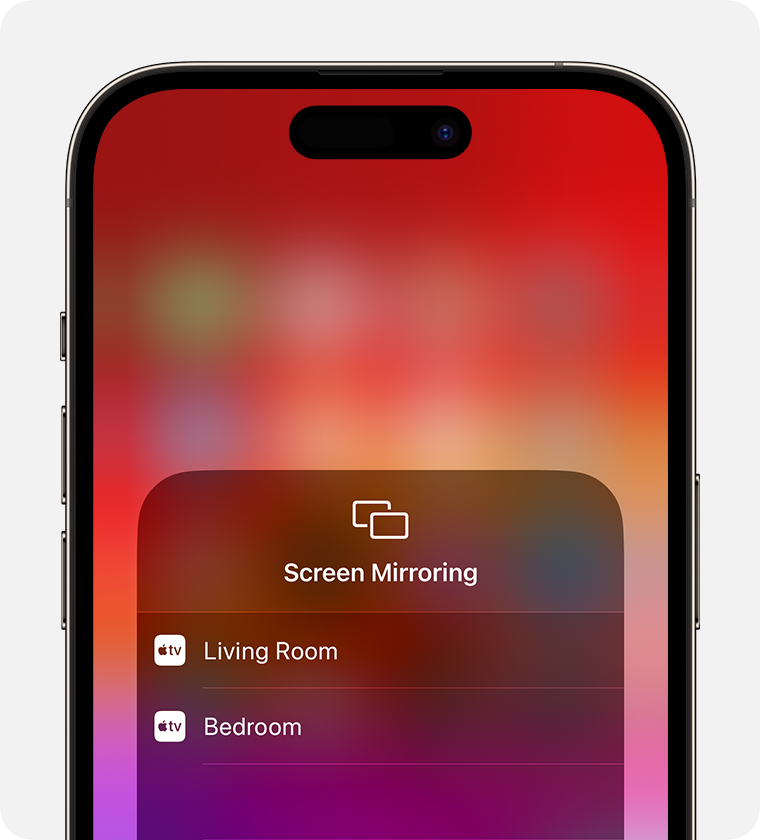
5.If an AirPlay passcode appears on your TV screen or Mac, enter the passcode on your iPhone or iPad.
To stop mirroring your iPhone or iPad, open Control Center, tap Screen Mirroring, then tap Stop Mirroring. Or press the Menu button on your Apple TV Remote."
Additional details regarding this can be found here: Use AirPlay to stream video or mirror the screen of your iPhone or iPad
You can also leave feedback about this by going to Apple TV
Cheers!
This does not work for several hundred.
How to stream photos to Apple TV from MacMini

