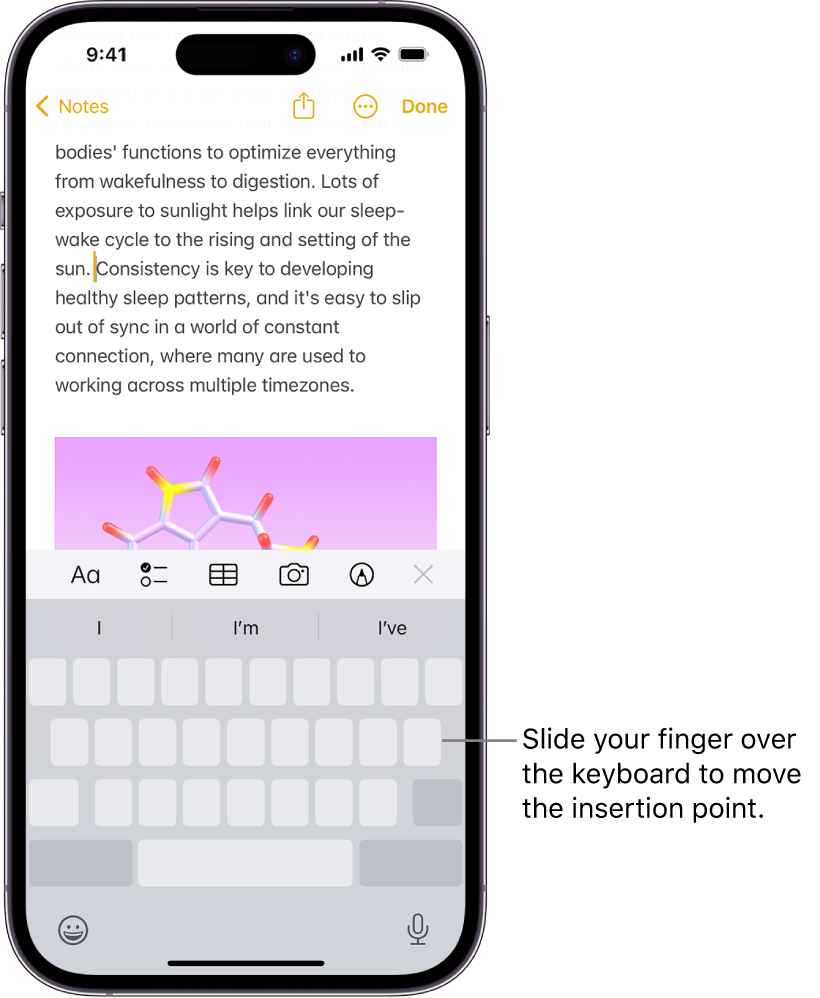
I was having a terrible time aligning the cursor in the Wordle tool of The Free Dictionary by Farlex.
Today’s release of iOS 17.1 fixes the cursor alignment-jumping issue about 90% of the time. It’s not perfect, but neither is it uber frustrating like it was before iOS 17.1.
It’s still not as intuitive and precise as it was before iOS 17.0 (when everything seemed to work as expected.) But it’s much, much better.
Even now… with iOS 17.1… if I align the cursor dead center between letters (where I want the cursor to land), the cursor still often moves way to the right… usually after the end of the target word.
But a slight change in how I place the cursor makes placement more controllable and workable. (This may be an issue with just the Wordle tool. I see better results in other applications.)
In the Wordle tool, I get the best results by moving the cursor from right to left, and aligning it jusssst right-of-center of the letter after which I want to place the cursor. For example, placing the cursor just right-of-center of “A” in the word “BLAST” will now almost always result in the cursor being placed between the “A” and “S”. Before iOS 17.1, the cursor would almost always jump to just after the “T”. It was so frustrating that I frequently just gave up and retyped the word from scratch, including whatever changes I wanted to add.
It’s much better now. Thank you Apple.