Hello kithytom,
Thank you for reaching out to Apple Support Communities.
Let's use finder or iTunes to check your storage using these steps:
"Use the Finder or iTunes to check the storage on your iOS device
- On a Mac with macOS Catalina 10.15 or later, open the Finder. On a Mac with macOS Mojave 10.14 or earlier, or on a PC, open iTunes.
- Connect your device to your computer.
- Select your device in the Finder or in iTunes. You'll see a bar that shows how much storage your content uses, divided by content type.
- Move your mouse over the bar to see how much storage each content type is using.
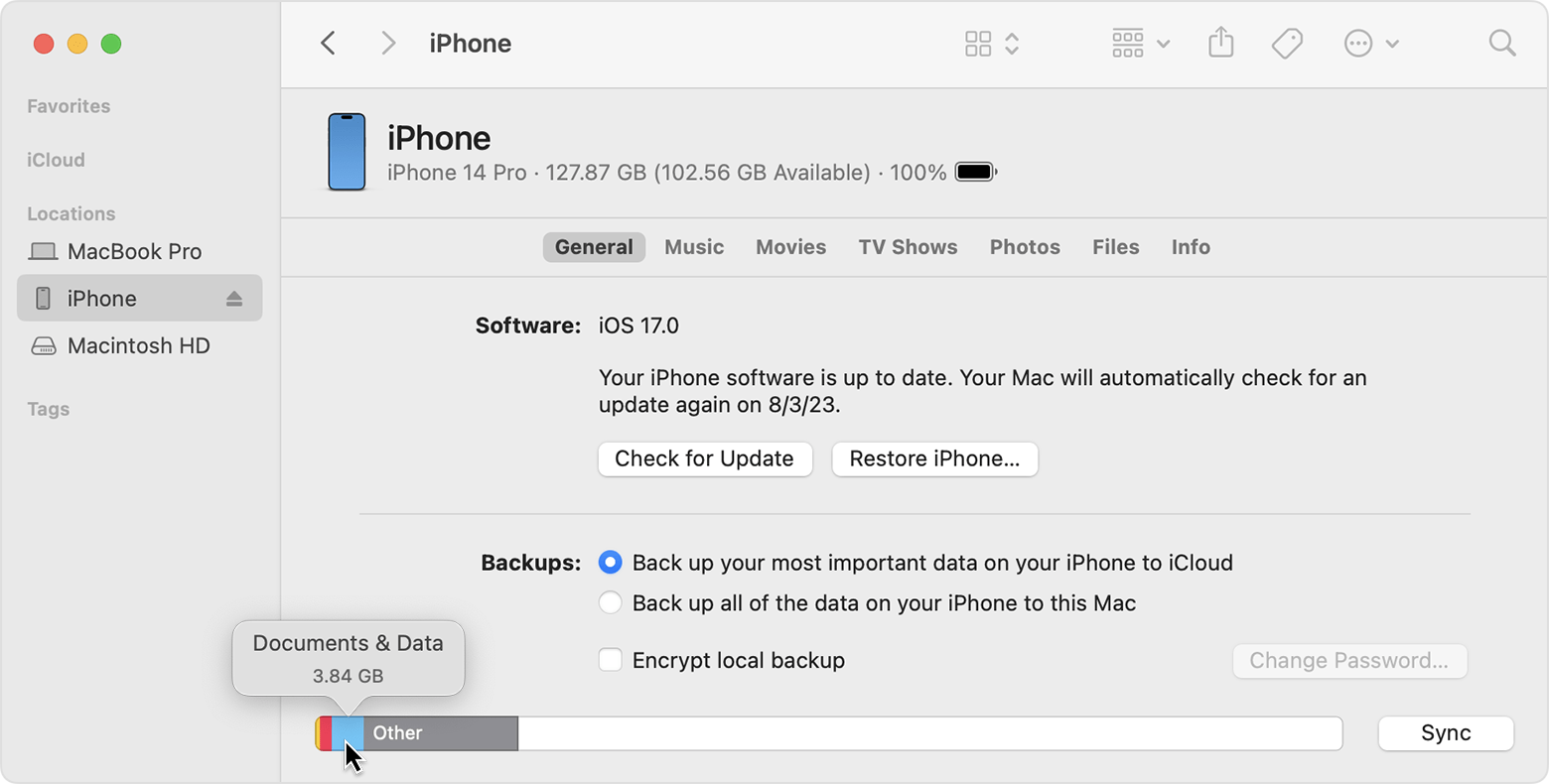 "
"
Additional details and steps can be found here: How to check the storage on your iPhone and iPad
If the issue persists, can you provide a few more details? Which device and OS are you currently using? How were you able to verify Apple TV is using up all of your storage? Also, when did you first notice this?
Cheers!

