how do it transfer data from se to iphone 14
while restoring the backup from laptop it is saying software is too old can't be
done
while restoring the backup from laptop it is saying software is too old can't be
done
Hi harjeets,
Thanks for posting here in Apple Support Communities. You've reached us from a great article concerning the issue you have: Restore an iPhone, iPad, or iPod touch that needs a newer version of iOS or iPadOS - Apple Support
Were you able to erase your device? You'll need to do so to restore the backup to your device.
If you're restoring from a computer
If you're restoring your iPhone, iPad, or iPod touch backup from a computer that requires your device to have a newer version of iOS or iPadOS, you might see an error that your backup can't be restored because the software on your device is too old. Follow these steps to update your device and restore the backup.
Set up, update, and erase your device
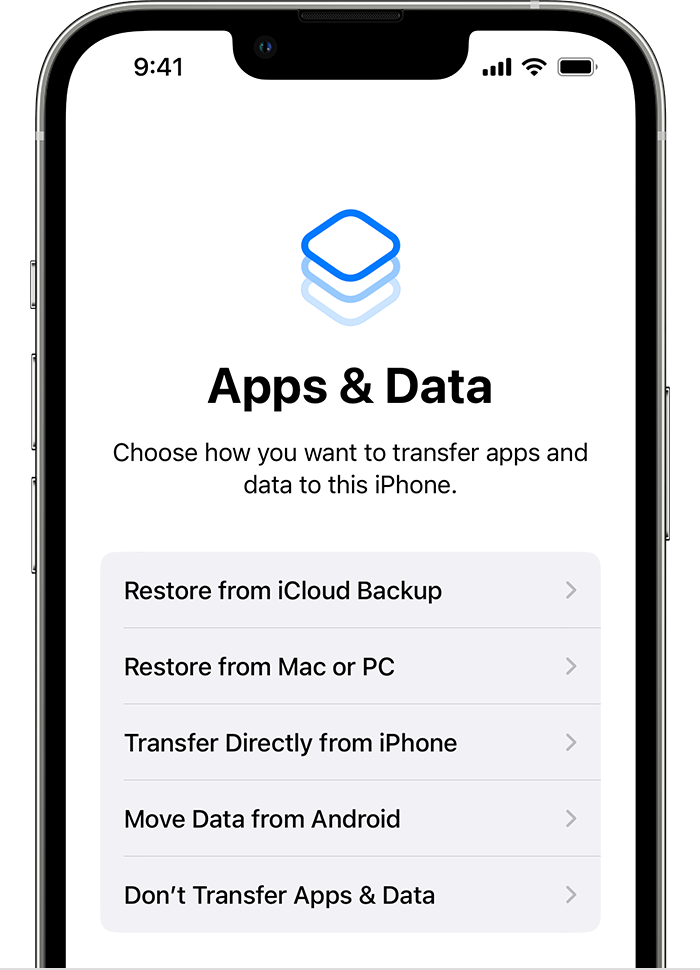
1. From the Apps & Data screen on your device, tap Don't Transfer Apps & Data instead of Restore from iCloud Backup. If you already tapped Restore from iCloud Backup, tap Back to return to the Set Up screen.
2. Follow the remaining steps. For now, you can skip the steps for Apple ID, Touch ID or Face ID, and passcode.
3. Once the setup is complete, update your device to the latest version of iOS or iPadOS.
4. Let the update finish, and wait for your device to restart.
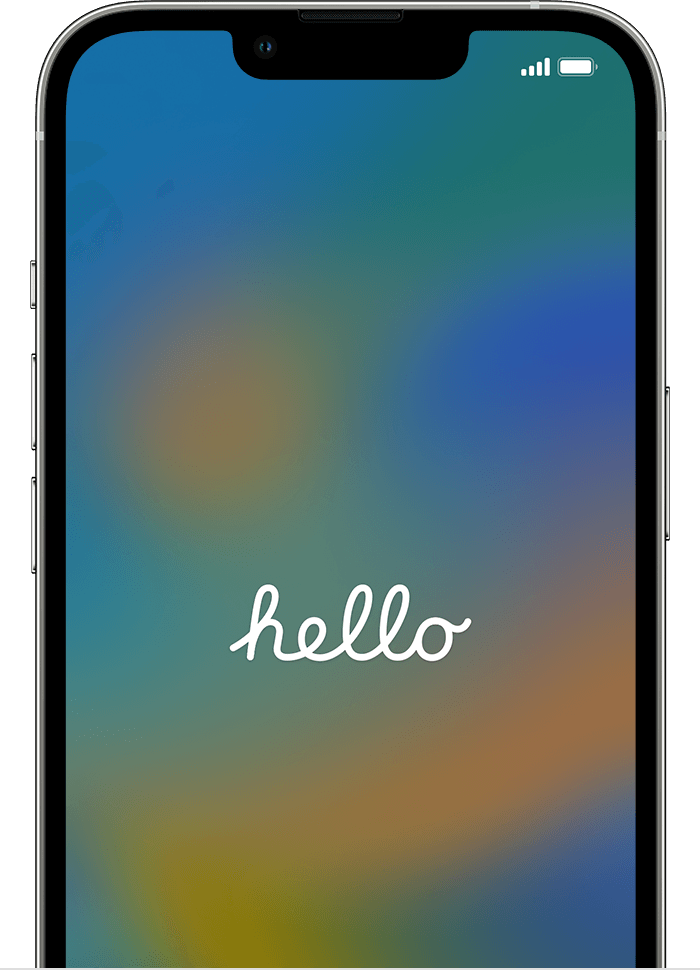
5. Tap Settings > General > Transfer or Reset [device] > Erase All Content and Settings to erase your device. After your device is erased, it restarts, and you'll see the Hello screen in the Setup Assistant.
You are now able to set up your device again, and select a backup to restore from.
Kind regards.
how do it transfer data from se to iphone 14