Hi boxkicker,
To start the information below has details on what a keychain is.
"What is a keychain?
A keychain is an encrypted container that securely stores your account names and passwords for your Mac, apps, servers, and websites, and confidential information, such as credit card numbers or bank account PIN numbers.
When you access a website, email account, network server, or other password-protected item, you can choose to save the password in your keychain so you don’t have to remember or enter the password each time.
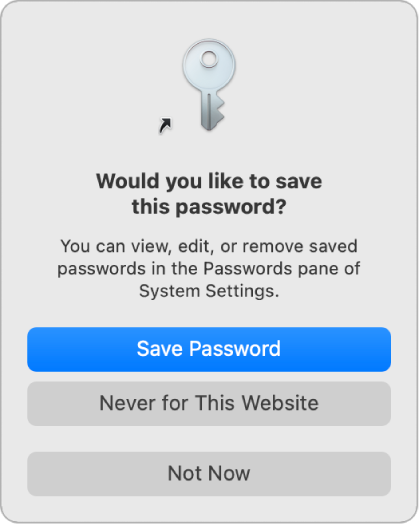
Each user on a Mac has a login keychain. The password for your login keychain matches the password you use to log in to your Mac. If an administrator on your Mac resets your login password, you need to reset your login keychain password."
You can also find this information here: Manage passwords using keychains on Mac - Apple Support
If you're using Safari on a Mac, you can check the steps in the article here to see your current passwords saved with Keychain: View the information stored in a keychain on Mac - Apple Support
As mentioned in this article:
"You can also view your passwords in System Settings and Safari settings.
Choose Apple menu > System Settings, then click Passwords in the sidebar (you may need to scroll down); or open Safari, choose Safari > Settings, then click Passwords."
Hope the information helps. If you need further assistance, reach out to Apple Support directly from the link here: Get Support
Best.


