
Unable to install IOS 16, 17 on iPhone 11
Every time I try to download, it tries for a few minutes and then it gives an error message that it failed. What is wrong?
iPhone 6 Plus
Every time I try to download, it tries for a few minutes and then it gives an error message that it failed. What is wrong?
iPhone 6 Plus
Greetings tuhin259,
We'd like to provide you with a few steps that can assist you with completing the software update:
"If there's not enough space to update
If there isn't enough space to download and install an update, the software on your device will try to make space. It will remove only app data that it can download again and doesn't remove or relocate any of your data. If your device still doesn't have enough space, you can use your computer to update your device.
If you can't connect your device to your computer, you can make room for the update by removing content and apps on your device that you don't use. Go to Settings > General > [Device name] Storage.
Learn more about the space your apps and content use.
If the download takes a long time
You need an internet connection to update your device. The time it takes to download the update varies according to the size of the update and your internet speed. You can use your device normally while downloading the update, and your device will notify you when you can install it. To improve the speed of the download, avoid downloading other content and use a Wi-Fi network.
If you can't reach the update server or can't verify the update
If you try to update your device, you might see one of these messages:
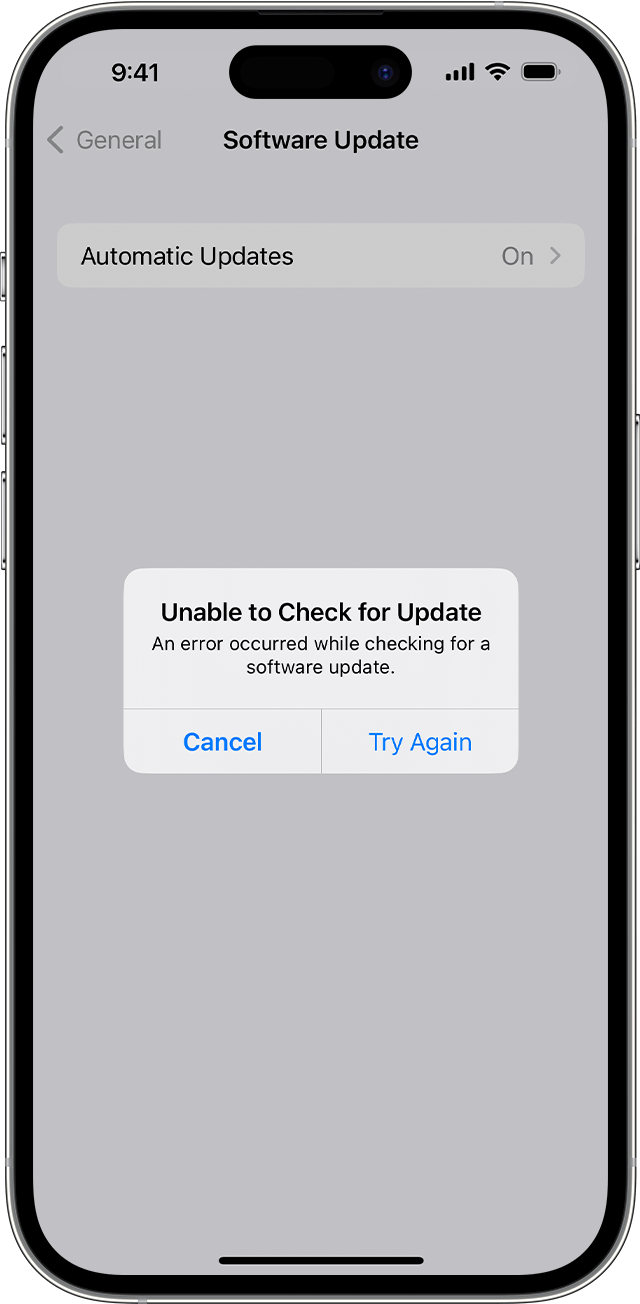
"Unable to Check for Update. An error occurred while checking for a software update."
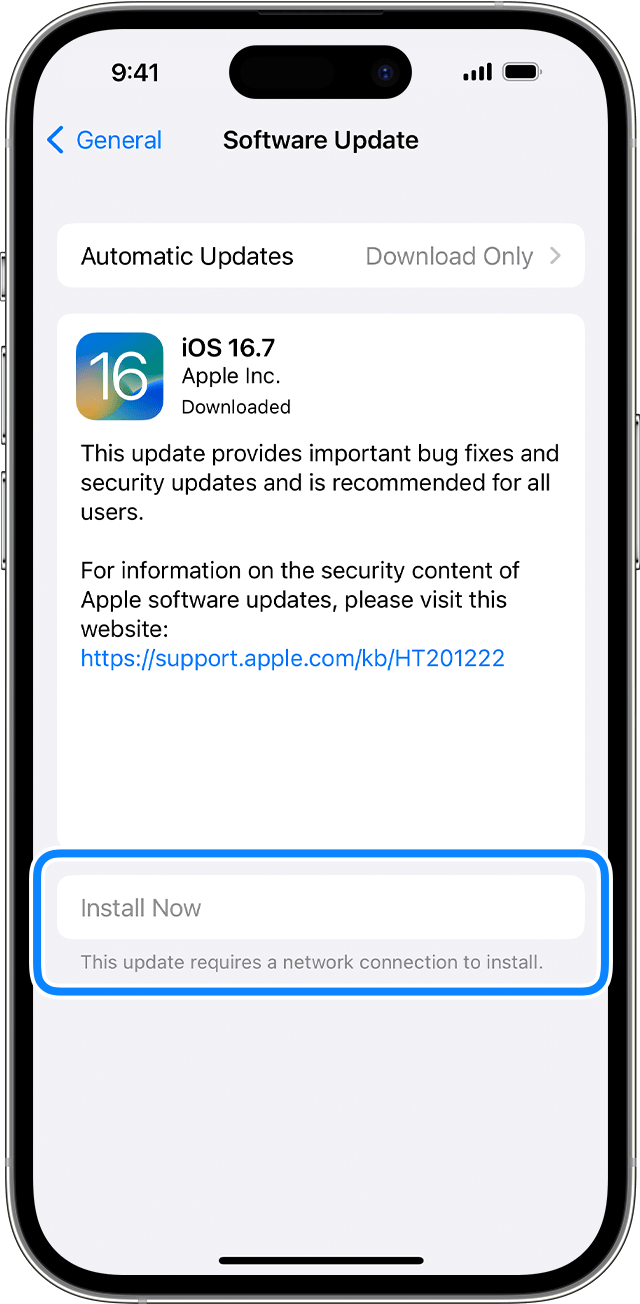
"Install Now. This update requires a network connection to install."
Try updating your device again using the same network. If you still see one of these messages, try updating your device using another network or update your device with your computer:
If the issue happens again after trying to update with multiple networks, remove the update.
If the update doesn't complete
If you're installing the update, the progress bar might appear to move slowly. The time an update takes depends on the size of the update and the number of files on your device.
When you're updating over the air, keep your device connected to a power source. If your device runs out of power, connect it to a power source and turn on the device to let the update or restore complete.
Learn what to do if your iPhone or iPad appears frozen or won't start.
Remove and download the update again
If you still can't install the latest version of iOS or iPadOS, try downloading the update again:
If you don't see the update in the list of apps or if the issue happens again, you need to update your device with your computer:
Learn how to use recovery mode if your computer doesn't recognize your device or your screen is stuck on the Apple logo for several minutes without a progress bar."
More details here: If your iPhone or iPad won't update
Thanks for connecting with Apple Support Communities.
Take care.
Greetings tuhin259,
We'd like to provide you with a few steps that can assist you with completing the software update:
"If there's not enough space to update
If there isn't enough space to download and install an update, the software on your device will try to make space. It will remove only app data that it can download again and doesn't remove or relocate any of your data. If your device still doesn't have enough space, you can use your computer to update your device.
If you can't connect your device to your computer, you can make room for the update by removing content and apps on your device that you don't use. Go to Settings > General > [Device name] Storage.
Learn more about the space your apps and content use.
If the download takes a long time
You need an internet connection to update your device. The time it takes to download the update varies according to the size of the update and your internet speed. You can use your device normally while downloading the update, and your device will notify you when you can install it. To improve the speed of the download, avoid downloading other content and use a Wi-Fi network.
If you can't reach the update server or can't verify the update
If you try to update your device, you might see one of these messages:
"Unable to Check for Update. An error occurred while checking for a software update."
"Install Now. This update requires a network connection to install."
Try updating your device again using the same network. If you still see one of these messages, try updating your device using another network or update your device with your computer:
If the issue happens again after trying to update with multiple networks, remove the update.
If the update doesn't complete
If you're installing the update, the progress bar might appear to move slowly. The time an update takes depends on the size of the update and the number of files on your device.
When you're updating over the air, keep your device connected to a power source. If your device runs out of power, connect it to a power source and turn on the device to let the update or restore complete.
Learn what to do if your iPhone or iPad appears frozen or won't start.
Remove and download the update again
If you still can't install the latest version of iOS or iPadOS, try downloading the update again:
If you don't see the update in the list of apps or if the issue happens again, you need to update your device with your computer:
Learn how to use recovery mode if your computer doesn't recognize your device or your screen is stuck on the Apple logo for several minutes without a progress bar."
More details here: If your iPhone or iPad won't update
Thanks for connecting with Apple Support Communities.
Take care.
Unable to install IOS 16, 17 on iPhone 11

