francinefrombristol wrote:
When I hold the side button down the emergency sos page comes up?
DO NOT hold the button, as that DOES bring up Emergency services, and the power off button. So at least you know how to gain access to that 😁
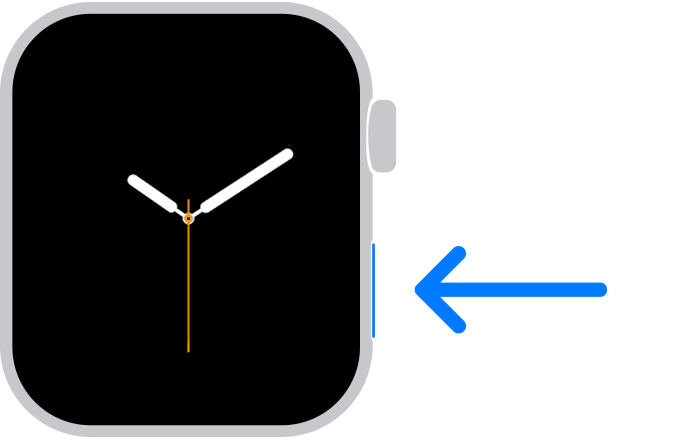
It is a quick press and release of the flat oval side button
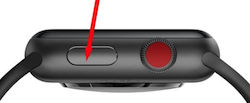
(picture is for others reading this tread)
Use Control Center on Apple Watch - Apple Support
You should change:
Settings -> Accessibility -> Side Button Click Speed
“Side Button Click Speed” can adjust the press and release timing, so you get the Control Center display every time. Adjusting The "Side Button Click Speed" is also useful for Apple Pay’s double press and release. There is “Default” (sub second timing of needed), “Slow” (up to a second between press and release), and “Slowest” (up to 2 seconds between press and release). I like the “Slow” setting.
NOTE: Slow and Slowest settings do not mean you have to wait a full second or 2 seconds between press and release. It just means you do not need to be super fast.
You can send Apple feedback via:
Feedback - Watch - Apple
If enough users send feedback, it is more likely a decision maker will see it, and maybe take action.