My mp4 files are being changed to m4v when copied to an external drive, how can I stop this happening?

I bought a 1 TB external drive to store my mp4 movies on. It's accepted 80 GB of them, but any more I try to copy in are being changed to m4v files - which of course cannot be played! What can I do to stop this happening?

iMac (2017 – 2020)

Posted on Dec 9, 2023 11:13 AM

Reply
17 replies

Dec 9, 2023 1:37 PM in response to Cadleigh

Okay, please do the following and we can look for obvious issues.


It will help us get a good idea of what is causing your problem if you provide a report of your system, that way we do not have to play 20 questions with you. The report we are requesting does NOT provide any personal information and is extremely safe to use. Please navigate to www.Etrecheck.com and download the free version of EtreCheck. Once you have you downloaded the app and installed it, please run the report and save it. This report will help us get a good idea what has been installed on your system and help us be able to diagnose what may be wrong.


When you have your report, you can attach it when you reply to this message and we can then review it and help you determine what is needed to get your system running well again. 


For instructions on how to download your EtreCheck report and attach it to your reply to this message please click How to use the Add Text Feature When Post… - Apple Community It is helpful to us if you download the report to your Desktop.


Dec 9, 2023 4:00 PM in response to rkaufmann87

Thanks for your interest, I really appreciate it. But you see, I've hit a snag already, my 2017 iMac is using OS Sierra (10.12.6), and EtreCheckPro requires 10.13 or later.


Yes I know, Sierra is one step up from scratching animal shapes on cave walls, but I hate having to re-learn how to use the OS, and it's always seemed to me that any 'upgrade' has been more user-hostile than the last one. Besides, I'm 81 and probably won't need to use it for many more years. 😅


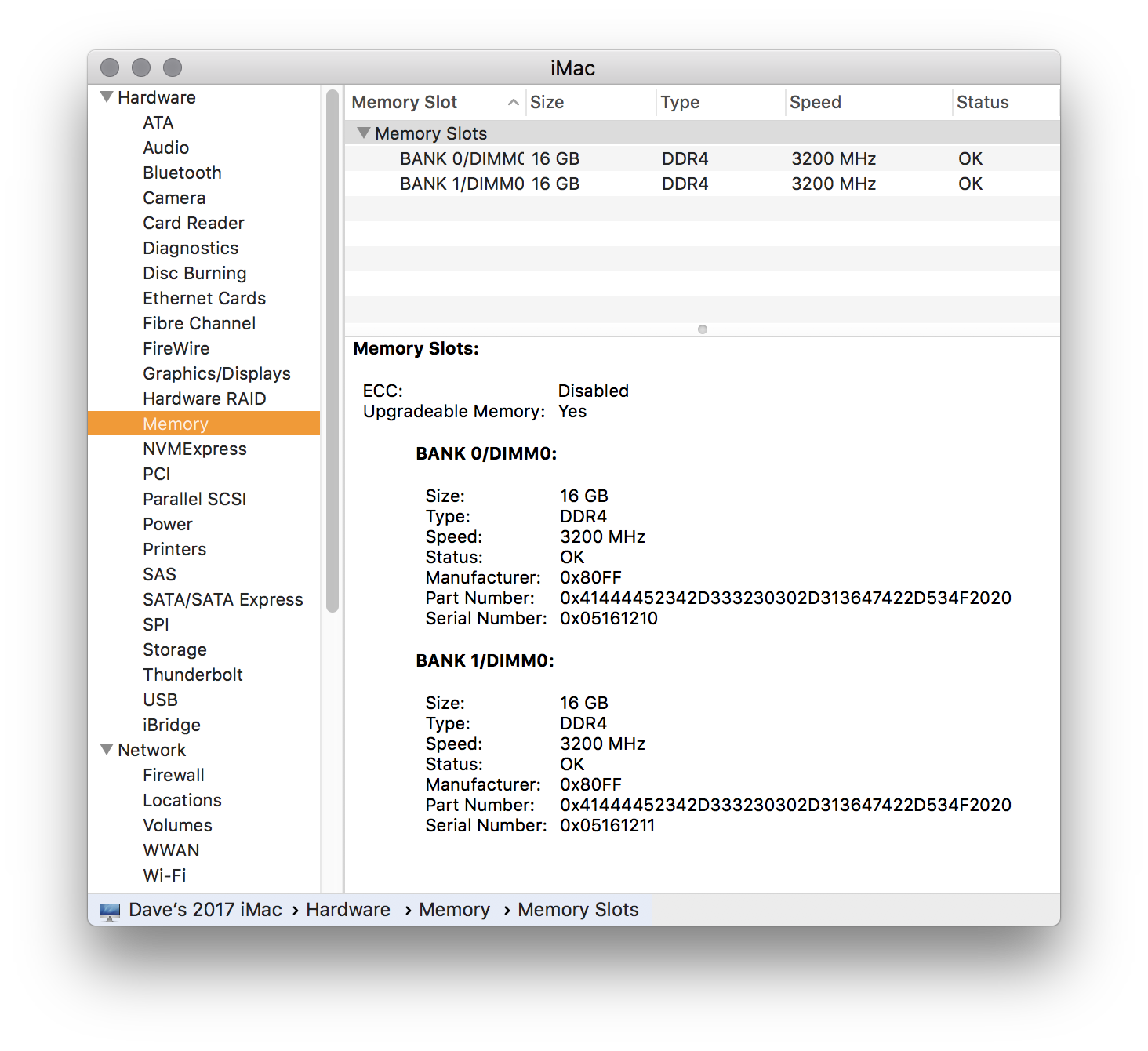
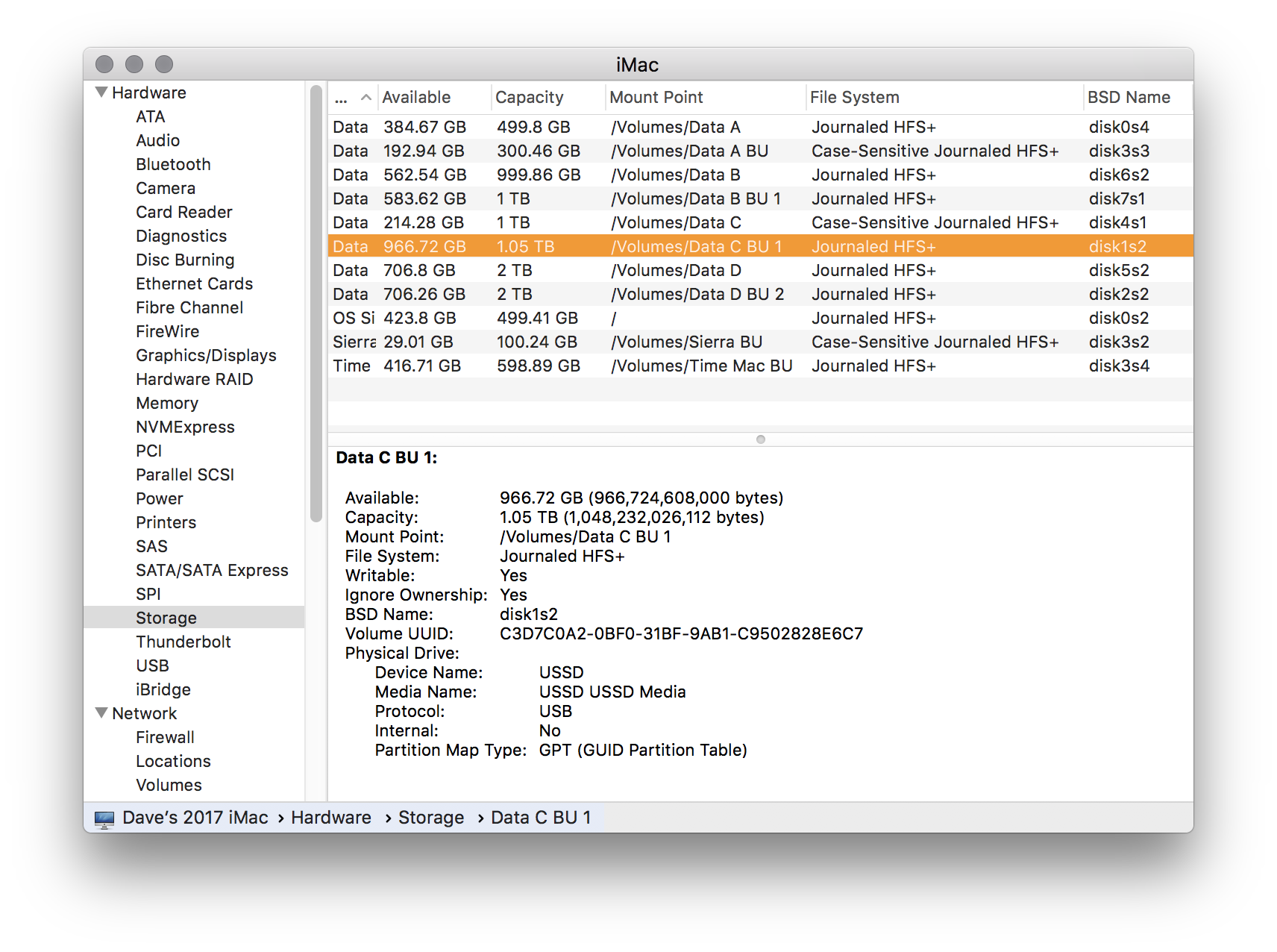
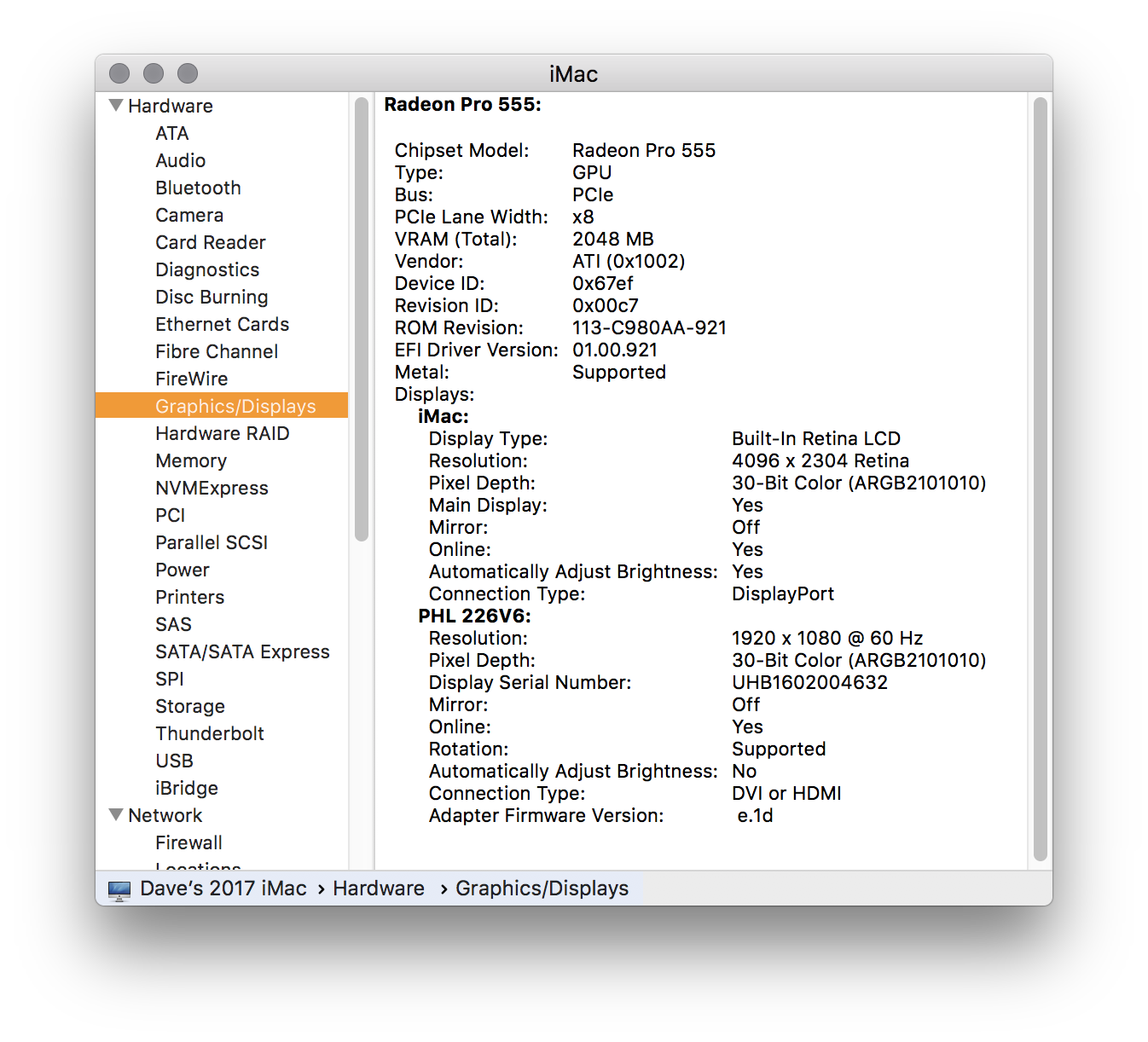
But I'll include screenshots of 'About this Mac' in case that helps. The problem Hard Drive is a nameless Chinese knock-off so if that's what is causing the problem I'll just throw it away and buy a 'proper' one. It's the one I've called 'Data C ** 1'.


I currently have 7 external drives connected via a USB bus. I can include details of that set up too but it will take about another half dozen screenshots. 😃


Thanks again, Dave.


[Edited by Moderator] 


Dec 12, 2023 4:52 PM in response to Keith Barkley

Thanks Keith, I am using folders, and I've just tried this at your suggestion. I zipped a folder on the desktop, copied it into the problem drive, tried to unzip it, and the app insists on zipping the zipped folder! I can expand it on the desktop okay, but not when it's in the drive.


This is all getting to be more trouble than it's worth. Thanks for your well intentioned efforts guys, but I'll just buy a better hard drive and have done with it. 🙂

This thread has been closed by the system or the community team. You may vote for any posts you find helpful, or search the Community for additional answers.

My mp4 files are being changed to m4v when copied to an external drive, how can I stop this happening?

Welcome to Apple Support Community
A forum where Apple customers help each other with their products. Get started with your Apple Account.