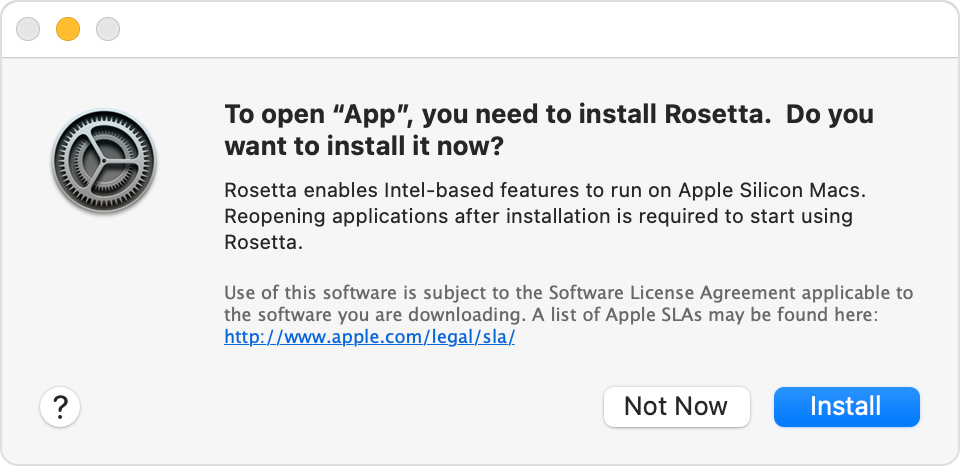
Hi. I tried to install rosetta 2 for RStudio in my M3 Pro Macbook Pro using terminal. Some error was shown, but at the end it was also shown that rosetta 2 was installed successfully. I don't know how to check if it was installed.

The terminal message was "softwareupdate[62376:5738187] Package Authoring Error: 052-22577: Package reference com.apple.pkg.RosettaUpdateAuto is missing installKBytes attribute 

Install of Rosetta 2 finished successfully"


How do I check if I have rosetta installed or not. By the way, I don't see the message about rosetta not being available whenever I am opening RStudio (which I was seeing earlier). However I want to know if everything is alright.

MacBook Pro 14″, macOS 14.2

Posted on Feb 4, 2024 6:34 AM

Reply
Question marked as Top-ranking reply

Posted on Feb 4, 2024 7:51 AM

according to official Apple articles, YOU do not need to intervene in any way to get Rosetta onto your Mac when it is needed. It is supposed to install itself when you run software that requires it.


from:

If you need to install Rosetta on your Mac - Apple Support


You invoked unusual methods to install it manually, and you got some unusual error messages while doing so.


The steps you took are said to be unnecessary. There is nothing to fix.


<< I don't see the message about rosetta not being available whenever I am opening RStudio (which I was seeing earlier). >>


Then you are done.

Go get your RStudio work done, and do not allow this to consume a MOMENT of your thoughts.


Similar questions

3 replies
Question marked as Top-ranking reply

Feb 4, 2024 7:51 AM in response to abhisekchatterjee

according to official Apple articles, YOU do not need to intervene in any way to get Rosetta onto your Mac when it is needed. It is supposed to install itself when you run software that requires it.


from:

If you need to install Rosetta on your Mac - Apple Support


You invoked unusual methods to install it manually, and you got some unusual error messages while doing so.


The steps you took are said to be unnecessary. There is nothing to fix.


<< I don't see the message about rosetta not being available whenever I am opening RStudio (which I was seeing earlier). >>


Then you are done.

Go get your RStudio work done, and do not allow this to consume a MOMENT of your thoughts.


This thread has been closed by the system or the community team. You may vote for any posts you find helpful, or search the Community for additional answers.

Hi. I tried to install rosetta 2 for RStudio in my M3 Pro Macbook Pro using terminal. Some error was shown, but at the end it was also shown that rosetta 2 was installed successfully. I don't know how to check if it was installed.

Welcome to Apple Support Community
A forum where Apple customers help each other with their products. Get started with your Apple Account.