Twitter notifications disappear

While I’m reading my list of Twitter notifications in the morning my phone erases all of them when it suddenly goes to sleep after just a few seconds. When my iPhone XR wakes up the list is gone. Why does this happen?

iPhone XR, iOS 17

Posted on Mar 26, 2024 4:36 AM

Reply

Similar questions

2 replies

Mar 26, 2024 6:00 AM in response to jbk4322

Open from the Lock Screen

You can see your recent notifications on the Lock Screen by picking up your iPhone or waking your iPad. You can also do these things from the Lock Screen:

  • Tap a single notification to open the app that it's from.
  • Tap a group of notifications to view all recent notifications from that app. 
  • Swipe left over a notification to manage alerts for that app, or clear the notification.
  • Touch and hold a notification to view the notification and perform quick actions if the app offers them.

To display the contents of notifications on the Lock Screen without unlocking your device, go to Settings > Notifications > Show Previews and select Always.

In iOS 17 and later, you can also view notifications while your iPhone is in StandBy.
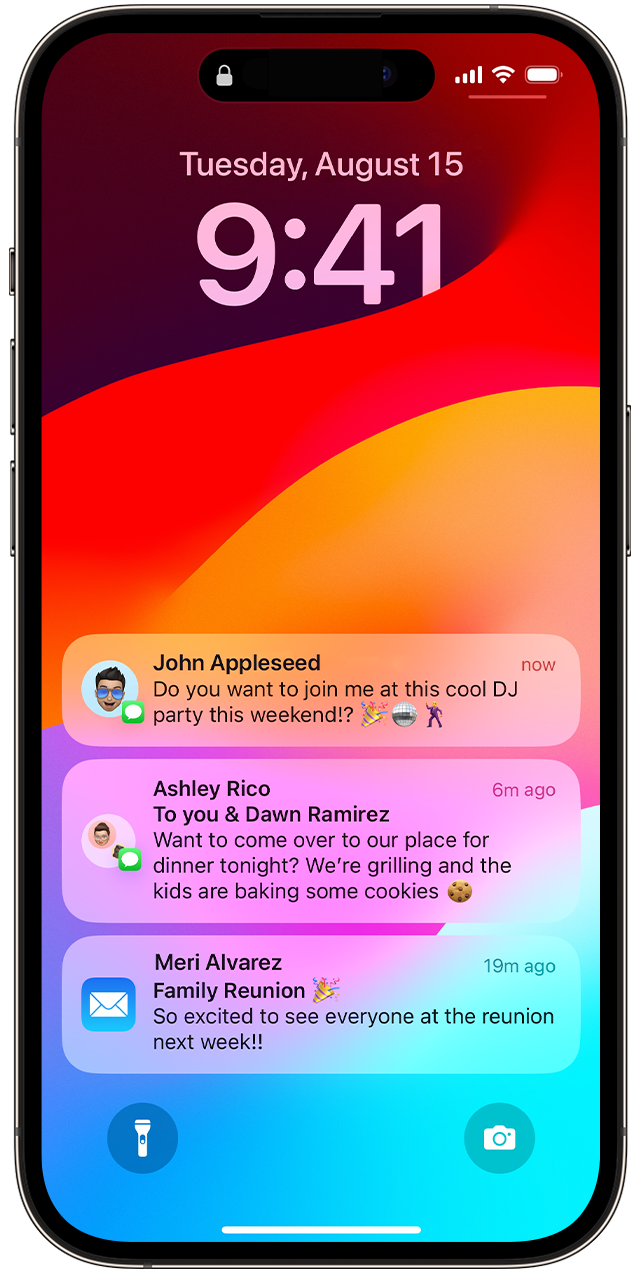


Spurce: Use notifications on your iPhone or iPad - Apple Support (IN)


Mar 28, 2024 8:56 PM in response to SravanKrA

Thanks for responding but I understand how it’s supposed to work. I tap on the notification group and start reading them but after a few seconds the iPhone goes to sleep. I can’t even read one notification before it falls to sleep. Then when the list is open and this happens when I go back to continue reading them they are all gone. This happens a lot. It’s useless to have notifications.

This thread has been closed by the system or the community team. You may vote for any posts you find helpful, or search the Community for additional answers.

Twitter notifications disappear

Welcome to Apple Support Community
A forum where Apple customers help each other with their products. Get started with your Apple Account.
