The keyboard in messages is the system keyboard. Same keyboard that is used everywhere else.
If you have an external keyboard connected, it should not appear.
If it does, try tapping on the keyboard key on the bottom right corner of the onscreen keyboard to hide it.
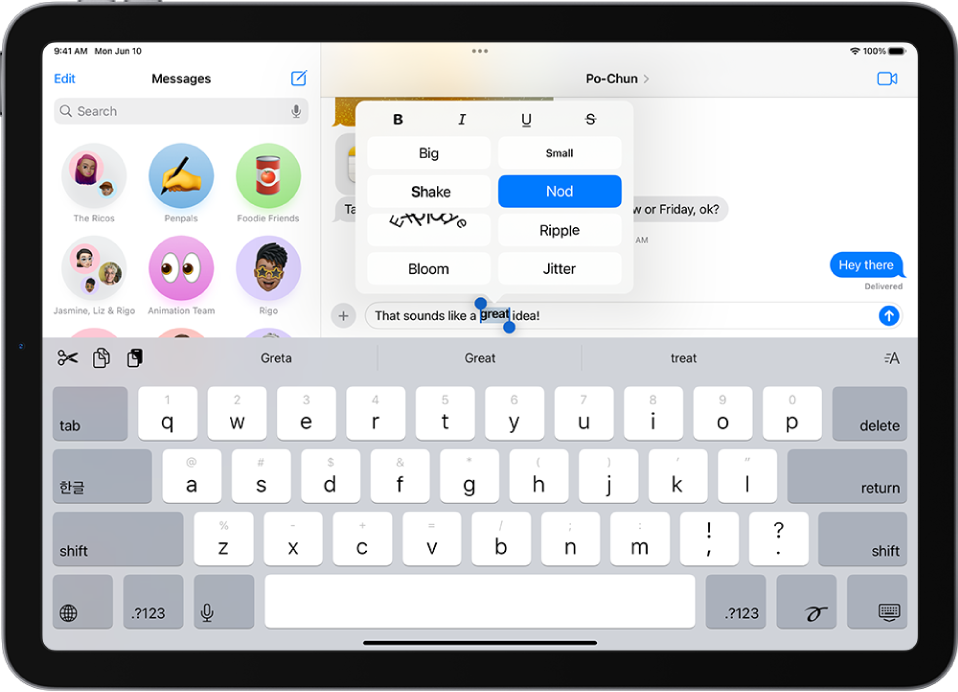
With that said, on an iPad, the keyboard should be the entire width of the iPad with large keys to type on. So not sure how it would be too small unless you are using a 3rd party keyboard and it's designed for iPhone rather than iPad. In that case, you would need to switch to the regular system keyboard from the globe key, and then hide keyboard key should be available.
Perhaps if you take a screen shot we can better understand what you are seeing.

