
No Alerts for Messages and Call on iPhone 16 Pro when paired to Apple Watch
Does anyone have the iPhone 16 Pro and an apple watch and the phone doesn't make any sound with messages and calls if watch is paired?? I thought my new phone was having issues, took it to Apple Store and was told with the 16 Pro, the notifications will only come to the watch and not the phone. Guess I'll need to get rid of my Apple Watch and get a different one, not happy at all!
[Re-Titled By Moderator]

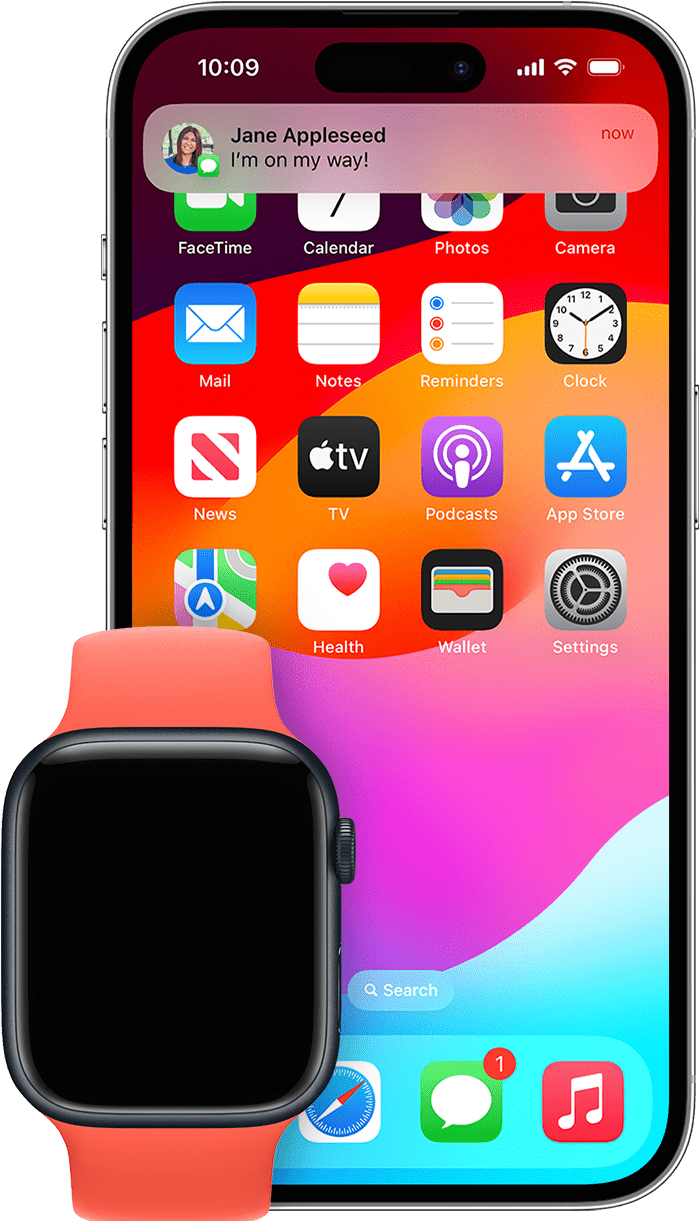 If your iPhone is unlocked, you'll receive notifications on your iPhone instead of your Apple Watch.
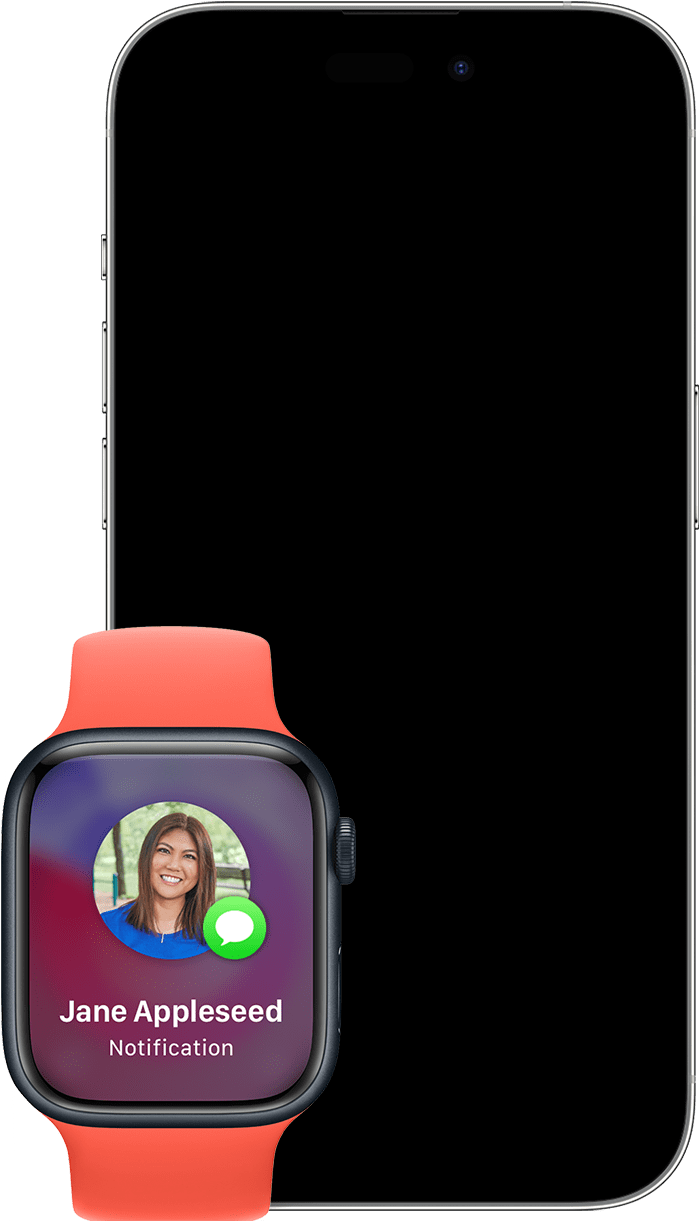 If your iPhone is locked or asleep, you'll receive notifications on your Apple Watch, unless your Apple Watch is locked.
 will appear at the top of your watch face when you have unread notifications. If you want to hide the notification icon, open the Apple Watch app on your iPhone, tap Notifications, then turn off Notifications Indicator.