It seems, that on your iPhone in Settings/Notifications/Apple Watch keyboard is enabled.
If you bring your iPhone near the Apple Watch, you will get this message on your iPhone, asking, if you want to use the iOS keyboard to type and send the text to the Apple Watch.
Are you see this screen on your watch when trying to type?
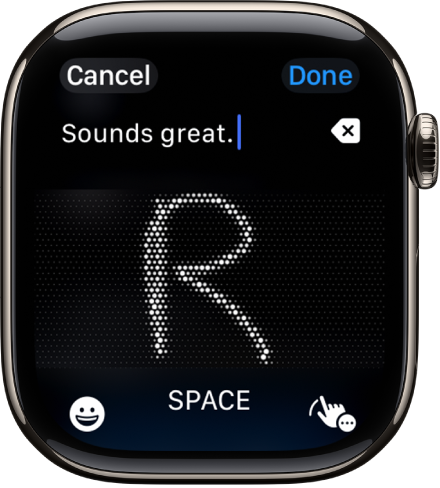
Tap on the scribble icon in the right corner to get back to the icons for all input options:
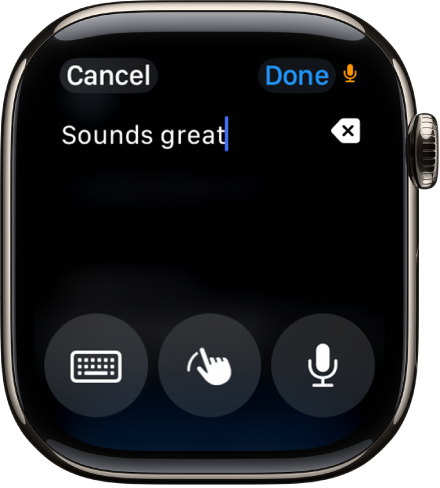
After that tap on the keyboard icon to bring up the keyboard.
And the watch should remember your input method for the next time.


