How to access NEW Peacock Apple TV subscription

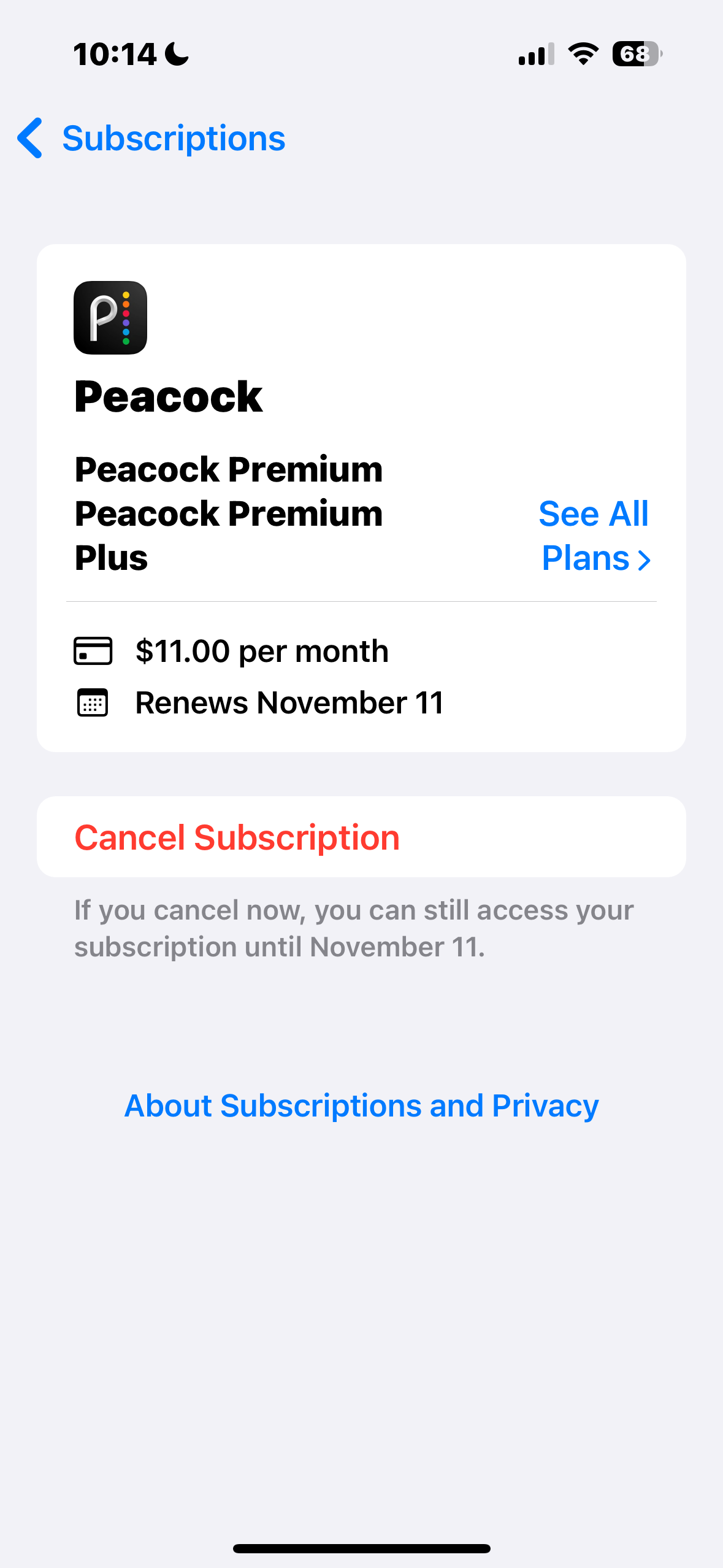
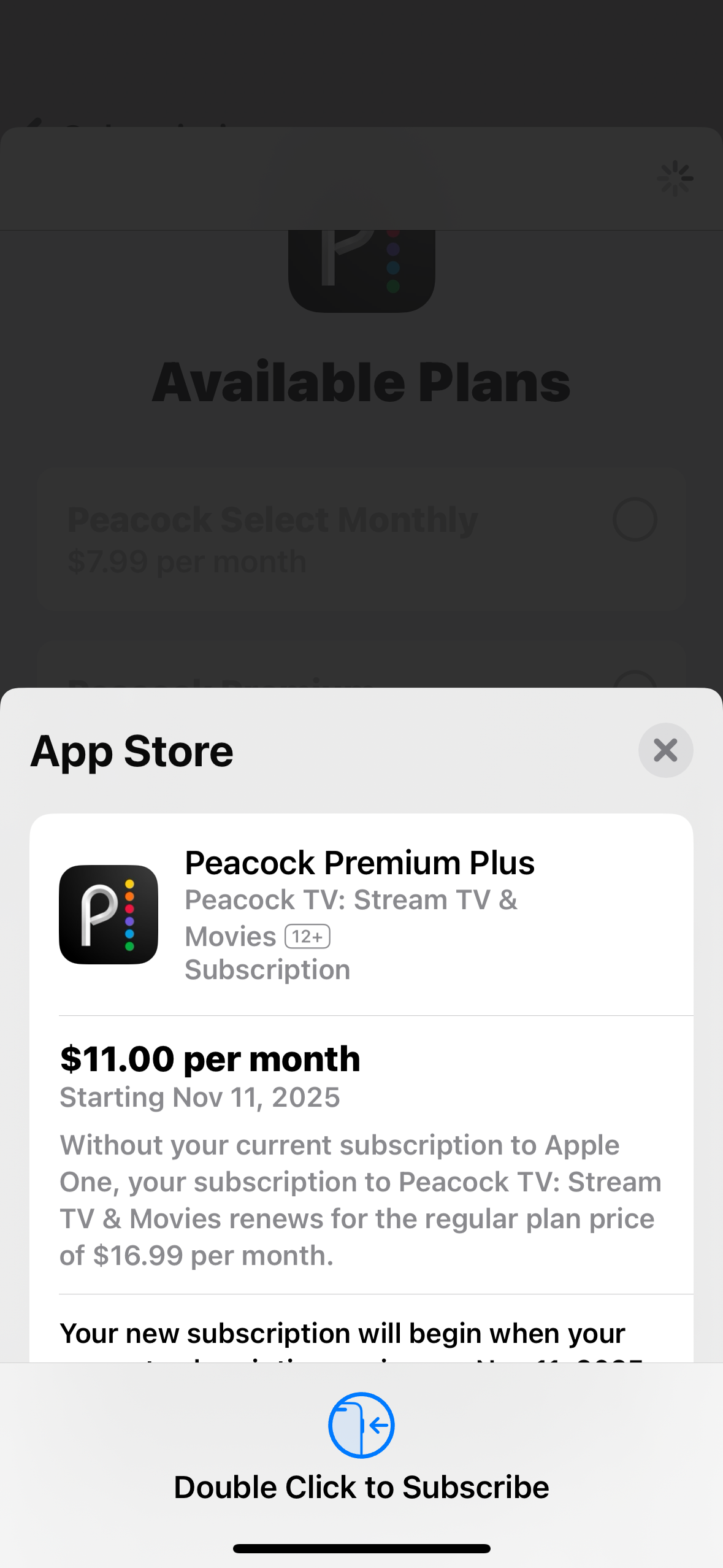
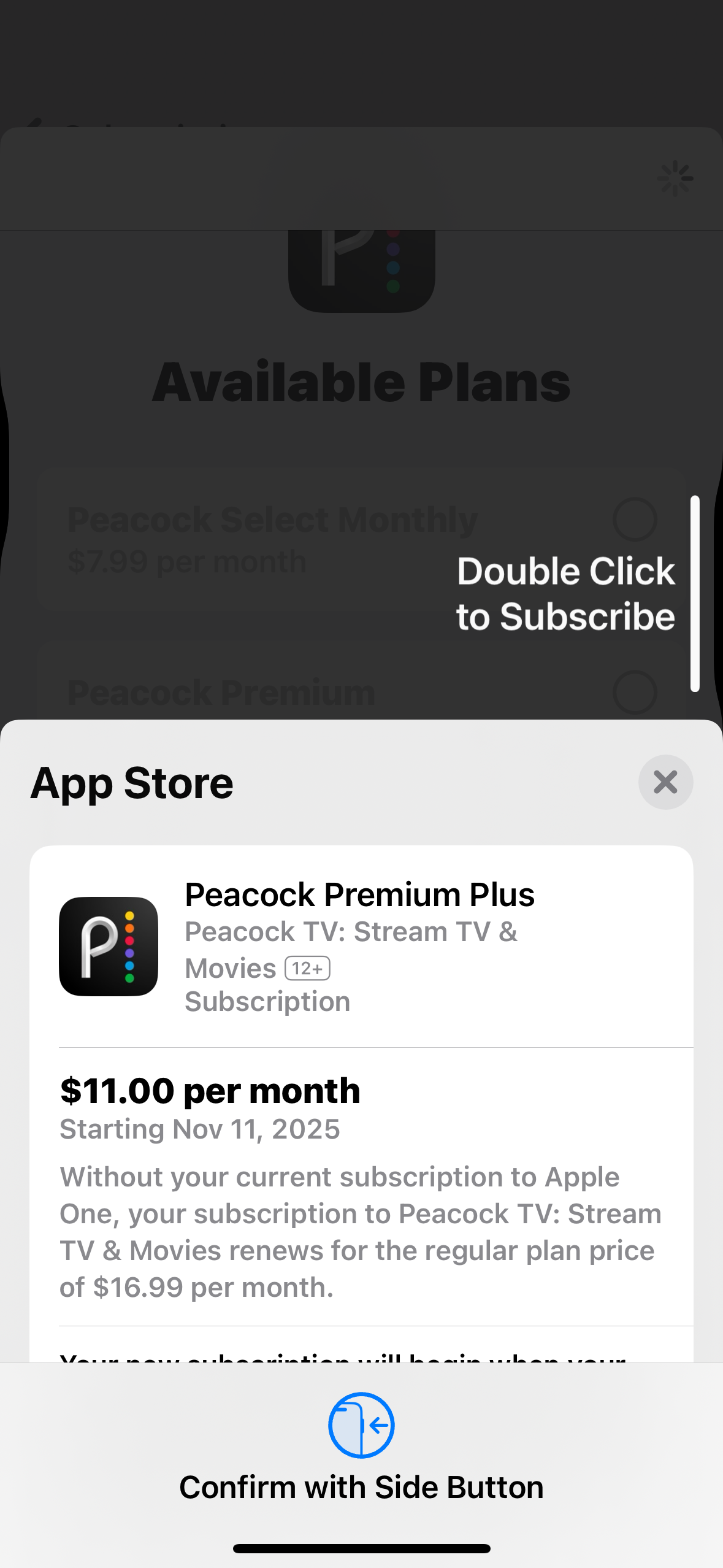
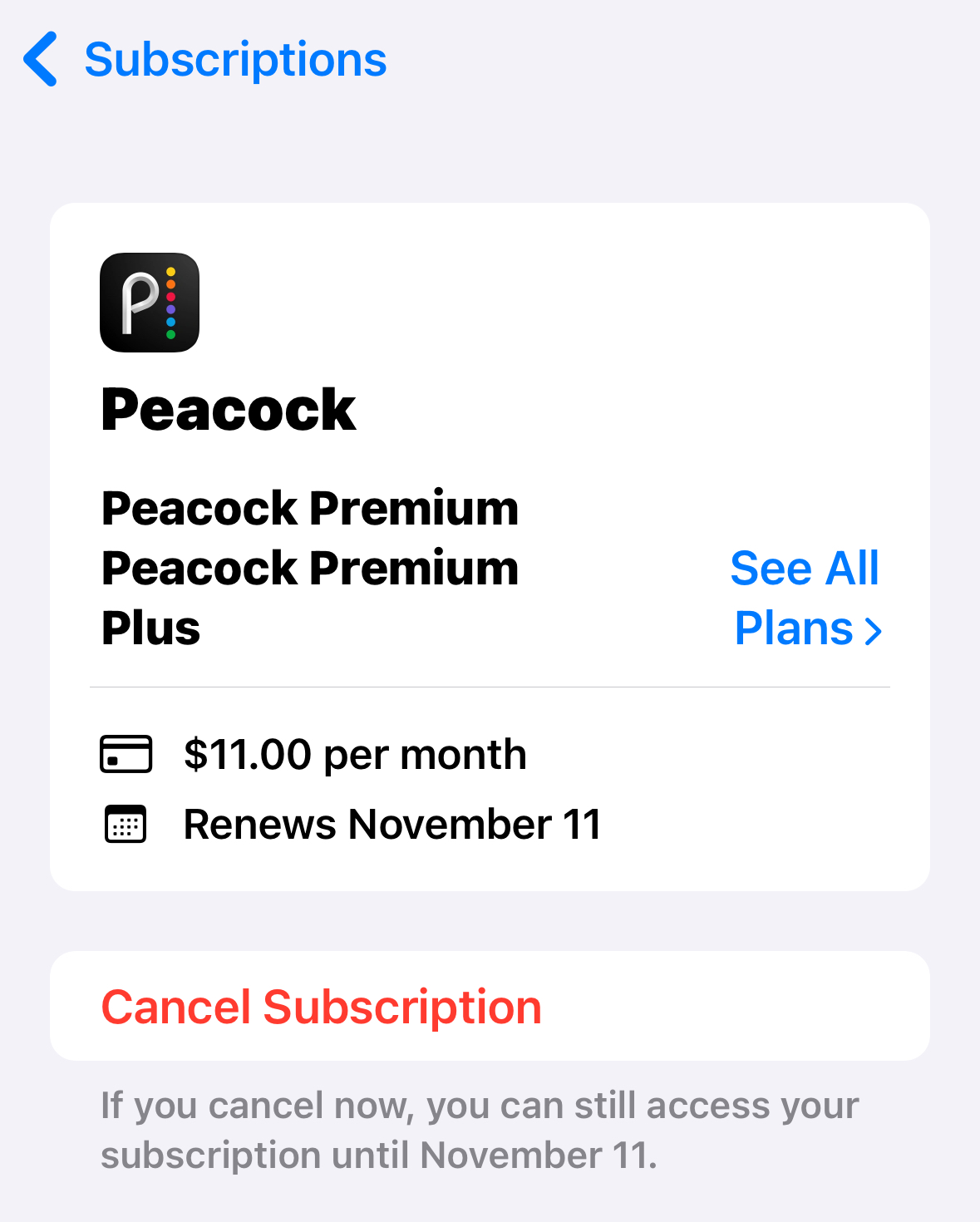
I am an Apple One Premier subscriber. Today, October 20, 2025, there is a new bundle to get Peacock Premium Plus for $11 via Apple. I signed up. But it is NOT possible to use this service. I am paying for nothing. I happened to already have a Peacock account using the SAME email as my Apple account. So creating a new account via Peacock is not an option. It will just recognize my other Peacock account that has no communication at all via Apple. So how do I access what I am paying for? Apple and Peacock support both have no options for me. They both basically told me, "Oh well."

Posted on Oct 20, 2025 12:06 PM

Reply
Question marked as Top-ranking reply

Posted on Jan 25, 2026 4:31 PM

I just finished chat with both Apple support and Peacock. Apple was unable to do much beyond confirming my subscription was active. Suggested I work with Peacock, so I chatted with a helpful person and here is the instructions I was given.


  • 6:07 PM
  • https://www.peacocktv.com/bundle/apple-tv


  • Please visit the above link to get the Apple TV Bundle.

  • Sakshi
  • ok

  • 6:08 PM
  • Please keep me updated

  • what would you like me to do? I subscribed to the Peacock Premium Plus last night through Apple for $11

  • 6:09 PM
  • When your direct-billed Peacock subscription is next set to auto-renew on 02/25/2026, Apple will instead become the biller for your Apple TV and Peacock Premium Plus bundle and you will have access to Premium Plus content through this bundle.

  • 6:11 PM
  • In the meantime, you can apply this voucher (XXXXXXXXXXXX) to your account for immediate access to Premium Plus content.

  • You can redeem your offer directly in your account at the following link: https://www.peacocktv.com/account/plans
  • Code for Premium = XXXXXXXXXXXXX


  • 1. log in to your Peacock account on a web browser
  • 2. On the 'Plans and Payment' tab, enter the promotional code in the "Have a Promotional Code" box and hit 'Apply'
  • 3. You will be directed to enter your billing information and will see the message stating 'Voucher promotion has been successfully applied
  • 4. Once the billing information is submitted, you will be able to watch Peacock Premium.

  • Sakshi
  • are you going to stay with me as I do this?


  • Yes, I will be on standby.

  • Sakshi
  • 6:12 PM
  • and I can created a new Peacock account


  • Please try to redeem the offer under this xxx.me.com email address.

  • Sakshi
  • Ok


  • Please keep me updated.

  • Sakshi
  • 6:13 PM
  • Ok, all that seemed like just purchasing (with your voucher, thank you) a new plan

  • 6:16 PM
  • this will recognize the $11 apple purchased plan Feb 25

  • Yes, you are correct.


We cyber hugged it out and thanked each other.

Everything works, Not charged through Peacock. Will check on the account 2/25/2026 to insure all is well.


Hope this helps


79 replies

Oct 31, 2025 7:47 PM in response to nathenh

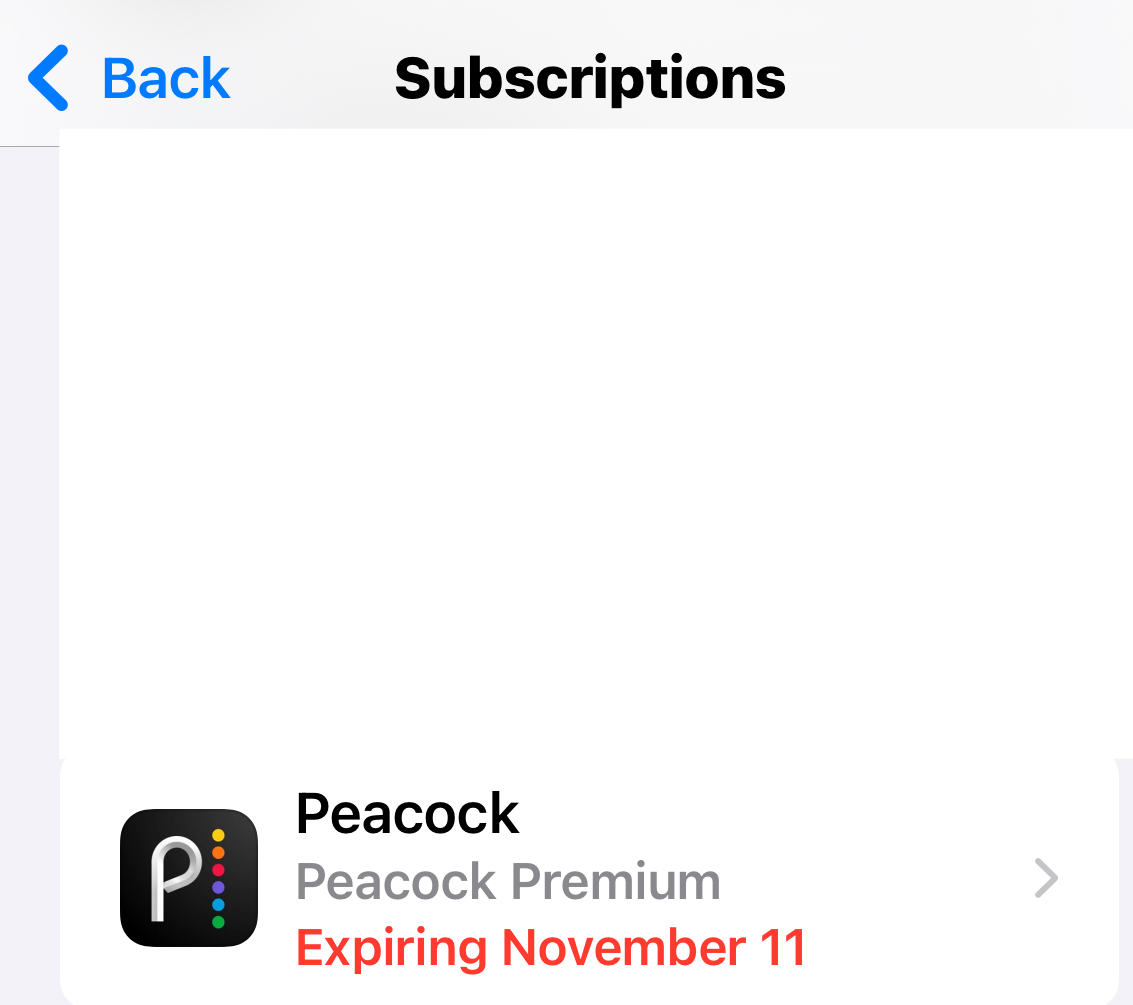
Same for us. We had a basic peacock plan with same email as our Apple ID email. We cancelled that but it is valid until May 26’. Just signed up on iPhone for the $11 peacock premium plus deal. Got charged and got email confirming the subscription but no activation link. Can’t get it connected to peacock at all. Peacock still shows ads and nothing on peacocks side showing apple one bundle. We tried disconnecting from connected apps, deleting and reinstalling the app, even contacting apple support. Apple support told us there is limited support they can give because it’s a third party subscription…just offering cancellation and refund. How are people getting this to work?

Dec 7, 2025 6:22 PM in response to nathenh

I tried all of these things. None of them did the trick. I think it just takes some time for the systems to talk to each other. In today's world of immediacy, this is kind of crazy. They should maybe tell you it may take up to XX hours for the change to go into effect. For me it was about a half hour of trying these solutions, but ultimately I think it eventually just worked because the systems finally talked to each other. 😒

Oct 20, 2025 12:21 PM in response to nathenh

Why is it not possible?

What happens when you try exactly?


If you added Peacock+ through Apple One, the service should be available through the Peacock channel in the Apple TV App.


If you added through the Peacock App, then you get Apple TV+ shows in the Peacock App.


Do note, Peacock+ and the Peacock channel in Apple TV app are only available in the US.


Nov 1, 2025 6:54 AM in response to nathenh

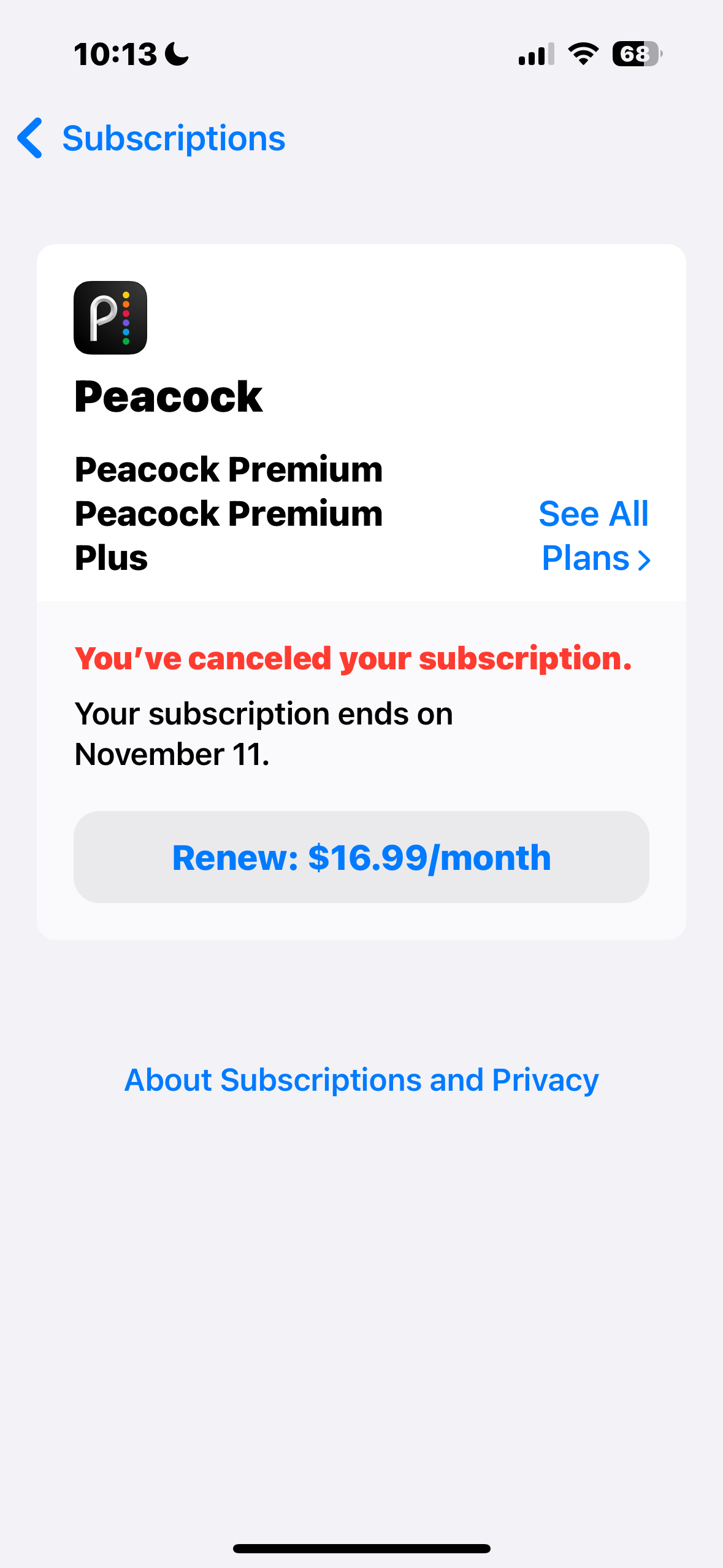
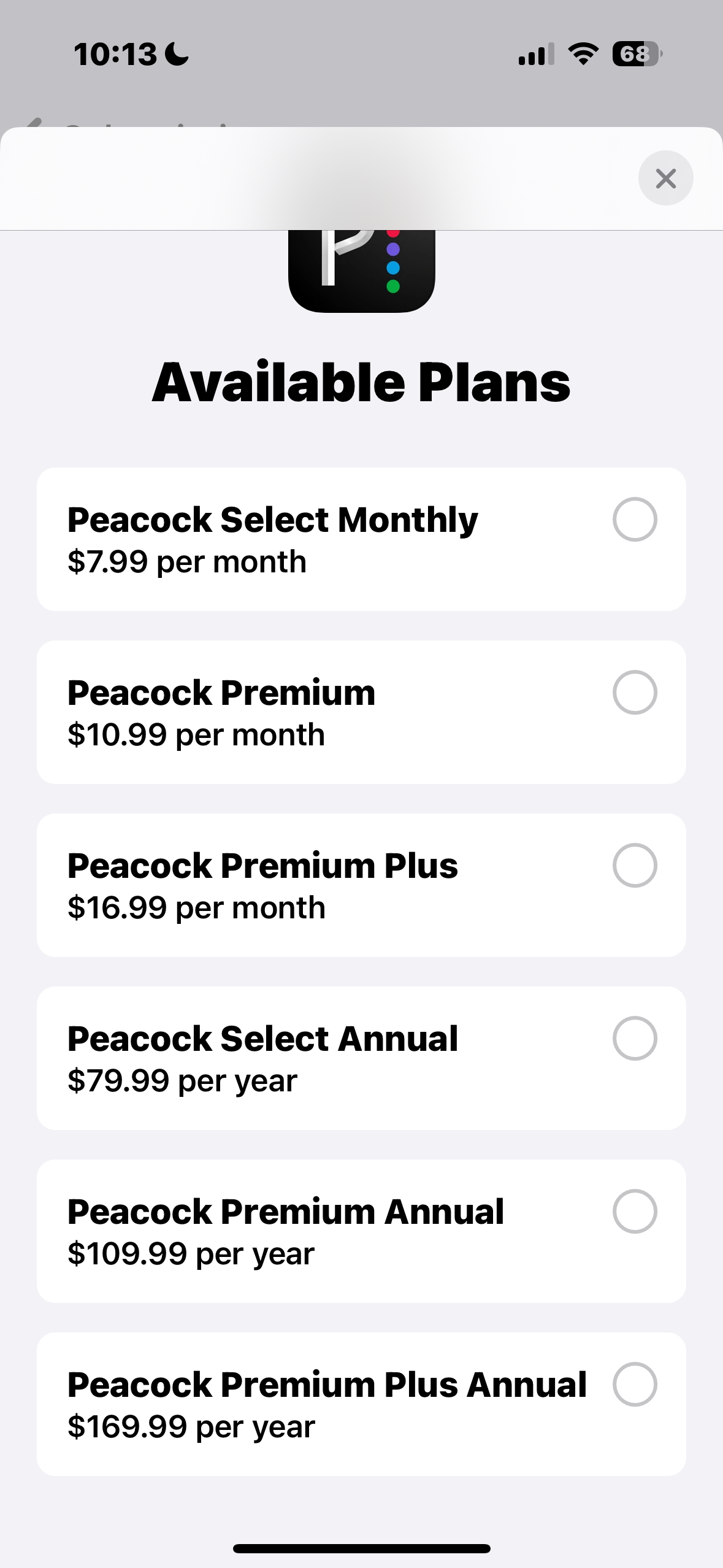
I ran into a similar issue. I subscribed at the discounted rate but the subscription didn't sync to my Peacock account. I contacted Apple and Peacock supports. Best solution they could give was to unsubscribe and resubscribe again so I did that. However, when I resubscribed Apple no longer shows the $11/month option. It says I'm getting a discounted rate but the discounted rate is the same as the regular rate:

Anyone else experienced this? Seems like there's a bug

Oct 21, 2025 8:42 AM in response to Bomechinaboy

How does this help if the deal is only available through the Apple TV app, which detects if you have Apple One Premier to get the $11 Peacock Premium Plus bundle? Your suggestion is to pay $20 through Peacock by signing up for a new account? The issue is that Peacock does not have an option to login with an Apple Account, which I'd assume would allow it to check if the subscription is already active through the Apple Account. I'm having the same issue as OP.

Oct 24, 2025 4:12 PM in response to nathenh

I am having this same exact issue!!! No emails exist from Apple to "Set up your new bundle services"; Apple Support is useless and refers me to Peacock since it is their app. I contact Peacock, and they are referring me to Apple since the subscription is billed through Apple. This passing-the-buck game each of them is playing is extremely annoying and seems as though this new "partnership" between Apple and Peacock was not fully thought out. Going on a week now of this and still cannot access anything on Peacock.


In case Apple is paying attention to any of these complaints, my Apple Support Case ID is 10272*****8


[Edited by Moderator]

How to access NEW Peacock Apple TV subscription

Welcome to Apple Support Community
A forum where Apple customers help each other with their products. Get started with your Apple Account.