Reminders 'urgent' toggle missing after iOS 26.2

I have updated my iPhone to iOS 26.2

I have been trying to get reminders to work as described but will not,work.

No where do I see “ urgent” to toggle on.

can someone help?

thanks.

iPhone 15 Pro, iOS 26

Posted on Dec 14, 2025 5:50 PM

Reply
Question marked as Top-ranking reply

Posted on Dec 15, 2025 2:25 PM

turkey101 wrote:

I have come to the same conclusion myself, but I still find it illogical.

It's the way things have worked for quite some time. Lists that sync to iCloud get more features than lists that don't. It's not new.

<old man rant mode on> Why would the "Urgent" alarm feature be unavailable just because the list is not synced through the cloud? (A rhetorical question unless someone has an actual answer).

You have the actual answer. And it's documented.


Add details in Reminders on iPhone - Apple Support
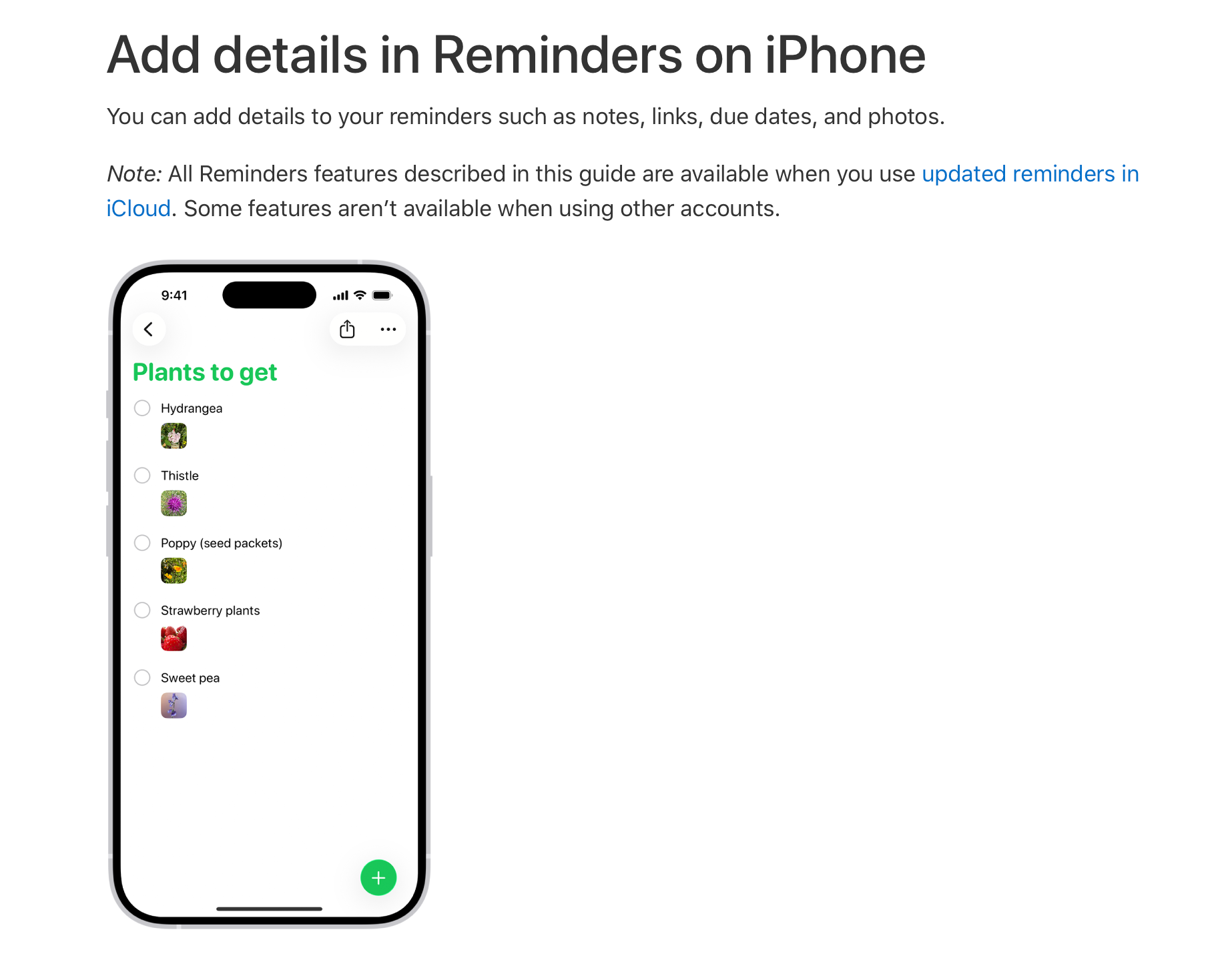
I don't know what the reason is. I suspect there's a good one, though.


And as shown in my screenshots, it's not just the Urgent toggle... those un-synced reminders can't use Tags and other Reminder features.

That's correct. Lists that don't sync to iCloud don't have all the feature of the ones that do.

That's OK, I'll cope! 😁 Thanks everyone for trying to help. I'll switch to synced Reminder Lists only.

Good call. That also means that, should something happen to your phone that renders it unusable or inaccessible, you'll still have your reminders.


19 replies
Question marked as Top-ranking reply

Dec 15, 2025 2:25 PM in response to turkey101

turkey101 wrote:

I have come to the same conclusion myself, but I still find it illogical.

It's the way things have worked for quite some time. Lists that sync to iCloud get more features than lists that don't. It's not new.

<old man rant mode on> Why would the "Urgent" alarm feature be unavailable just because the list is not synced through the cloud? (A rhetorical question unless someone has an actual answer).

You have the actual answer. And it's documented.


Add details in Reminders on iPhone - Apple Support

I don't know what the reason is. I suspect there's a good one, though.


And as shown in my screenshots, it's not just the Urgent toggle... those un-synced reminders can't use Tags and other Reminder features.

That's correct. Lists that don't sync to iCloud don't have all the feature of the ones that do.

That's OK, I'll cope! 😁 Thanks everyone for trying to help. I'll switch to synced Reminder Lists only.

Good call. That also means that, should something happen to your phone that renders it unusable or inaccessible, you'll still have your reminders.


Dec 15, 2025 12:43 PM in response to turkey101

turkey101 wrote:

When I click the second icon, I get the selection bubble pop out with a choice of either creating a shared Reminder on my iCloud (.Mac) Account, or a Local Reminder. Folder names redacted for privacy.


https://discussions.apple.com/content/attachment/2f26c45b-61f8-471f-8155-b3c63b394a32

If I press “.Mac”, I get my first screenshot with the List Type options. When I select “Local”, I get the simplified List screen.

You're using the term "shared" when I think you mean "synced."


I don't share reminders with anyone. However, I do sync them to iCloud. And they all have the "Urgent" option. If I create one that's synced to my Gmail account, that feature isn't there. There are a number of features that only work if you are using a list that is tied to your Apple account.


Unless you're sharing an Apple Account with someone (bad idea for a lot of reasons), syncing your reminders to iCloud doesn't share them with anyone.

Dec 15, 2025 2:15 PM in response to IdrisSeabright

IdrisSeabright wrote:

"Local" lists exist only on your iPhone. As such, they will not have all of the features of a list synced through iCloud. Why it works that way, I don't know for certain.I would recommend not using anything except lists synced to iCloud.


I have come to the same conclusion myself, but I still find it illogical.


<old man rant mode on> Why would the "Urgent" alarm feature be unavailable just because the list is not synced through the cloud? (A rhetorical question unless someone has an actual answer). And as shown in my screenshots, it's not just the Urgent toggle... those un-synced reminders can't use Tags and other Reminder features. Those conditions appear to be undocumented and not mentioned by reviewers etc. <rant mode off>


That's OK, I'll cope! 😁 Thanks everyone for trying to help. I'll switch to synced Reminder Lists only.

Dec 15, 2025 1:39 PM in response to turkey101

turkey101 wrote:

But none of this should preclude my “Local” unshared lists from being able to use the new “Urgent” option. Surely?

This has nothing to do with collaboration or sharing. It has to do with the fact that the "Local" lists exist only on your iPhone. As such, they will not have all of the features of a list synced through iCloud. Why it works that way, I don't know for certain.I would recommend not using anything except lists synced to iCloud.

Dec 15, 2025 6:47 AM in response to turkey101

None of my reminders are shared yet I see the Urgent toggle in all my reminders lists (synched to iCloud). Both my iPhone (iOS 26.2) and iPad (iPadOS 26.2) show the toggle.


I’m not sure what the issue could be on your end. I found an Alarms toggle in Settings > Apps > Reminders. Mine is turned off but see if toggling it helps.

Dec 15, 2025 8:01 AM in response to turkey101

I think we are onto something.


I'm not seeing what your 1st screenshot shows. Can you show me the steps you do for this?


On my end, I have only one choice to create a new list (by clicking the 2nd icon). (At this stage, I can't choose to create a Smart List) :


Then I see what you see in your 2nd screenshot and I can only choose a Smart List from the List Type field.

Reminders 'urgent' toggle missing after iOS 26.2

Welcome to Apple Support Community
A forum where Apple customers help each other with their products. Get started with your Apple Account.