It’s likely the Sony WH-CH520 isn’t actually disconnecting—it’s just auto-switching between devices (iPhone, iPad, Mac).
To stop this, Forget the headphones on your iPhone and re-pair them. Then do the same on every device where the WH-CH520 has ever been paired. This resets the switching behavior and prevents the device-hopping chaos.
Forgetting a device on an iPhone means removing its pairing and connection information from the device's memory. When you pair certain devices, like Bluetooth headphones, speakers, or other accessories, your iPhone stores the connection details to make it easy to reconnect in the future.
When you "forget" a device, you are essentially erasing that pairing information from your iPhone. As a result, the device will no longer be recognized, and your iPhone won't automatically connect to it when it's in range.
After forgetting a device, if you want to use it again in the future, you'll need to put the device into pairing mode and re-establish the connection by going through the pairing process on your iPhone.
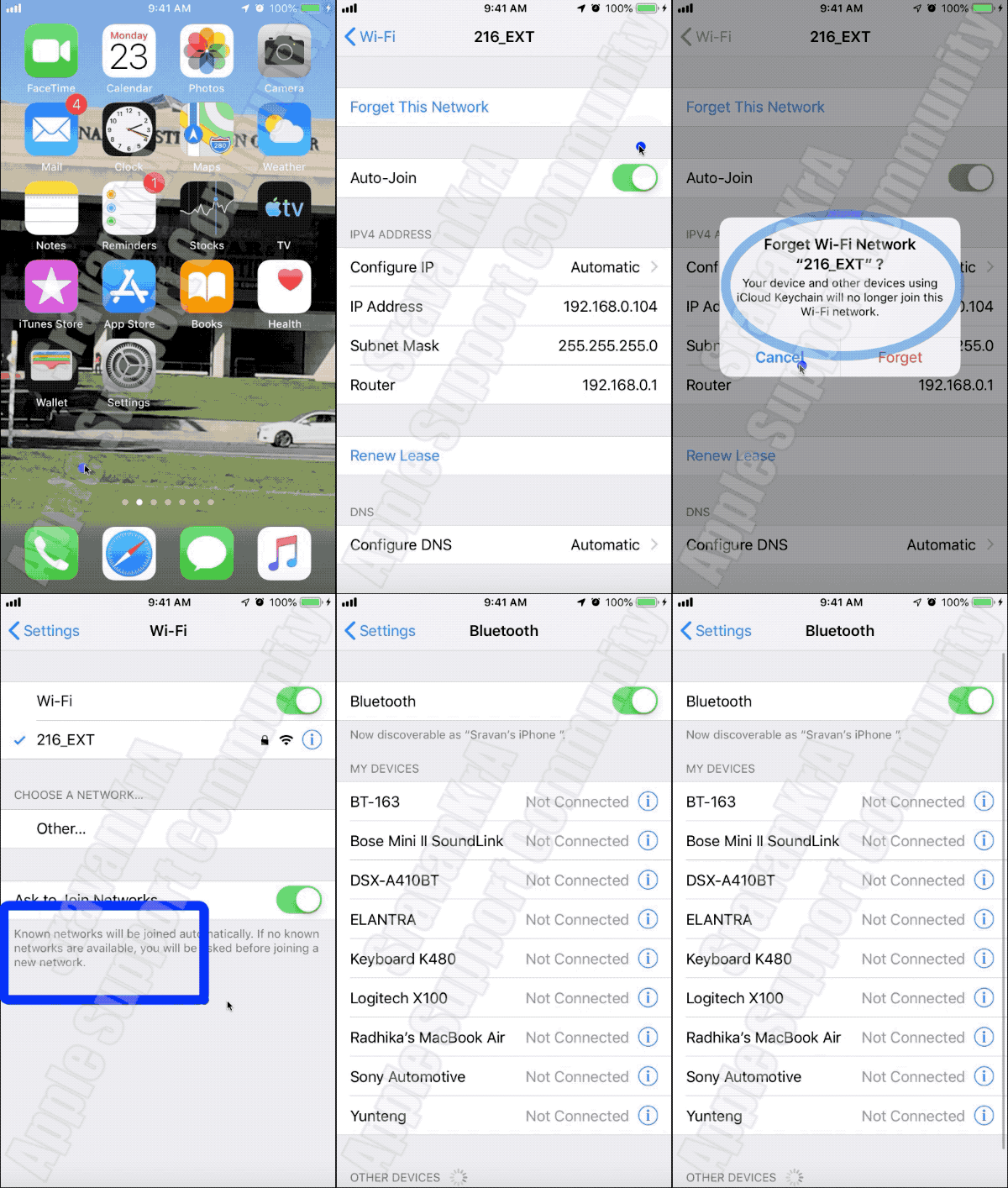
Watch the GIF below
Bluetooth interference can potentially cause connectivity issues due to the disruption of the wireless communication between devices. Bluetooth operates in the 2.4 GHz frequency range, which is also used by various other devices such as Wi-Fi routers, microwaves, cordless phones, and even some baby monitors. When multiple devices are operating nearby and using the same frequency band, interference can occur.




