So, I have reinstall the Macbook using Internet Recovery (Shift + Option + Command + R) and Erase the Disk before install.
Its completed install EL Capitan 10.11.6 (15G31):
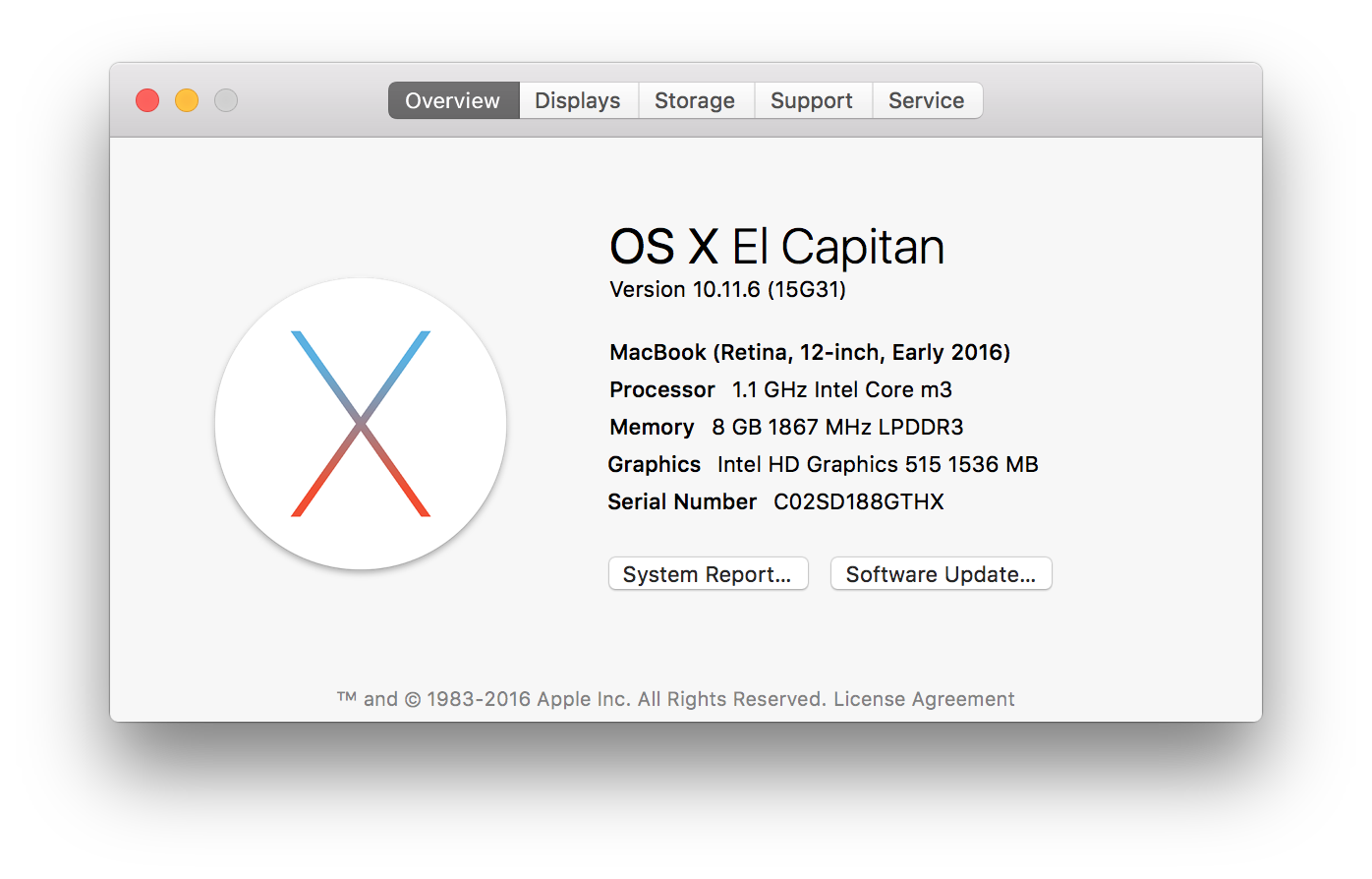
The output of diskutil list is:
diskutil list
/dev/disk0 (internal):
   #:                       TYPE NAME                    SIZE       IDENTIFIER
   0:      GUID_partition_scheme                         251.0 GB   disk0
   1:                        EFI EFI                     314.6 MB   disk0s1
   2:          Apple_CoreStorage Macintosh HD            250.0 GB   disk0s2
   3:                 Apple_Boot Recovery HD             650.0 MB   disk0s3
/dev/disk1 (internal, virtual):
   #:                       TYPE NAME                    SIZE       IDENTIFIER
   0:                  Apple_HFS Macintosh HD           +249.7 GB   disk1
                                 Logical Volume on disk0s2
                                 3D814A69-BC26-45F2-BDC9-78A60529C19B
                                 Unencrypted
And the output of diskutil cs list is:
diskutil cs list
CoreStorage logical volume groups (1 found)
|
+-- Logical Volume Group BA0A5204-3D07-4067-BF5E-1D90968D83D9
    =========================================================
    Name:         Macintosh HD
    Status:       Online
    Size:         250035572736 B (250.0 GB)
    Free Space:   18878464 B (18.9 MB)
    |
    +-< Physical Volume 9C948E48-BBC8-47DE-8C88-65D7F32E9F70
    |   ----------------------------------------------------
    |   Index:    0
    |   Disk:     disk0s2
    |   Status:   Online
    |   Size:     250035572736 B (250.0 GB)
    |
    +-> Logical Volume Family BB972C35-39D9-48BA-9624-B48A680A5AFD
        ----------------------------------------------------------
        Encryption Type:         None
        |
        +-> Logical Volume 3D814A69-BC26-45F2-BDC9-78A60529C19B
            ---------------------------------------------------
            Disk:                  disk1
            Status:                Online
            Size (Total):          249664372736 B (249.7 GB)
            Revertible:            Yes (no decryption required)
            LV Name:               Macintosh HD
            Volume Name:           Macintosh HD
            Content Hint:          Apple_HFS
I'm using the latest Windows 64 ISO download from Microsoft:
openssl sha1 Win10_1709_English_x64.iso
SHA1(Win10_1709_English_x64.iso)= 1ad928cfef439f6aa4044ddc3a96b0b6830bdd0f
I'm reset SMC (How to reset the System Management Controller (SMC) on your Mac - Apple Support) + NVRAM(How to reset NVRAM on your Mac - Apple Support) before login to OSX and launch the BCA.
Since this is EL Capitan, Its required a USB. So I attached USB and begin the process.


