Just wanted to say you are not alone in facing this very frustrating and random Apple iTunes bug.
Even worse it will hold up the rest of the downloads requiring manually clicking Update All Items again when I get back to my Mac after leaving it for a while to download updates.
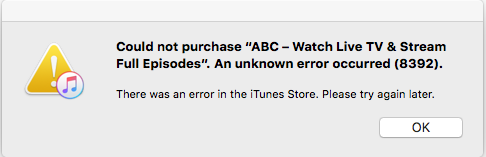
Clicked a third time and it downloaded ABC above then stalled at:
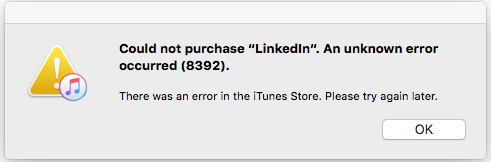
Two clicks to get past that only to get:
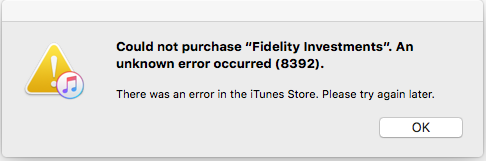
So it is clearly not an individual app that had some issues online or in the local storage.
I have 150Mbps up/down here in NY and 200Mbps in FL but the same problem happens with regularity even with no other apps running or anything else using the network but the MacBook Pro Retina mid 2015. Then eventually the downloads complete. The user experience decline frustration has gotten steadily more visible over the last few years.
Imran