For starters, you can always contact Apple Support for issues with purchases:
Get help with an item purchased from the App Store, iTunes Store, or iBooks Store - Apple Support
Next, generally the app store will tell you if your system doesn't meet the minimal system requirements and offer to download the most recent version that would still be compatible. There is also a description on the right side of the application page in the app store that will indicate the minimum system requirements. 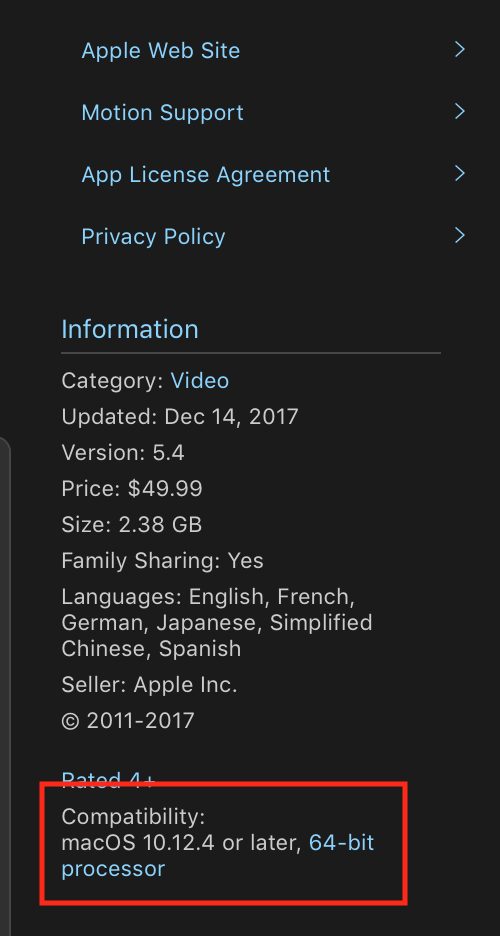
Finally, you always double check the requirments on the applications Technical Specs page. Always good to check these before running an update.
Now, with all that being said, if your system is not running macOS 10.12.4, you will need to update. Sometimes you may also need to just delete the app from the Application folder and reinstall, maybe try this if you still get the beachball after updating your OS. If that still does not work, try the support link above.

