Hi Brucebigsur,
Thanks for reaching out in Apple Support Communities. I understand that you're having trouble with the Yahoo app and attaching a video to an email. I know it's important for the apps you use to function as expected; I'd like to help. I'd recommend working through each step below and testing the app after each one. If the issue persists, you may need to reach out to the app developers for further assistance:
If an app on your iPhone, iPad, iPod touch, Apple Watch, or Apple TV stops responding, follow these steps to get help.


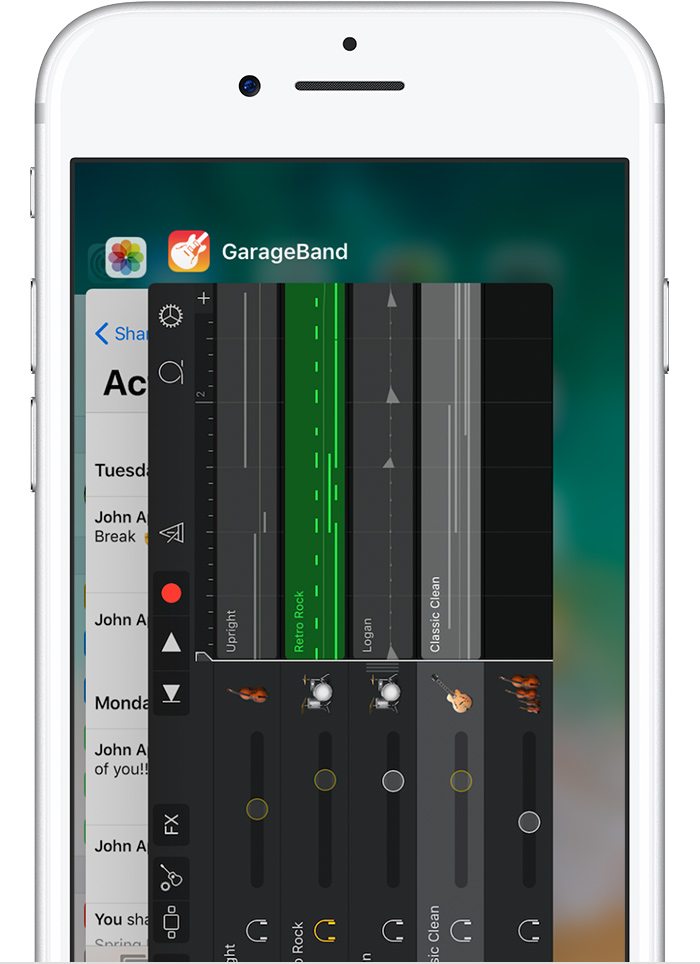
- iPhone, iPad, iPod touch: Close the app and open it again.
- Apple Watch: With the app open, press and hold the side button to show the power options. Then press and hold the Digital Crown to quit the app.
- Apple TV: Double press the
 button and swipe left or right to find the app with the issue. Then swipe up to close the app.

Restart your iOS device, Apple Watch, or Apple TV. Then open the app to see if it works as expected.

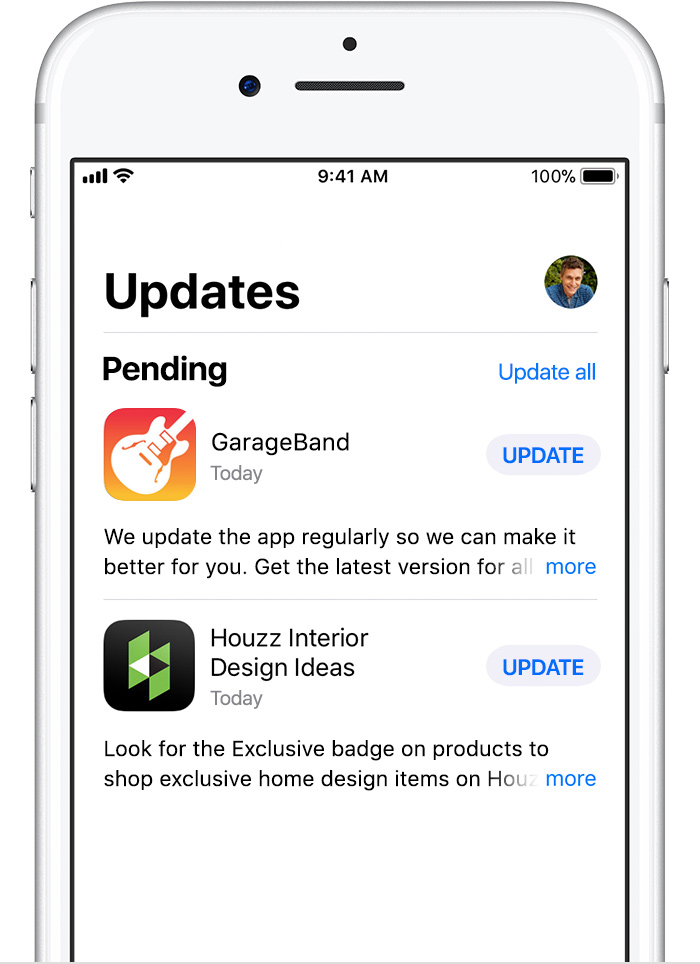
Make sure that your device has the latest version of iOS, watchOS, or tvOS.
Then check for app updates. For iOS and Apple Watch apps, go to the App Store on your iOS device. Tap Updates. If an update is available, tap Update. If asked, enter your Apple ID and password. You might need a Wi-Fi connection to update some apps on your iOS device.
On your Apple TV, it's best to go to Settings > Apps and turn on Automatically Update Apps. If you don't have automatic updates turned on, you can open the App Store, go to the Purchased tab, and open an app's product page to see if an update is available.


- iPhone, iPad, iPod touch: Delete the app, then redownload it from the App Store.
- Apple TV: Highlight the app on the Home screen, then press and hold the Touch surface until the app jiggles. Press
 , then select Delete. Open the App Store and redownload the app. Some apps require subscriptions for activation. If you can't activate the app or you don’t remember your sign-in information, contact the app developer.
- Apple Watch: Open the Watch app on your iPhone and tap the My Watch tab. Scroll to the app you want to remove, then tap it. Turn off Show App on Apple Watch, and wait for it to disappear from your watch's Home screen. To reinstall the app, scroll down to Available Apps in the My Watch tab and tap Install.

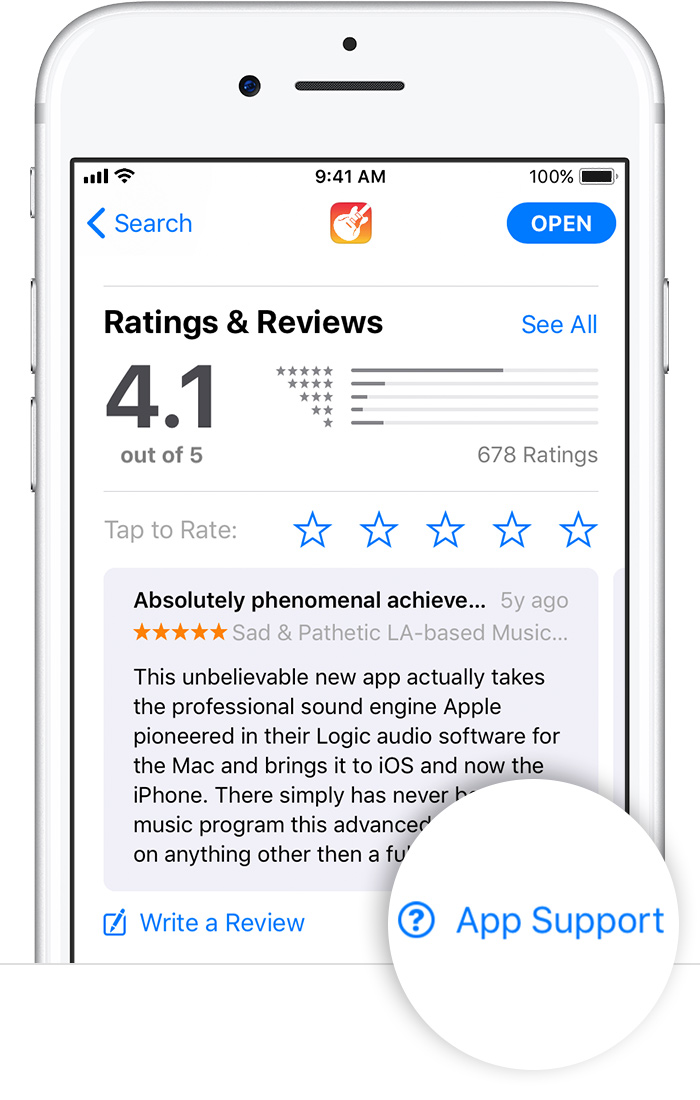
If you tried the steps above and still need help, contact the app developer.
If an app unexpectedly quits, stops responding, or won’t open
If you're seeing this happen with your Yahoo account in the iOS Mail app, let me know.
Best Regards.


