AirPlay not working since iOS 12 update

On two different iPhone devices in my home, an 8 on iOS 11 and a X on iOS 12, AirPlay is NOT working. The Apple TV is the newest generation with current TV OS 12. Pleas advise. This seems like a major bug. AirPlay only worked while in mirroring but did not work in any other capacity: YouTube, Vimeo, Spotify, Google Drive, etc.


Posted on Sep 21, 2018 11:01 PM

Reply
17 replies

Oct 8, 2018 7:56 AM in response to videomilitia

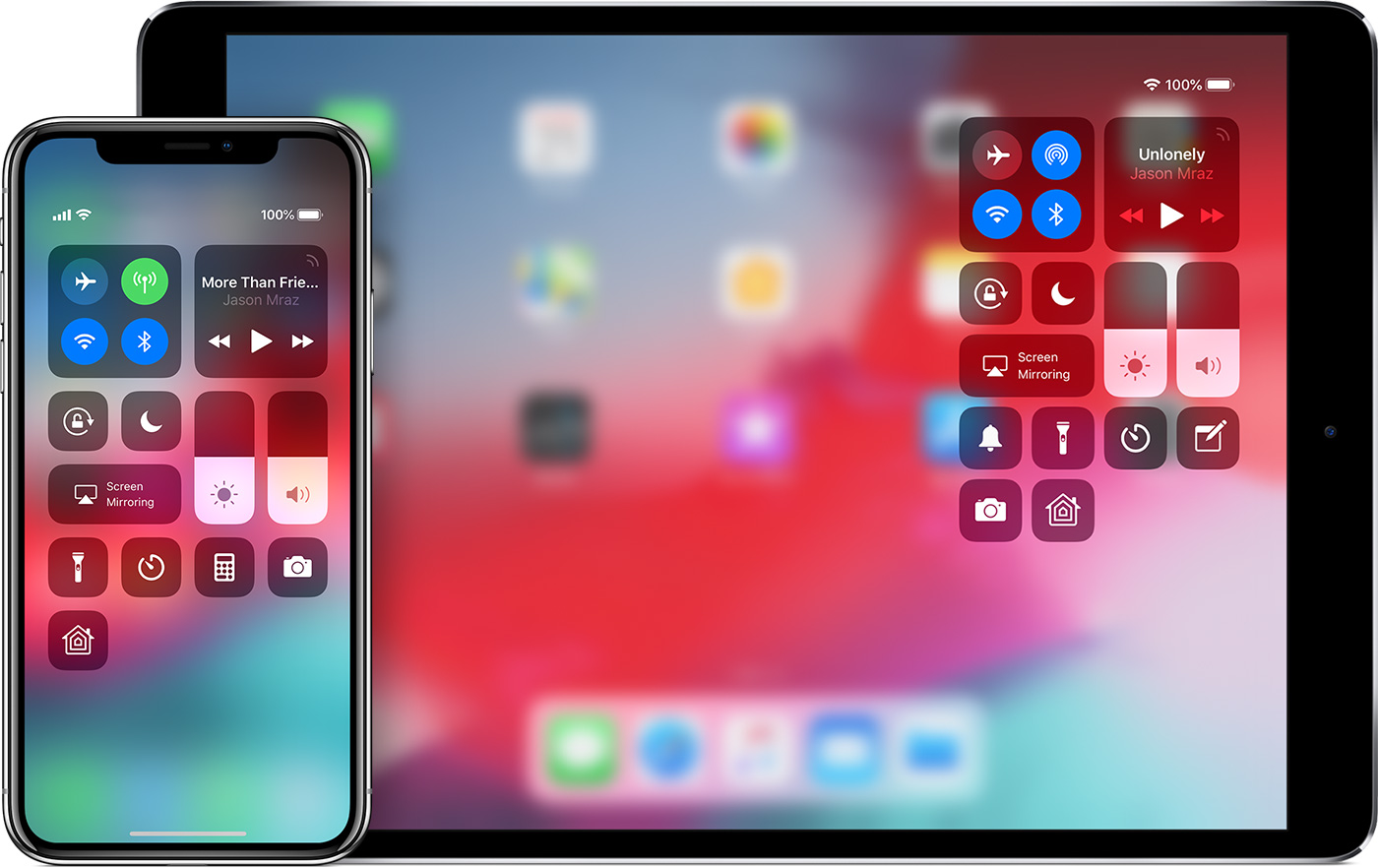
Our teachers (school district) were having this problem, too. Have you done the new way of accessing Controls? Instead of swiping from bottom-up, swipe down from the top-right edge. It is tricky at first. I was able to stream YouTube audio and video, but did not test any others. This change is one of the ones mentioned as you go through the setup after the update. You can also see the changes here: iOS 12 - Features - Applewhere it also mentions the Control Center change under "Even More." Hope this is the solution to the problems others are having.

Oct 6, 2018 11:37 PM in response to vazandrew

I too am having the same issue. I can airplay from one app (netflix) but ability to airplay from a website I was streaming just fine prior to the update is no longer working. I can mirror the screen from control center but without airplay functionality. Same is true for the rest of my apps. I have synced via Bluetooth with my now updated Apple TV to enable airplay 2 and restarted my iPad and phone. Still no luck.

Nov 6, 2018 7:08 AM in response to gregfromwexford

Airplay stops working after September 22, 2018. You can change your system date to September 22, 2018 or earlier and Airplay in iTunes will work. Is it a bug or by design? Using an iPhone and the Music app, you should be able to stream. So for me it's all about iTunes and Airplay. Call Apple support and show them the issue. Posting doesn't get action.


Changing the system date will cause other issues with your device so Apple need to fix this issue with iTunes and Airplay.

Nov 8, 2018 11:02 PM in response to videomilitia

I own 2 Apple Tvs 4th gen at two different locations and networks both connected to high speed LANs. I was having the same connectivity and lagging issue on my first unit after updating to version 12.1. I just tested on a second Apple TV 4th gen. . . This second unit was working perfectly until I updated to version 12.1, then the exact same issue started on it immediately after a reboot.

Nov 25, 2018 8:57 PM in response to vazandrew

You know what the problem is? If it isn’t popular issue apple treats to you like an idiot. At the end they will say “restore your device”. Airplay and many other options are “ready” to work. It means that in fact you can’t do anything. You can reset iPhone or Apple TV but that’s it. Unless it’s bug and something strange helps but if it’s bug usually other users can help instead of apple support. I scheduled phone call on Tuesday but I have no hope they will help me this time.

Nov 25, 2018 10:35 PM in response to kristof461

No one is treating you any such way, and this is a user forum (not Apple support). You were stating that it was a software issue, which it clearly is not. Phone support will likely walk you through troubleshooting your network, and unless you are willing to accept that is where the issue lies nothing is going to change, or at best you may have a temporary workaround.

This thread has been closed by the system or the community team. You may vote for any posts you find helpful, or search the Community for additional answers.

AirPlay not working since iOS 12 update

Welcome to Apple Support Community
A forum where Apple customers help each other with their products. Get started with your Apple Account.