iPhone 8 screen doesn’t rotate
Since I updated my iPhone 8 the screen will not rotate. What do I do?
Since I updated my iPhone 8 the screen will not rotate. What do I do?
Oh no! Ok, let’s try a few more things.
* Make sure rotation lock is off:
Swipe up from the very bottom of the display to summon Control Center – you can be on the lockscreen, at the home screen, or in an app.
Locate the “Orientation Lock” button in the upper right corner, tap on it to toggle ON or OFF.
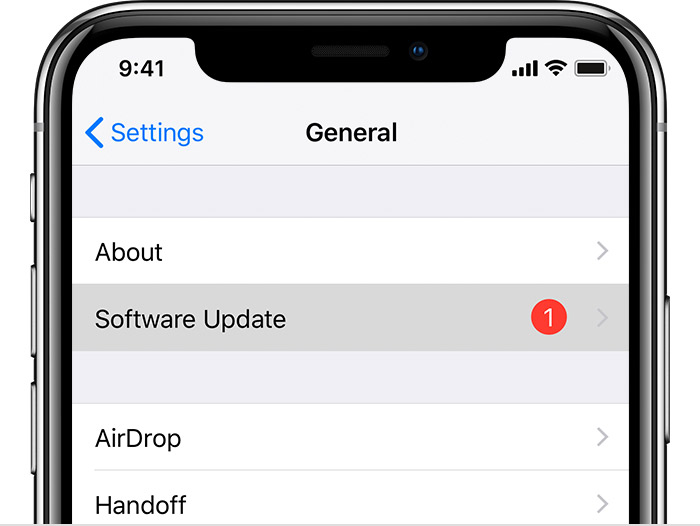
* Make sure your device is up-to-date:
Plug your device into power and connect to the Internet with Wi-Fi.
Oh no! Ok, let’s try a few more things.
* Make sure rotation lock is off:
Swipe up from the very bottom of the display to summon Control Center – you can be on the lockscreen, at the home screen, or in an app.
Locate the “Orientation Lock” button in the upper right corner, tap on it to toggle ON or OFF.
* Make sure your device is up-to-date:
Plug your device into power and connect to the Internet with Wi-Fi.
Hello spfaab01,
Thanks for using Apple discussions. Have you tried restarting your device and making sure your iPhone is on the newest release of iOS?
I have restarted my phone a number of times.
iPhone 8 screen doesn’t rotate