Mojave, No entries in Keychain
After upgrading to Mojave I see no entries in my keychain. This is happening on a MacBook Pro and iMac. Solutions?
iMac (27-inch, Late 2013), OS X Yosemite (10.10)
After upgrading to Mojave I see no entries in my keychain. This is happening on a MacBook Pro and iMac. Solutions?
iMac (27-inch, Late 2013), OS X Yosemite (10.10)
Try toggling the "View -> Show Summary" menu item, this fixed the problem for me.
On your Mac:
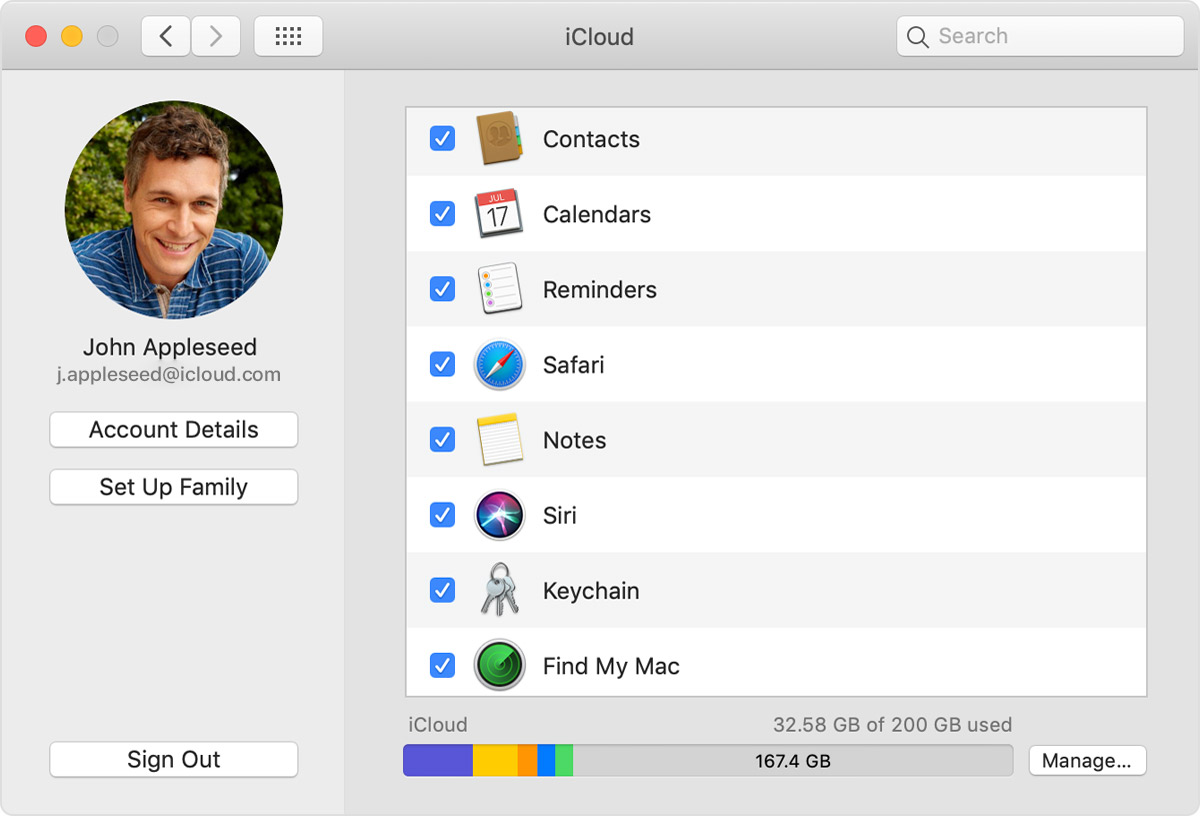
- Choose Apple () menu > System Preferences > iCloud.
- Select Keychain.
Set up iCloud Keychain - Apple Support
Take care!
Thanks for the information. I have actually done that several times on both computers. Initially I was signed in. I double checked, no entries. I signed out (everything on both computers to be sure) and signed back in. No entries. I set up a code, signed out and signed in using it, no entries. I changed the cell number to be sure. Signed out and in using the new number, no entries.
Thoughts?
Having the same problem on my iMac Pro. Its iCloud Keychain and it was already stored on the computer pre updating to Mojave. Keychain is working fine on my MacBook Pro on Mojave.
It seems that its a problem with the app on iMac, because when you click the 'I' info button on iCloud Keychain it shows the popup box for what must be the first entry on the list, but you just can't see that part of the window (see screenshot). Must be a bug! Pls fix!
I have exactly the same problem on an iMac and a MacBook Pro. My screenshots would look the same as yours. If I type a search term into the search field (upper right) and then click the info button I see a correct result in the info dialog, but continue to have a blank main window. The problem seems to be associated with presenting the list itself.
Thank you so much. After trying so many complicated things the simplest one works! Much appreciated.
Did not work for me. Any other remedy?
Mojave, No entries in Keychain