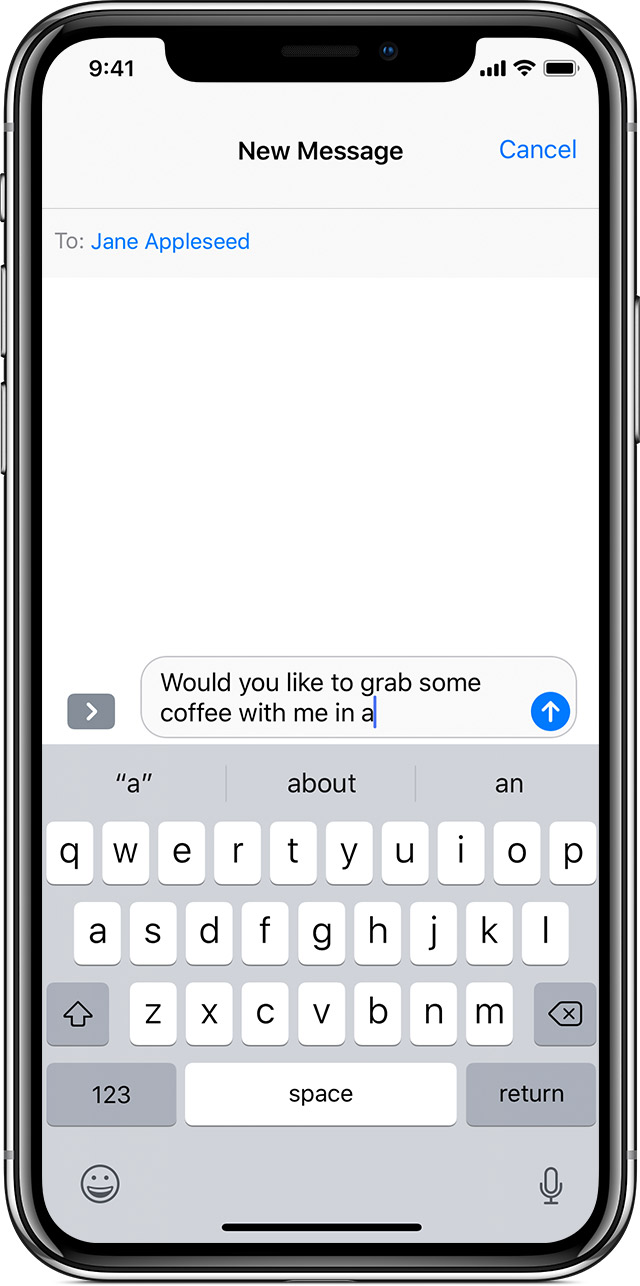
Predictive text suggestions on iPhone XS MAX not visible, keyboard is hiding the info.
New iPhone xs max.
New iPhone xs max.
How to use Auto-Correction and predictive text on your iPhone, iPad, or iPod touch - Apple Support
Use predictive text
With predictive text, you can write and complete entire sentences with just a few taps.
As you type, you can see choices for words and phrases you'd probably type next, based on your past conversations and writing style.
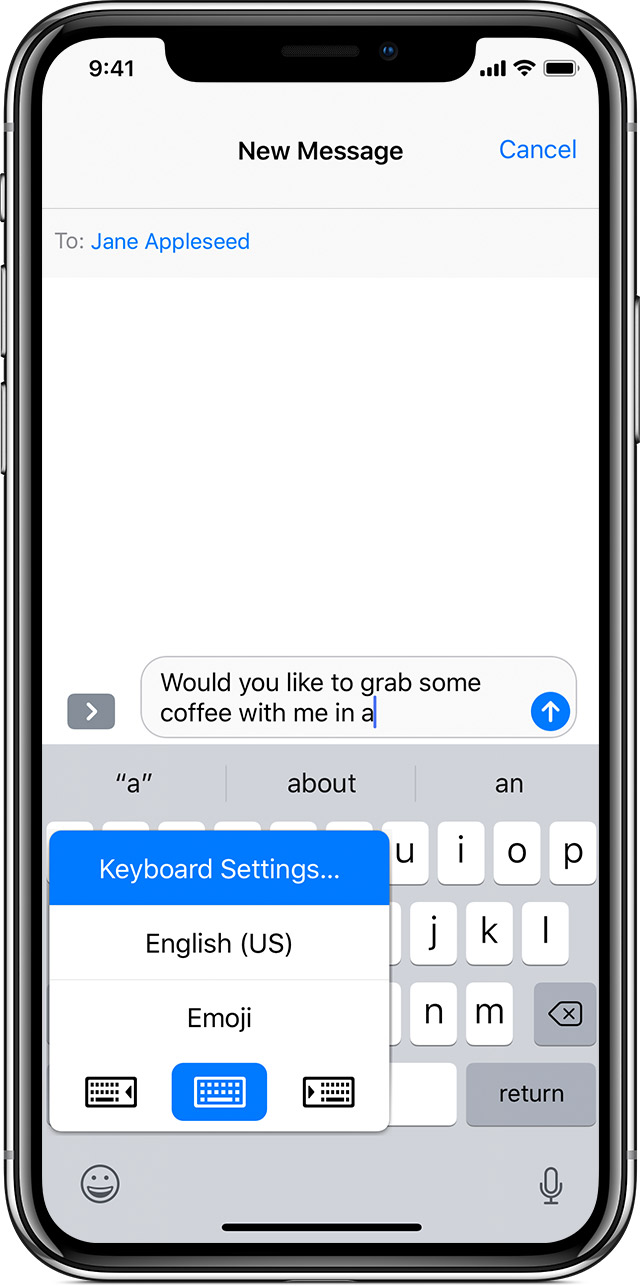
To turn predictive text off or on, touch and hold
or
. Tap Keyboard Settings, then turn on Predictive. Or go to Settings > General > Keyboard, and turn Predictive on or off.
See a full list of languages that support predictive text.
It's important to be sure Apple is aware of this issue, which evidently affects many people. This is just a user-to-user forum, but you can send feedback directly to Apple here:
Thank you for your reply. I think I might not have explained myself really well 🙃. The predict text I do not really like. While typing and not using the predict text gives you a suggestion which normally was fully shown, however with my new iPhone it is now more or less hidden behind the keyboard. I would like to have my keyboard a little bit smaller probably to be able to see the suggestion. Sorry for explaining myself better before!!!
Having the same problem with my Xs Max
I am having the same problem. This is happening in WhatsApp.
I’m having the same issue on XS MAX, in WhatsApp and Facebook’s Messenger.
Hi there
Im having the same issue with Iphone Xs Max
Exact same issue here
Predictive text suggestions on iPhone XS MAX not visible, keyboard is hiding the info.