iMac doesn't connect via ethernet to network, but macbook does. Wifi is fine on both.
Hi,
I'm trying to connect my iMac via cable (ethernet) to my network to access my NAS. That's a bit slow over wireless.
iMac is early-2009 and running fine on El Captian (10.11.6). In the past the ethernet was working fine, but with the El Capitan update a couple of years ago that broke down and I switched to wireless (no need for a NAS that time). With the NAS, I'd like to connect via cable again to speed up things a bit.
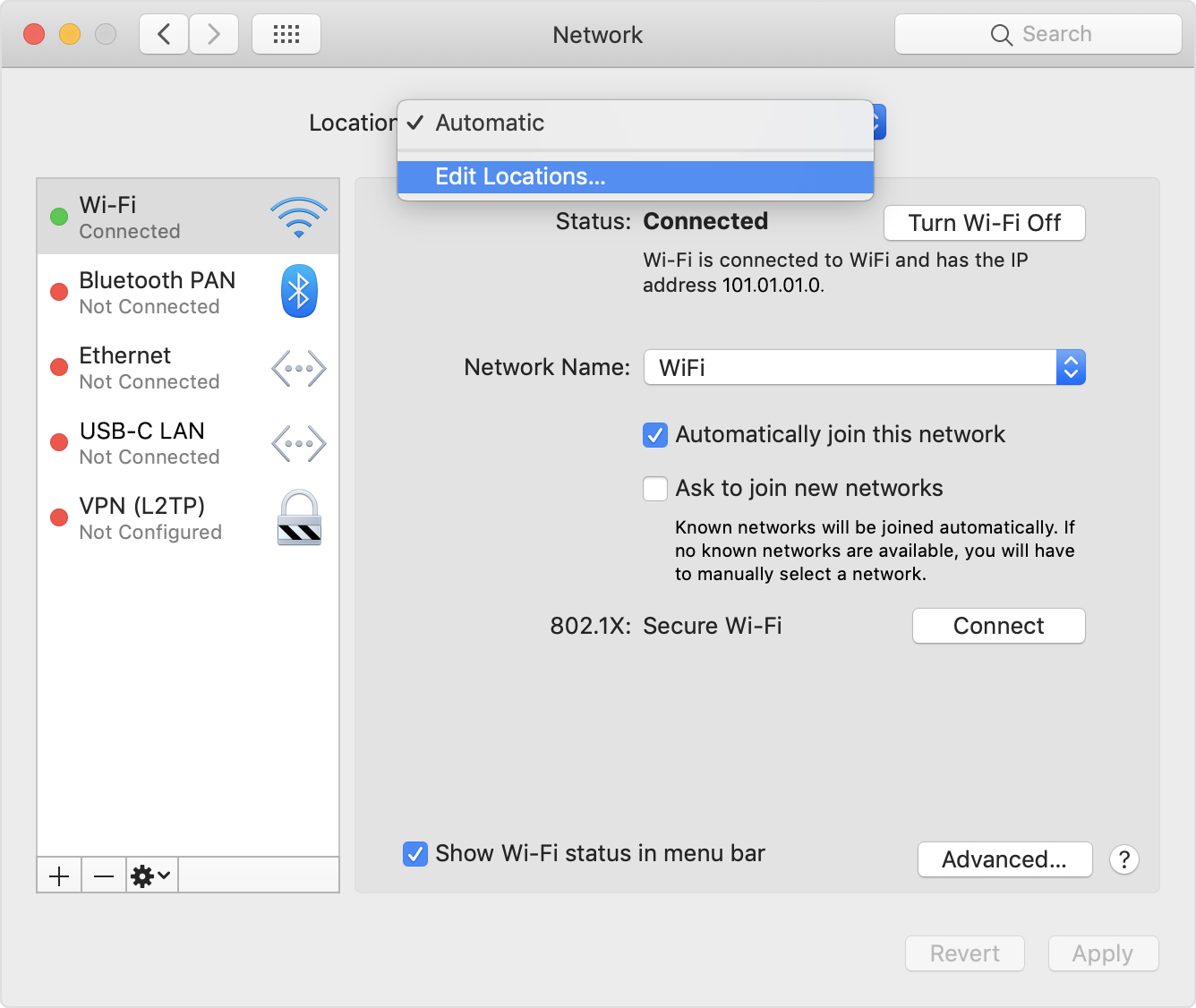
System preferences/Network says the following status for ethernet: Not connected: the cable for Ethernet is connected, but your computer does not have an IP address.
Configuring IPv4 is set 'using DHCP'
No problems connecting via wireless.
I found the solutions for the broken ethernet after security updates around 2016.
I've checked the System Information/Software/Installations and the only version for 'incompatible Kernel Extension Configuration Data' is version 11.6.1. The problem reports from 2016 refer to a faulty 3.28.1.
However, I executed the suggested 'sudo softwareupdate --background' while connected via Wifi and rebooted.
No succes in getting the ethernet connection up.
I've have other devices succesfully connecting to the network via ethernet. My NAS is connected via cable and can be seen on the network, so does a Windows laptop. The refurbished Macbook (mid-2010, running El Capitan 10.11.6 as well) that I recently purchased perfectly connects via the Ethernet to my network. As in: that is getting an IP address via DHCP and I'm using the same cable.
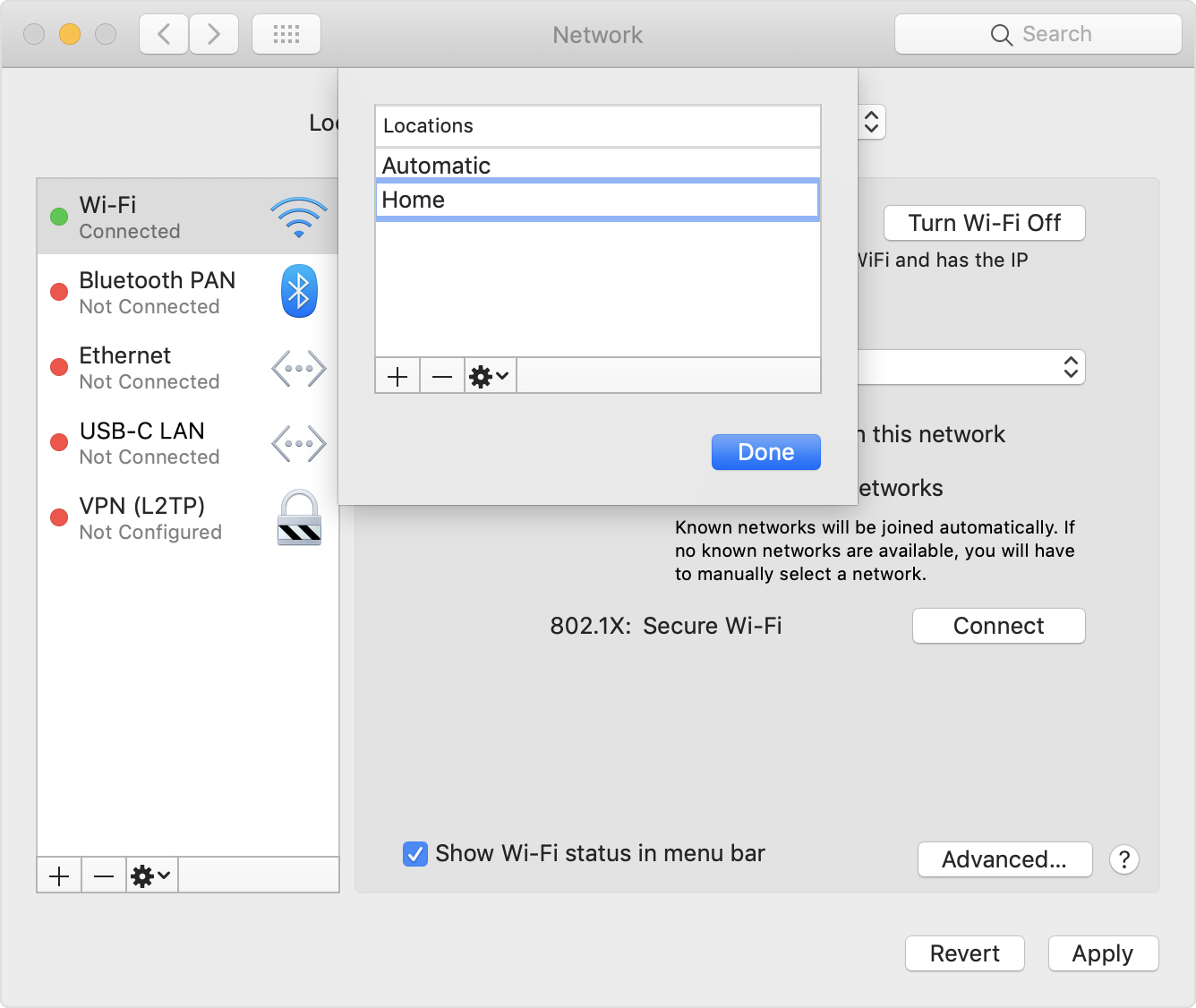
I can't see any differences between the iMac and the MacBook in network configurations (looking via the system preferences Network app). Both have the same version 'incompatible kernel extension configuration data' installed.
Does anybody have some good suggestions in further troubleshooting? The iMac is detecting the cable, so hardware issue is not my first thought.
Any suggestions to do a more thorough comparison of iMac vs Macbook config? Not afraid to dig into files.
OBS,iMac (20-inch Early 2009), OS X El Capitan (10.11.6)