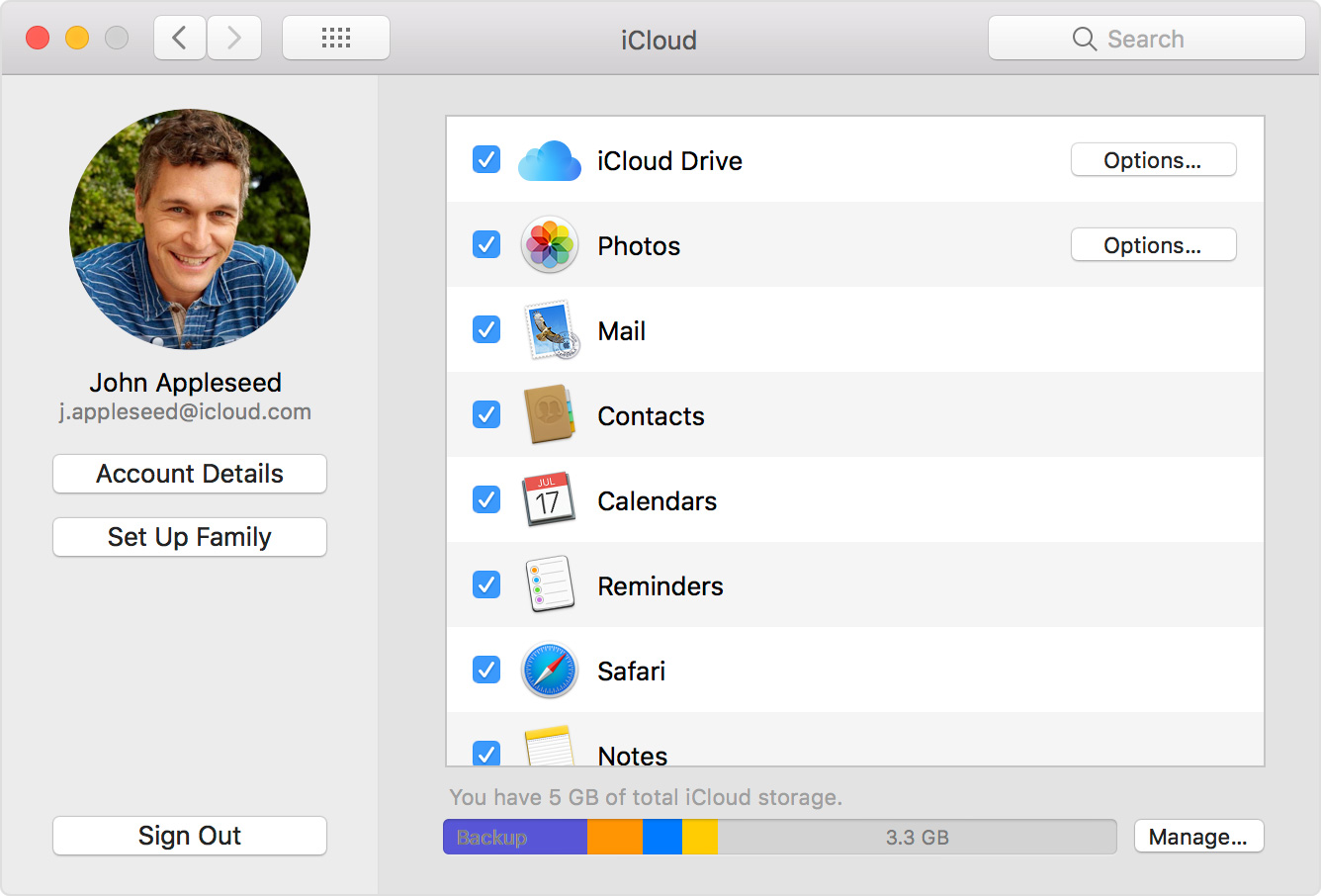
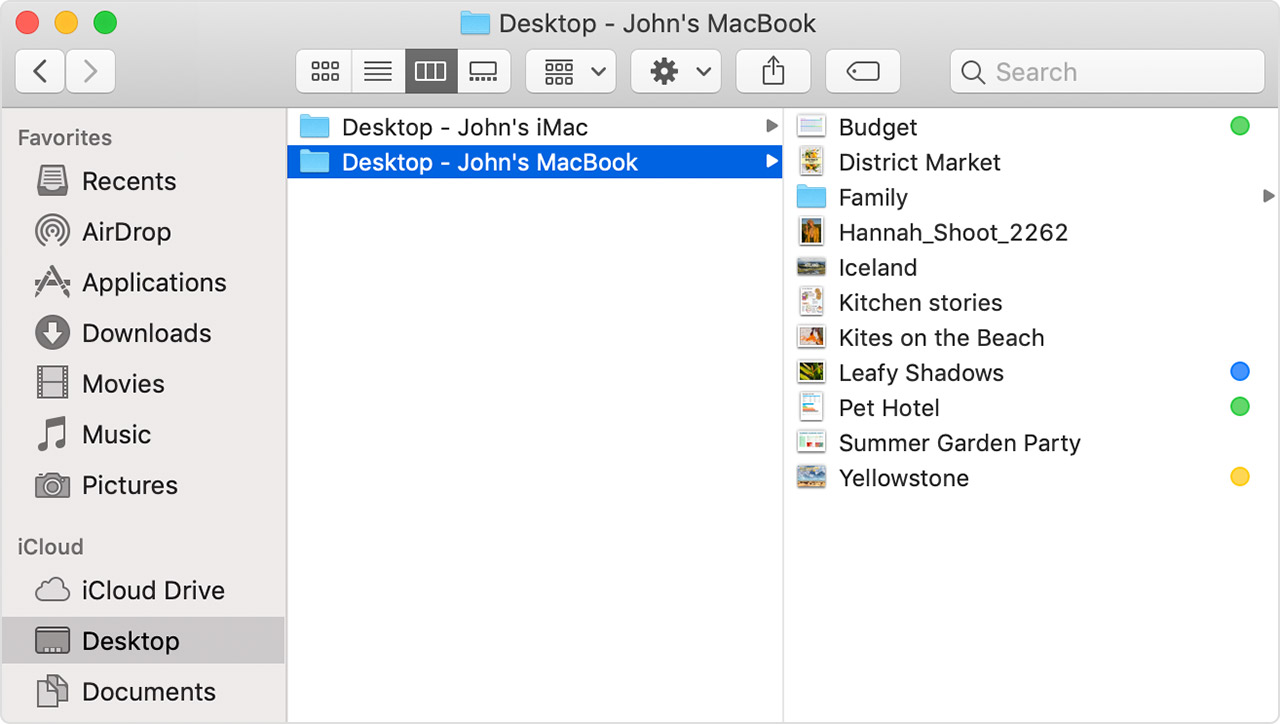
iCloud Drive showing different files on MacBook than on iMac/iPhone
I've been having a lot of troubles with my iCloud Drive. I have a MacBook Air (2012), iMac (2011) and an iPhone 6s all linked to the same iCloud account. This seems to work just fine, whenever I for example update my calendar on one of the three devices, the other two devices sync just fine.
I do have a problem with my iCloud Drive, however. At first, the iCloud Drive was empty on my MacBook (I did a clean installation last week, but I believe this problem was always present before that. I didn't really use my MacBook the last 1-2 years, and when I did I never really used iCloud to begin with). Whenever I uploaded something on my iMac, it would sync to my iPhone, but the iCloud Drive on my MacBook would stay empty. Vice versa, when I uploaded something on my MacBook, it wouldn't show up on my iMac or iPhone.
I've tried A LOT of things. I think I've spent about 20 hours already trying different stuff I found online (basic things such as logging in and out, but also 'complex' (to me) things like trying to install a new macOS via an external drive and other things like that), but I think it's time to just start here and see if you could help me.
I would really appreciate it if someone would guide me through this process. If this means trying everything again (logging in and out, deleting all my iCloud Drive files etc etc) I will, as long as someone helps me through the process.
I really hope someone can help me!
Bas
MacBook Air, iOS 10, OS X Yosemite 10.10.5, Mid 2012