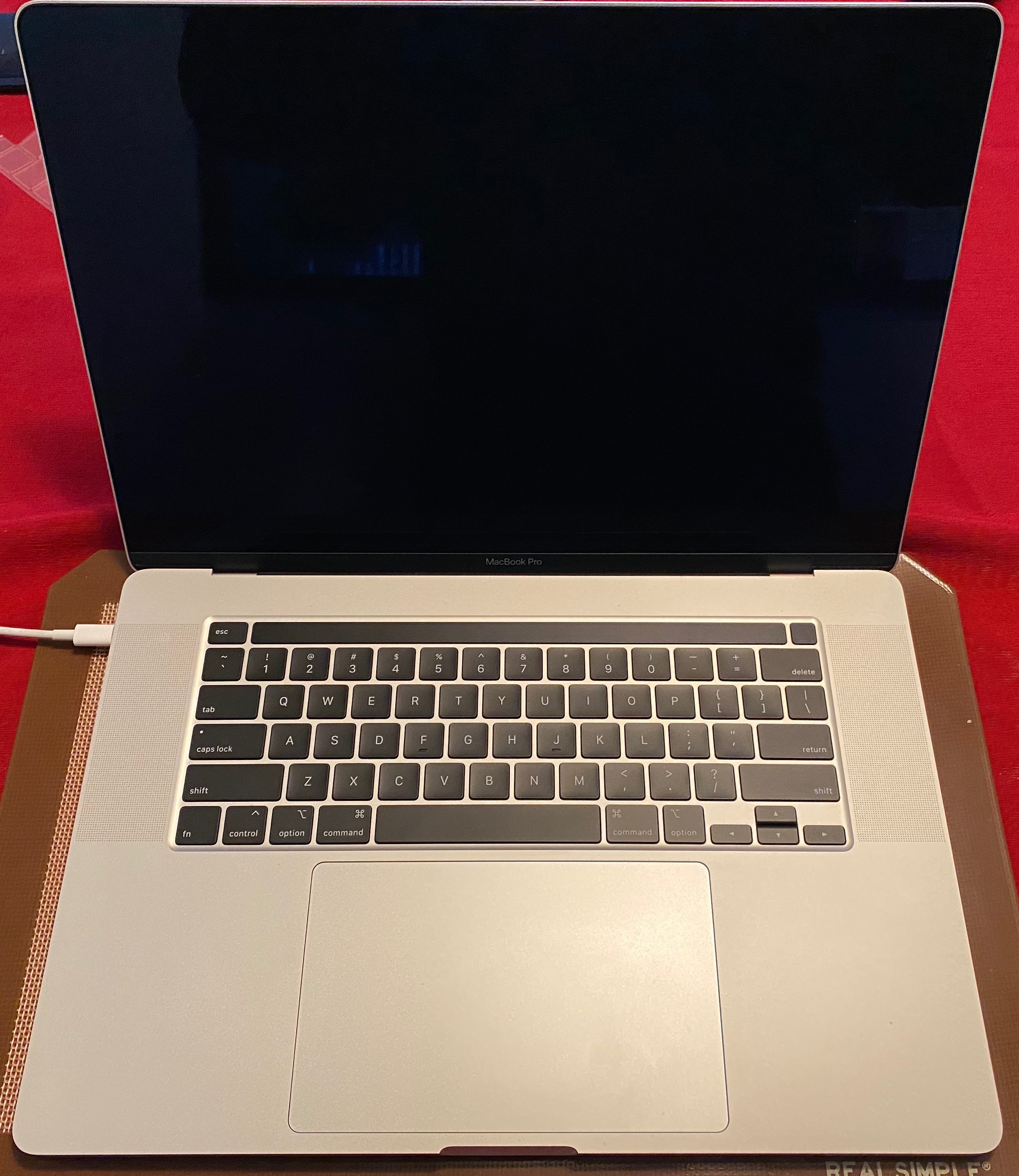
MacBook Pro 15inch 2019 - OVERHEATING

Hi,

I had a 2018 MacBook Pro that was defective, so my Apple store replaced it with a top of the line 2019 model - 32GB ram, 1TB hard drive, the works. The day I got the 2019, I noticed it became extremely warm just using safari or even charging it. I immediately went back to the store and demanded a replacement as I was not going to go through what I did with the 2018 again. I have now had the replacement 2019 for exactly 1 day. As I am typing this with only Safari open the fan is whirring and the keyboard is hot to the touch and the bottom of the laptop burnt my legs, AGAIN. I am writing to the community to see if anyone else has had this issue and has any other advice rather than going back to the Apple store to get a 4th computer. Thanks - BTW this is a MacBook Pro 2019 15inch model. 2.4GHv I9 intel core, 32GB Ram, Intel Graphics, 1TB drive, and running OS 10.14.5.

MacBook Pro 15”, macOS 10.14

Posted on Jul 20, 2019 9:36 AM

Reply
Question marked as Top-ranking reply

Posted on Jul 20, 2019 11:24 AM

leroydouglas has your back on this one.


Users have previously reported that after running their new Mac for a day or so, an SMC Reset often straightened a lot of things out.


Be sure to follow the SMC Reset directions religiously, and use EXACTLY the correct keys on the specified side of the keyboard. The keys with the same labels on the other side are not "wired in" and will not accomplish what you need.

Similar questions

70 replies

May 2, 2020 11:36 AM in response to Oommeng

"Any suggestions are welcome to overcome this problem. Thank you."


You're under warranty. Reach out to Apple Support and they will have you send them the machine. They will inspect it and if they find anything improper about it they will perform the necessary repairs. Your issue is uncommon. What's been said on certain threads is the heat is elevated due to connecting external monitors. According to your post you can't even use the MacBook at all. That's not the issue people are having so your MacBook sounds defective.

May 2, 2020 10:01 AM in response to dforward

Correction- mine is a 2019 Macbook pro ( NOT 20150

I have a cooling pad with 3 fans now on which the laptop is situated. hopefully it will make the thing last a few more months before i can get myself another PC. I have heard many similar complaints on this forum and it is all over the internet. Apple still does not want to issue a recall or do anything about it. They are just pushing this under the carpet with some even coming in saying that the processor is supposed to get hot ( this hot to burn itself out?). This is clearly a design flaw in trying to make it look thinner while forgetting the aftermath. There is not enough space for the heat to dissipate! we bear the cost and pay the price while Apple moves on to the next big release!!

Jan 9, 2020 9:14 AM in response to hbothwell

i have the same issue with my macbook pro 13 i7 16gb Ram. i have bought 0ne week and since from day one it getting over heated. i have taken to apple store and there argued that this is a normal heat and the diagnoses says everything working fine. i can back with same and reset to factory settings but even though it getting heated. i have bought same laptop with same configuration and compared one is completely working fine with normal heat. the genius bar guy said functionality of each macbook will be different i am not sure what does it mean when we have same configuration.

Mar 8, 2020 4:04 PM in response to Grant Bennet-Alder

I very much disagree. Overheating under such normal operating conditions (using Chrome or an external monitor) is the result of poor ventilation or inadequate thermal management (hardware, software and/or physical design). It's not Chrome or your external monitor's fault for forcing the use of Discrete Graphics, etc - it's Apple's fault for allowing the use of Discrete Graphics (or any other chip/process) to operate in a way that causes overheating. And by "overheating" I mean becoming so hot to the touch that the machine is rendered unusable, even when sitting on a flat surface like a countertop with optimal ventilation, which is the grievance everyone is expressing here. The overheating problem is real, it is Apple's fault, they are aware of it and they are denying it.

May 2, 2020 10:48 AM in response to Grant Bennet-Alder

Apple keeping very silent is what i meant- and the 'some' are other contributors NOT apple authorities- sorry for the confusion.

The issue is with the heating up of the Macbooks ( The latest and greatest- Macbook Pro 2019 Pro) and the desire is to highlight that in these forums to make people aware of this so the others do not make the same mistake that some of us have made.

It is a lot of money that people pay out to get these and more is expected from such devices. I bought mine specifically for video editing purposes and the moment i used the video editing software, the temperature shoots up. This is scary and i do not want the board and processor to burn out again. I am now left with a device that cannot be used for its intended purpose-hence the worry and complaint. Any suggestions are welcome to overcome this problem. Thank you.

Jun 24, 2020 1:51 PM in response to hbothwell

This is similar to my experiences. The machine works okay, though it's not ready for enterprise. A machine almost identical to the one HBOTHWELL mentions, (i still have it), has needed 5 OS reinstalls? While attending a Cisco Webex on Catalina, this machine crashed not once, but twice.


I would dissuade you from trying to use bootcamp on it as well. The elegant chassis runs too hot. Would mac please explore an accessory for some of us who'd have the Willingness To Pay, ensuring we do not jump ship? The Lenovos are starting to look okay right now.


There's one last pointer: Mac would do well to make the display scaling to parity with Windows.

Aug 8, 2020 5:00 PM in response to david845

A computer that gets hot enough to emergency power-down has an indisputable Hardware problem.


If you bought DIRECT from Apple you have 14 days in the same county as purchased (except the Far East) to return it for refund or replacement within 14 days of receipt. In the US, you can use any available Apple-owned outlet, such as a nearby Apple Store.


Other resellers policies may vary.

Aug 21, 2019 8:23 PM in response to hbothwell

I have the same problem. For no reason at all the fan goes crazy and the computer becomes a hot iron you can iron a shirt with, no exaggeration here. This is also my work computer, which makes it ridiculously hard to work with. Not sure what the practicality of a laptop is coming from iMac desktops... Small screens? Burning hot computer that burns your legs? Or is this suppose to increase my productivity - quickly finish my project so I can get this thing off of me lol... all joking a side this is a problem that needs to be fixed. Hopefully Apple will have a solution.

Oct 4, 2019 2:58 AM in response to hbothwell

Hey, I have same issue with my Macbook pro 32 i9, bought my mac in August. Sent it twice to IT suppor Lab, thay claim that evrething is normal ant its cam be 104 degrees. Try to explain them that its very hot and i cannot touch the keyboard... but they calaim that is ok ...

My Mac become extreamaly hot when I use skype or chrom or excell.... This computer is shame

Supprot of appale claim that they did not meet those issue before )))) LOL ... Google full with articles about overheating

#macbookpro #macbookoverheating #applesupporthelpme #appleitrustyou

Nov 22, 2019 9:01 PM in response to hbothwell

Hi i have the same problem and i have the same model .

I ask from apple to replace the device with the 16 macbook pro because they had fix the thermal issues. But the apple cant to do this.

I put my money to 4000 euros and i have not doing my work.

I believe the apple care to take only our money and didnt care about our problems with problematic devices that sell us.

i'm very frustrated and shy because i was billed and paying something problematic.

One month new machine and i cant do my work.

Good work APPLE.....🤬🤬🤬🤬

This thread has been closed by the system or the community team. You may vote for any posts you find helpful, or search the Community for additional answers.

MacBook Pro 15inch 2019 - OVERHEATING

Welcome to Apple Support Community
A forum where Apple customers help each other with their products. Get started with your Apple Account.