Hi Cambs_Lad
Open up the Console form Launchpad and you'll see system.log in the left-hand panel. This holds all your system events but only for a fixed time (about 5 logons). Click on syslog and it will open in the right-hand panel. There'll be a lot stuff in it, particularly if you leave your Mac switched on. If you're switching your Mac off overnight a new sessions starts with BOOT_TIME which you can search for from the Spyglass field at the top of the dialog. You can also search for SHUTDOWN_TIME to find the end of a session.
I've seen a few messages in my syslog that say
"... -iMac com.apple.xpc.launchd[1] (com.apple.xpc.launchd.user.domain.502.100111.Aqua): Caller not allowed to perform action: seedusaged.2608, action = service removal, code = 150: Operation not permitted while System Integrity Protection is engaged ..."
and at the point of failure when attempting to copy and paste a file from one folder to another I got the following dialog
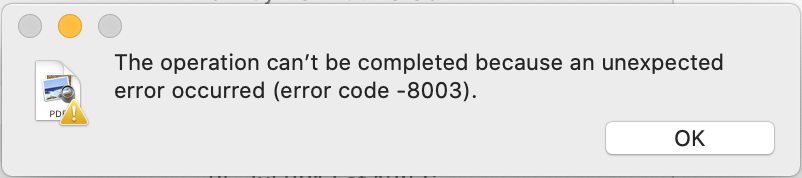
and in the syslog a message "... assertion failed: 19B88: libxpc.dylib ...". The reference to "xpc" may be significant?
Finally I've also noted a fundamental change in how logon (virtual machine) is run. In the past the default shell has been the Bourne Again Shell lovingly referred to as BASH. When I run a terminal session (yeh, I know, I'm a sad person!) I now get a message that says I should switch to using the Z Shell or zsh (see below). This came in with Catalina apparently. It maybe that Apple apps need to run in zsh and that this is triggering the problem.
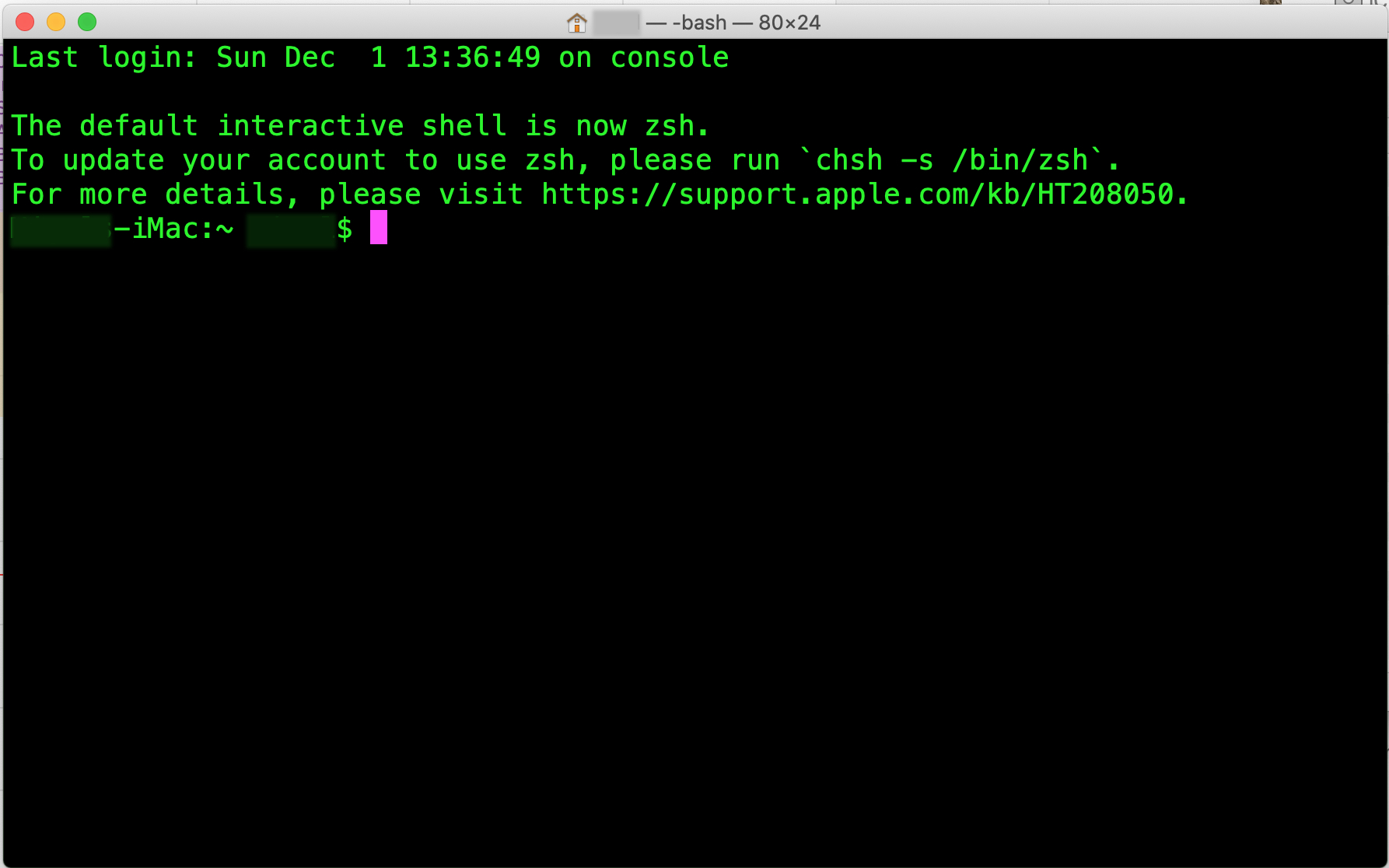
Personally I'm loath to switch to zsh to try it out as, strangely, my non-Apple apps such as Affinity Photo and QGIS Geospacial software seem to open their associated files and save without any problems. Affinity is quite happy saving a JPEG to a folder that Finder says couldn't be opened and the same for QGIS! I use these apps a lot and don't want to find out that zsh won't run them properly.
Hope this is useful/helpful? Apologies if it's not.
Ennsea


