Face ID iPhone 11 Pro max

are my front facing led lights suppose to flash for a second or two when my Face ID unlocks my device ???

iPhone 11 Pro Max, iOS 13

Posted on Dec 11, 2019 10:48 PM

Reply
1 reply

Dec 12, 2019 12:05 AM in response to love-evol68

Unlock your iPhone or iPad with Face ID

After you set up Face ID, you can use it to unlock your iPhone or iPad. Here's how:
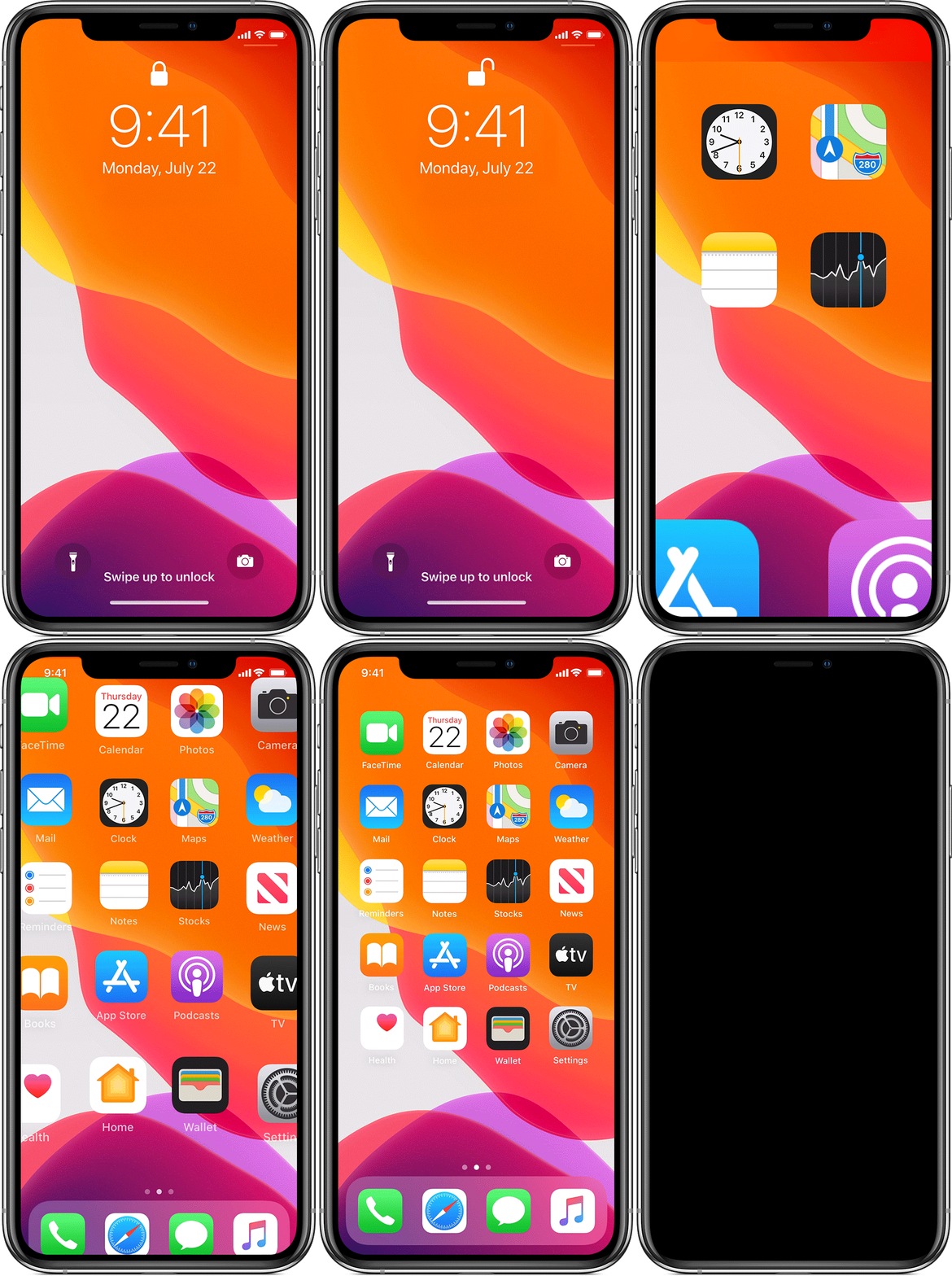
 

  1. Raise to wake or tap to wake your iPhone or iPad.
  2. If you're using an iPhone, hold it in portrait orientation, then glance at it. On iPad, you can hold it in either portrait or landscape orientation. If it's in landscape orientation, make sure that your finger isn't covering the TrueDepth camera. Then glance at the screen.
  3. When the lock icon on your screen animates from closed to open, swipe up from the bottom of the screen to unlock.

To turn this feature on or off, go to Settings > Face ID & Passcode, then tap iPhone Unlock or iPad Unlock.


This thread has been closed by the system or the community team. You may vote for any posts you find helpful, or search the Community for additional answers.

Face ID iPhone 11 Pro max

Welcome to Apple Support Community
A forum where Apple customers help each other with their products. Get started with your Apple Account.
