Thanks. My dictionary only had Wikipedia and now it's fixed.
I had another work around since I upgraded from Yosemite to Catalina. I hope this would help others as well.
In my Time Machine backup from Yosemite, I didn't have the same folder structure where the the Dictionaries are stored.
Instead they were in MacintoshHD/Library/Dictionaries/
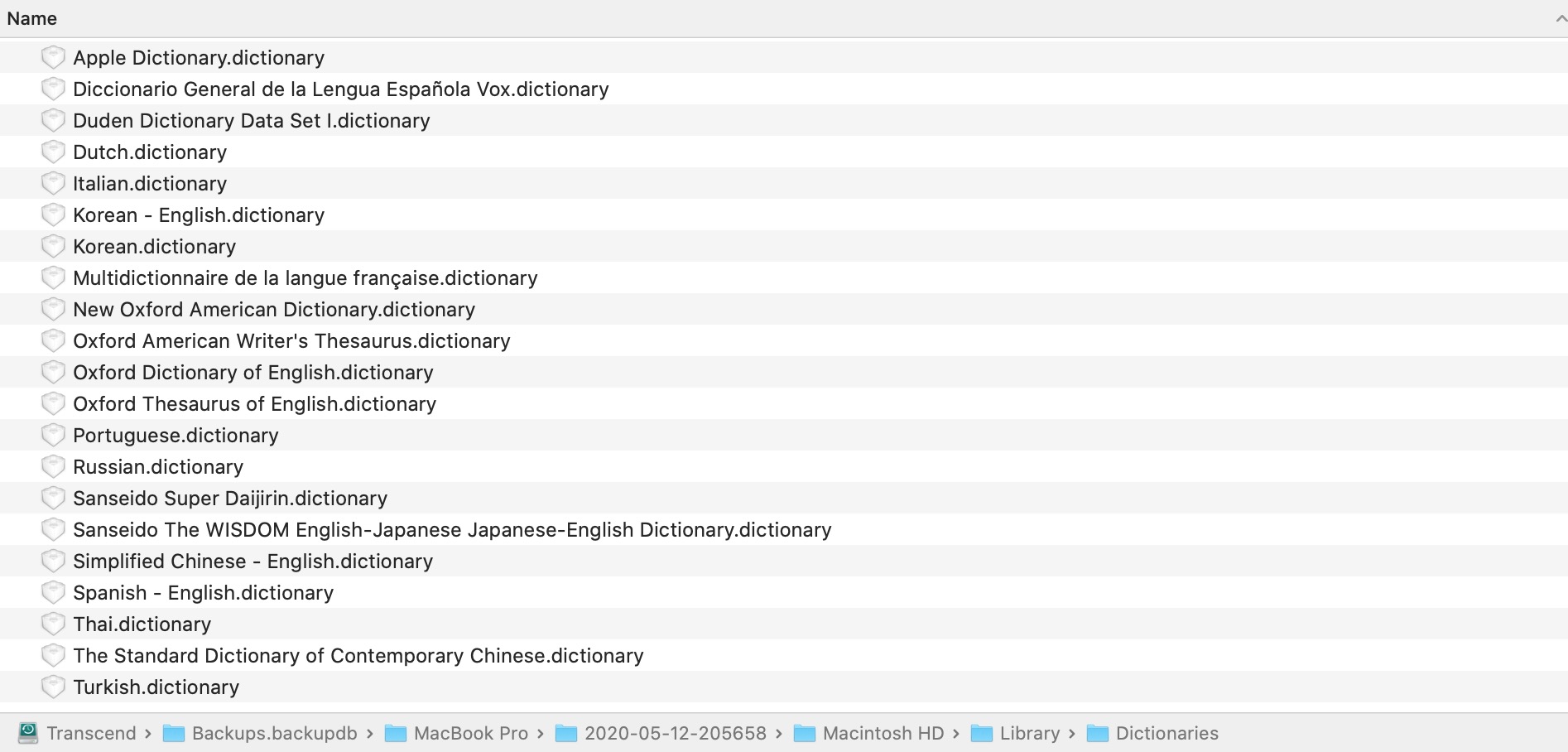
I copied all those .dictionary Files into the Dictionary Folder of the Dictionary App
You can access that by Opening the Dictionary App and Go to File > Open Dictionaries Folder
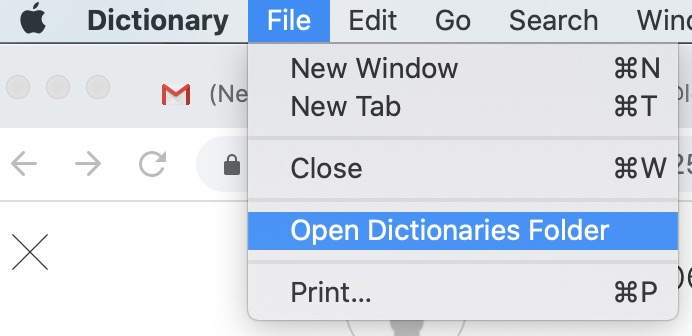
Then simply copy all the .dictionary files in there.
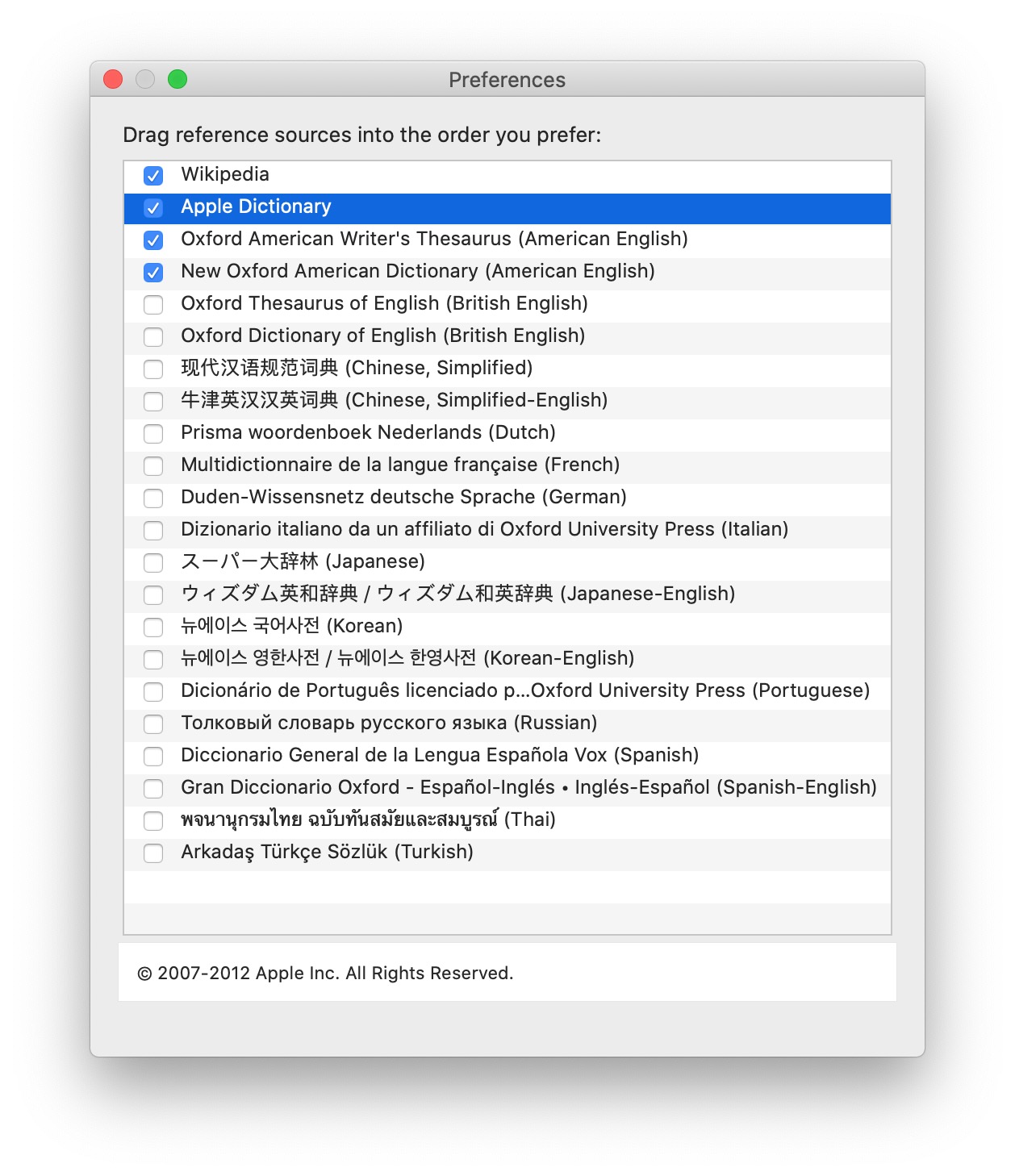
Quit Dictionary App and Open it again then go to Preferences or CMD + , (shortcut). There you can check all the Dictionaries you want to use.
Thanks so much guys! I had to go through different support threads but you all helped.


