FMarek7 and everyone out there, I found a solution that my iPhone Pro Max is appearing in my ITunes like before. I have not tried to sync the library, because I made an experiment on the clone drive, which I normally do. It was big help from saason, as well.
Here are the steps.
- Go-click option select library
- Drag iTunes folder to the desktop
- Open an AppCleaner application
- Go Application folder and drag the iTunes to Appcleaner window
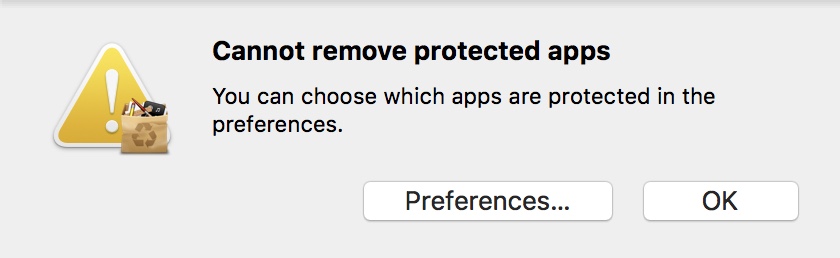
5. Click preferences...
6 Uncheck Protect default OS X apps

7 Many files will show up in the Appcleaner window remove it
8 Restart your mac and install the latest iTunes, available on the Apple side.
9 The new iTunes will detect your Library automatically
10 Connect your iPhone
11 "You need to update your software" message. Click OK, wait 5 minutes and it will appear in your iTunes.
I have no idea why the message pops up, I need to update my software. Apparently the developers predicted this happening to people who run OS prior to Catalina
It was very easy, once we know the secret. I am surprised that Senior advisors, are not informed about this solution. Also, I wish Apple new iOS 13.4.5 would solve the non sync issue that people would not have to waste their time to go through 11 steps process.
Good luck.


