Camera not detected MacBook Pro

Hey guys,


My MacBook doesn't recognise the built in camera and I have already tried typing "sudo killall VDCAssistant" in the terminal. It comes up with "no matching processes were found" after I type in my password.

I tried to fully erase everything after buying the laptop second hand and accidentally turned off the computer a bit early. I had to then restart and upload the software which came up with Mountain Lion and I then updated it back to the newest software.

Apparently the camera worked before that all happened so maybe I did something with it then?


Any idea what could have gone wrong and how to fix it?

MacBook Pro 13", macOS 10.15

Posted on Apr 6, 2020 6:44 PM

Reply
31 replies

Apr 30, 2020 6:39 AM in response to Giu53pp3

"I agree, and for this reason I have never mentioned Zoom. "


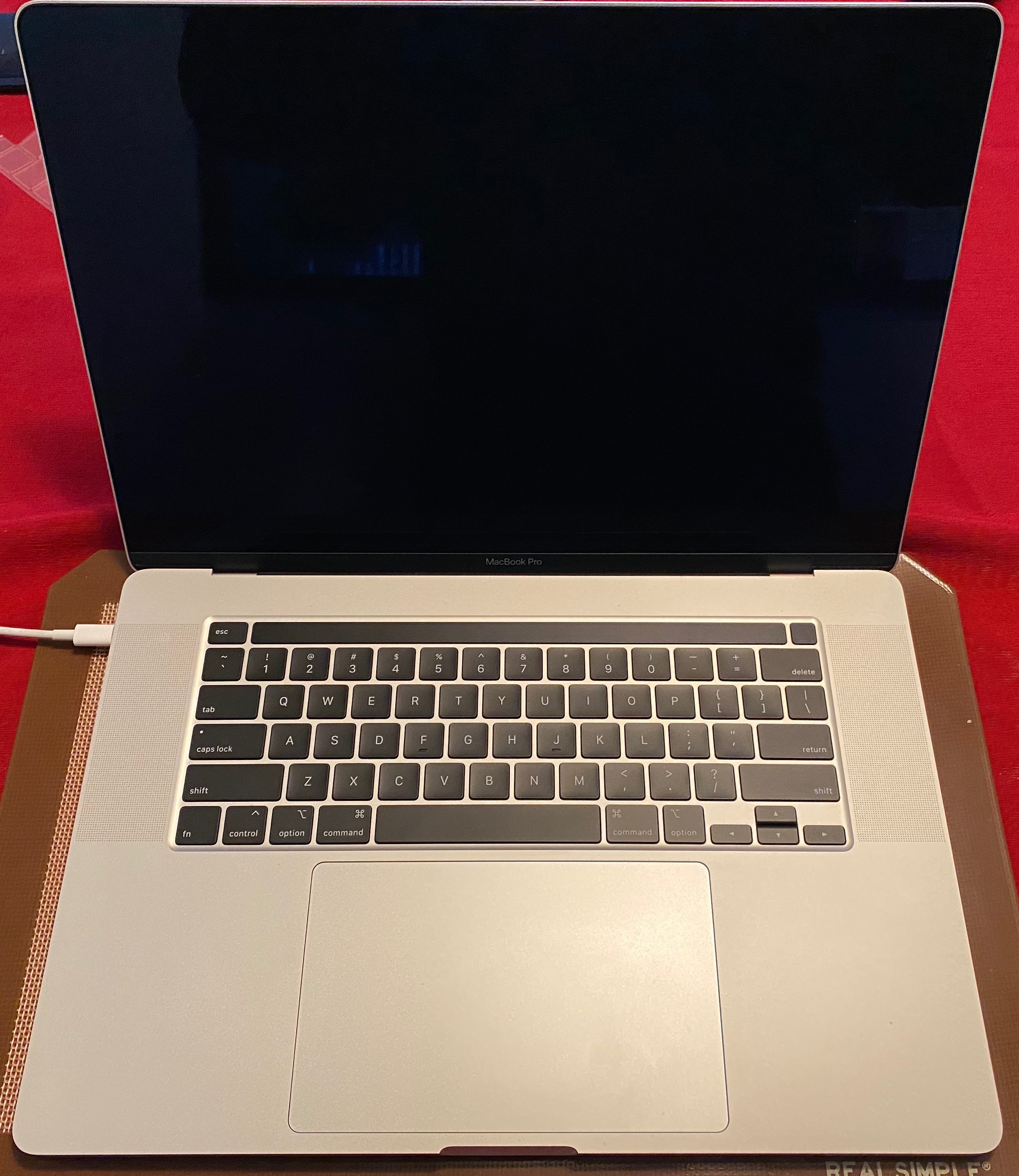
Well multiple people here mentioned ZOOM and that's generally the reason why most people are using their MacBook camera during the stay-at-home order. Well I posted my pic of my 16" MBP to let people know that there's no issue with the camera. Sadly I kind of expected such a response. Best of luck.

Apr 30, 2020 6:57 AM in response to DPJ

Maybe your 16'' MBP is not affected, but this doesn't mean that all the MBP shouldn't have any issue. I mean your laptop is not the benchmark for all the MBP in the world. :)


There are plenty of characteristic, like:


Model type

Year of manufacture

Camera installed (maybe some model have a different camera)

Memory used

(......)


Moreover as an example not all the MBP had the problem with the keyboard or with the backlight of the monitor (just to mention 2 of the most common issues of the MBP of the last few years), but just some of them. Maybe we are in the same situation here.


Thousand of users are experiencing this issue. You are a lucky one. Good for you...


Apr 30, 2020 7:11 AM in response to Giu53pp3

"Thousand of users are experiencing this issue. You are a lucky one. Good for you..."


That's a cheap shot. It's not luck. It's working like it's supposed to. Like I said best of luck but that was a cheap shot and this is friendly forum and I help a great deal of people here and your comment was unnecessary.

Apr 30, 2020 10:22 AM in response to DPJ

"your comment was unnecessary"


I can't even say that you are lucky for not being impacted, and my comment was unnecessary. You are just a little bit touchy mate.


"I help a great deal of people"


If the help you are speaking about is saying: my laptop is working fine as it should, it's just your problem.

Well I am sure you are very much appreciated in this forum. ;)


Apr 30, 2020 5:05 AM in response to DPJ

I agree, and for this reason I have never mentioned Zoom.


It is Apple problem if the issue comes with FaceTime or Photo Booth. I do not have any 3rd party program installed on my Mac who needs access to the camera.


Basically the below comment is quite clear, I was referring to FaceTime.


  1. "No video. FaceTime has not received any video from the connected camera. Restarting your computer may fix this issue". -> Basically the camera is detected, everything looks fine, the green LED stays on for a short period of time, then starts flashing before the timeout occurs on, but there is no signal, black screen. (Example: https://discussions.apple.com/thread/251186757)


This thread has been closed by the system or the community team. You may vote for any posts you find helpful, or search the Community for additional answers.

Camera not detected MacBook Pro

Welcome to Apple Support Community
A forum where Apple customers help each other with their products. Get started with your Apple Account.