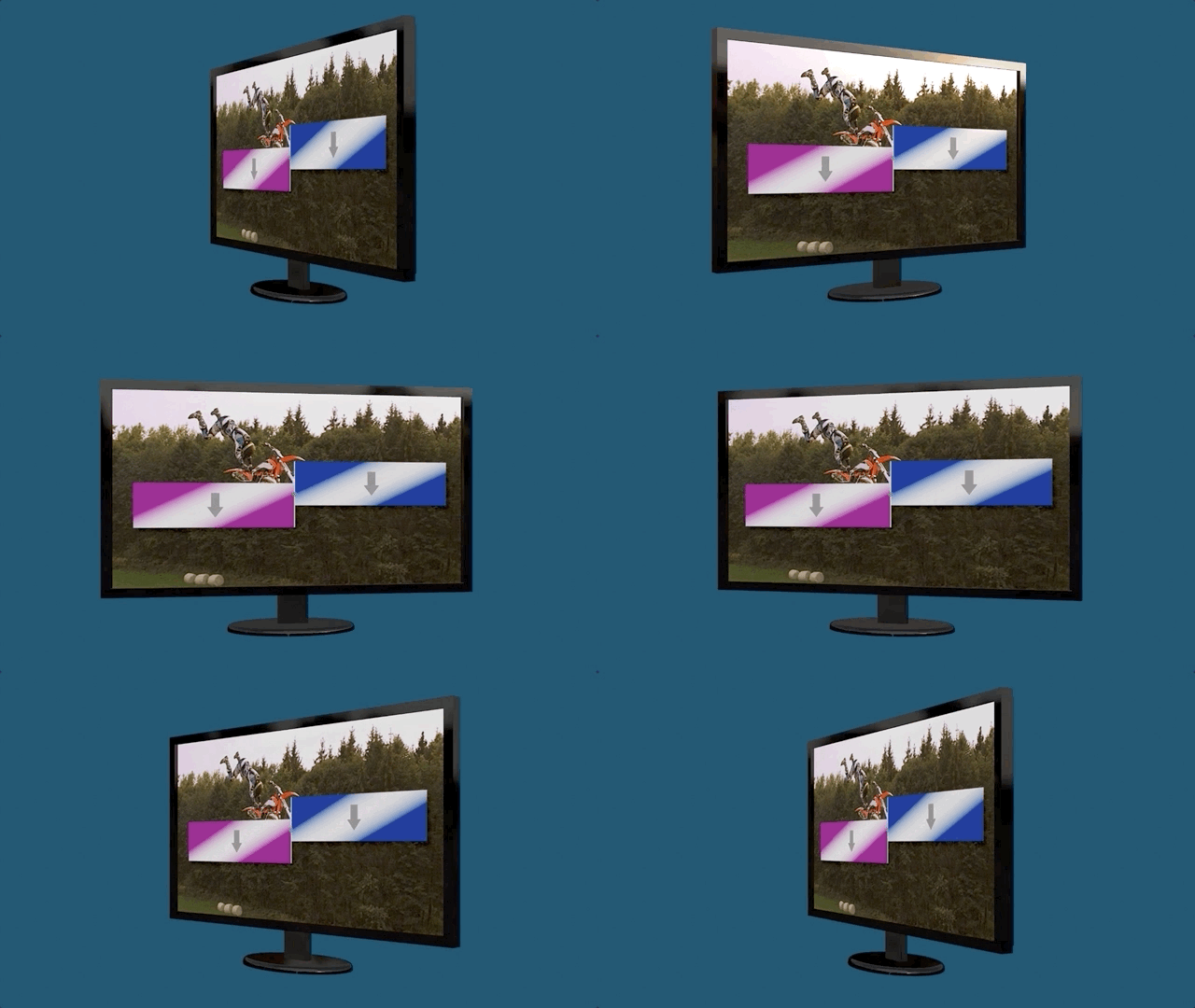
Okay — from what I can tell from your screen shots, your 3D monitor is actually a (flattened) ProRes movie clip of a 3D model. That makes this a completely different thing.
You're going to need to do some 4-corner tracking of the screen area.
I'll give you the basics, but you may run into trouble depending on how clear your movie is.
Solo your monitor clip (a shortcut would by to Option-click the visibility checkmark on the clip in the Layers List).
Move the playhead to the first frame.
Select the Bezier pen tool and click on each corner of the screen and close the shape.
To the Bezier shape, add Behaviors > Shape > Track Points.
You should see "target" points (circles with crosshairs inside — mostly red, but when you select a point, it will turn yellow).
Click and drag each target point to the corner of the image where you need to match the screenshot into the scene. High contrast differential points are best.
Once you get all the points lined up on your scene on the first frame, click the Analyze button.
With any luck, Motion will track the scene perfectly (if not, there are ways around it).
Supposing the track went perfectly, to the Screen Shot image, add a Behaviors > Motion Tracking > Match Move.
Drag the Track Points behavior from the movie clip to the Source well in the Match Move.
Set the Type to Four Corners. The image should snap exactly into the scene and play perfectly (if you got a really good track). This is wickedly cool when it works!
To make this replaceable, select the Screen Shot image layer and in the Inspector > Image for the Type — set it to Drop Zone. You will then be able to substitute the original image with subsequent images.
If Track Points does not go well:
Sometimes it helps to create a four corner track by activating ** One Track Point** at a time. Turn off the checkmarks of three of the four track points and Analyze for each one separately.
If you cannot get a good track for a Track Point, you may have to manually fix the individual points... If it comes to that, get back with me.
Of course, you could always go with ***Real 3D*** and have the screen shot as the "fill" for the front surface.