Hi John,
Starting with the simplest question:
"Can you group tables?"
No. As can be seen with a quick trip to the Arrange menu with 2 or more tables selected:
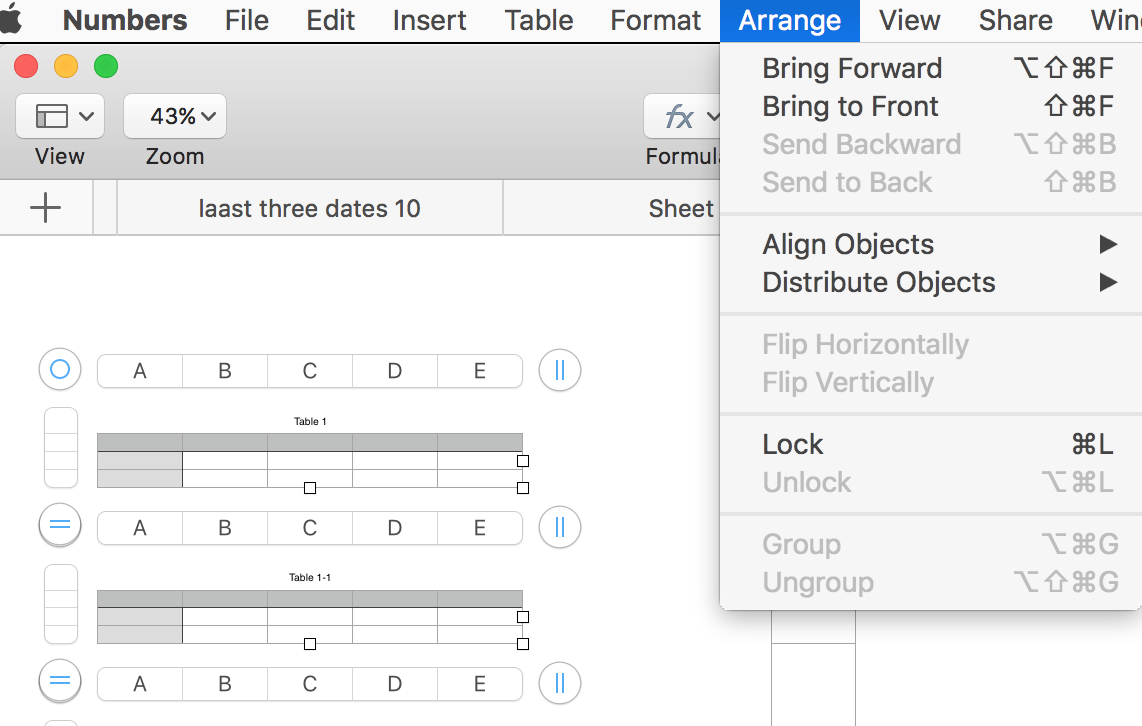
(Ignore the labels in the tabs abov the tables. They belong to a different question.)
But Grouping tables isn't necessary if you want it to enable moving the tables as a group. If multiple tables are selected, moving one will move all in the selection.
Here's one way of moving the remaining tables after deleting some.
Starting point: a stack of 9 identical tables.
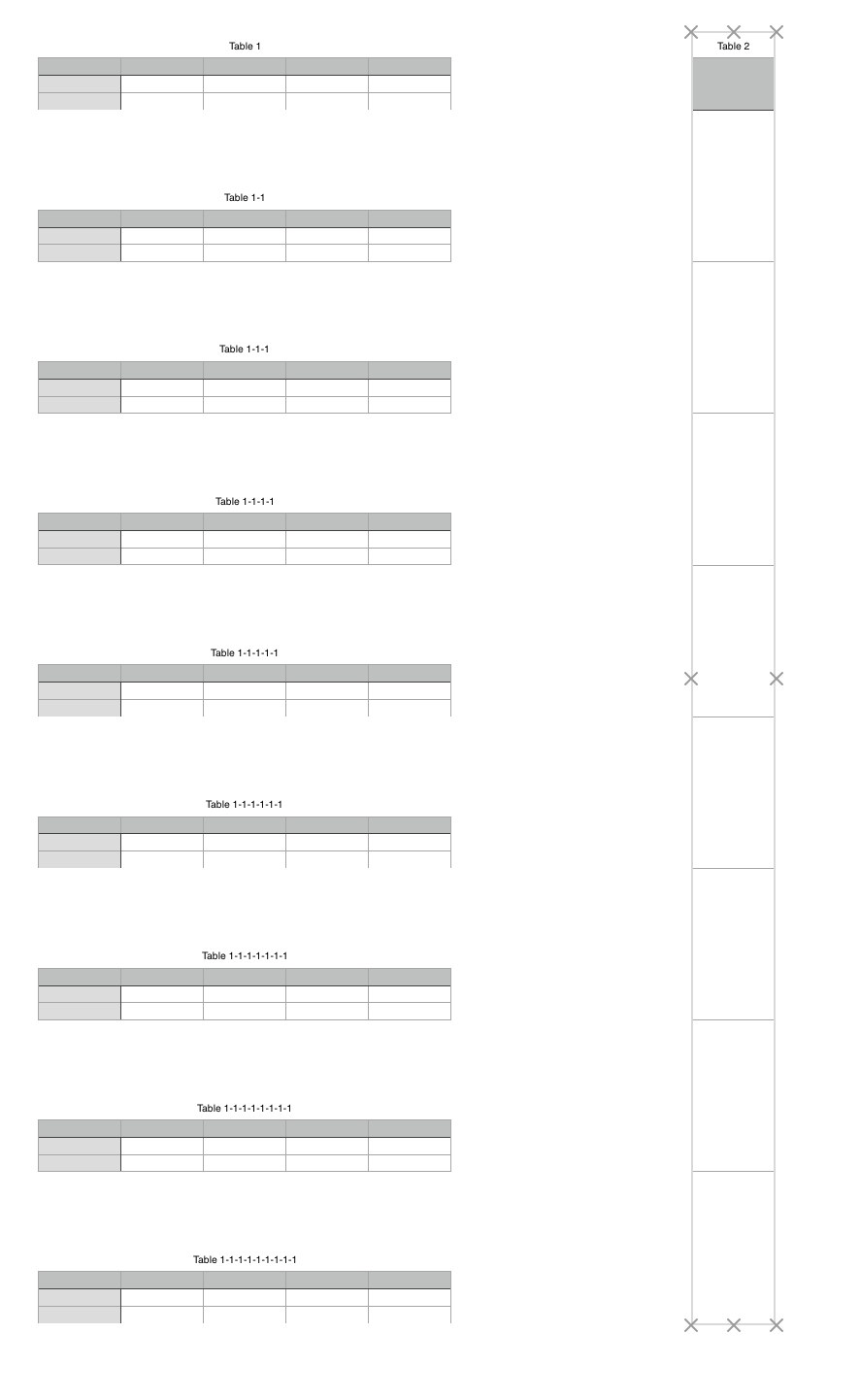
Beside them, I've placed a 9 row table, with the bottom of each cell aligned with the bottom of one of the 10 tables in the stack. This table is to serve as a ruler, and is locked, once aligned to the boundaries of the stack.
Same stack with three tables deleted.

The selected line was inserted using the Shapes button, rotated to 0°, and given a weight boost to about 3-4 points. Then it was aligned with the bottom of a row in the long table, where the bottom table should be after the stack is moved and redistributed.
The bottom three tables in the stack were then selected (deselecting the line), and dragged upward and to the right…
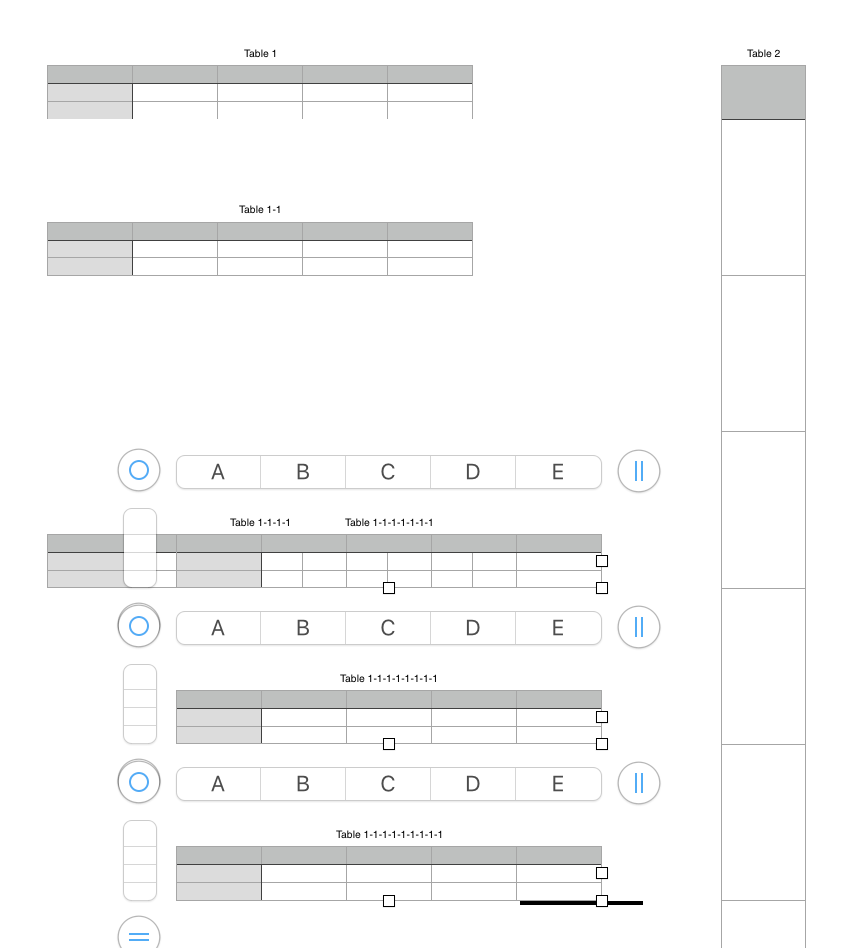
…and dropped with the bottom of the lowest table aligned with the heavy line. These tables were then de-selected, and the line was deleted.
Note that Table 1-1-1-1 is now behind Table 1-1-1-1-1-1-1.
Click on the part of Table 1-1-1-1 visible at the left, then click the 'bullseye' above and left to select the table.
Drag the table up (and slightly right), and drop it in the open space in the stack.
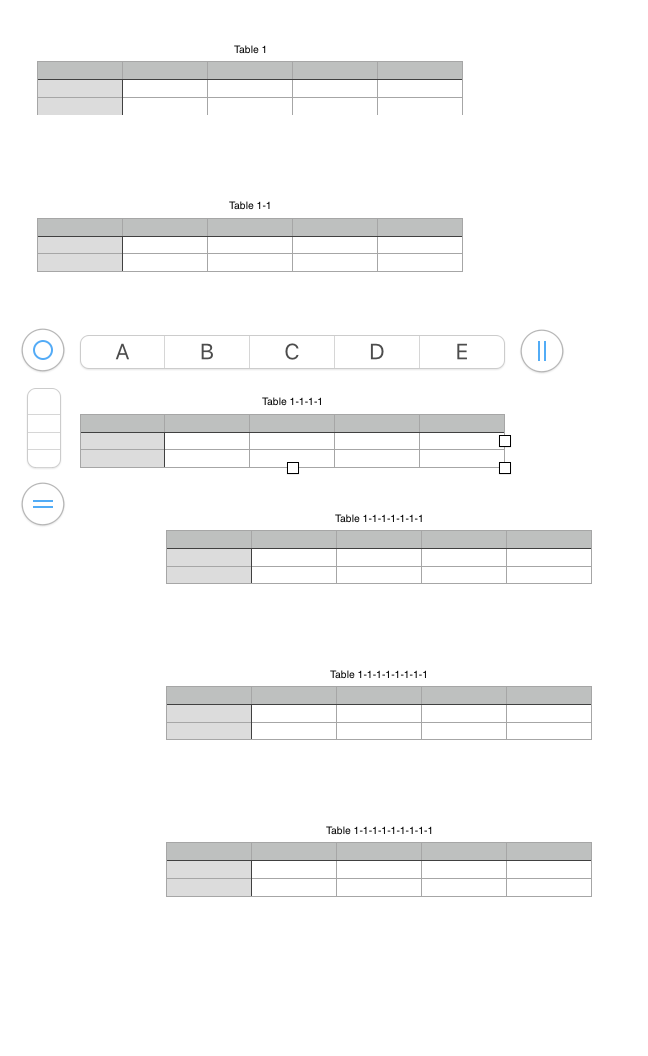
Finally, select all tables in the stack, and make two trips to the Arrange menu:
Align Objects > Left
Distribute Objects > Vertically


 Regards,
Barry
…

