Thanks for your reply, Barney-15E!
I'm downloading from the Zoom website, Zoom.us, using the Zoom "Desktop Client."
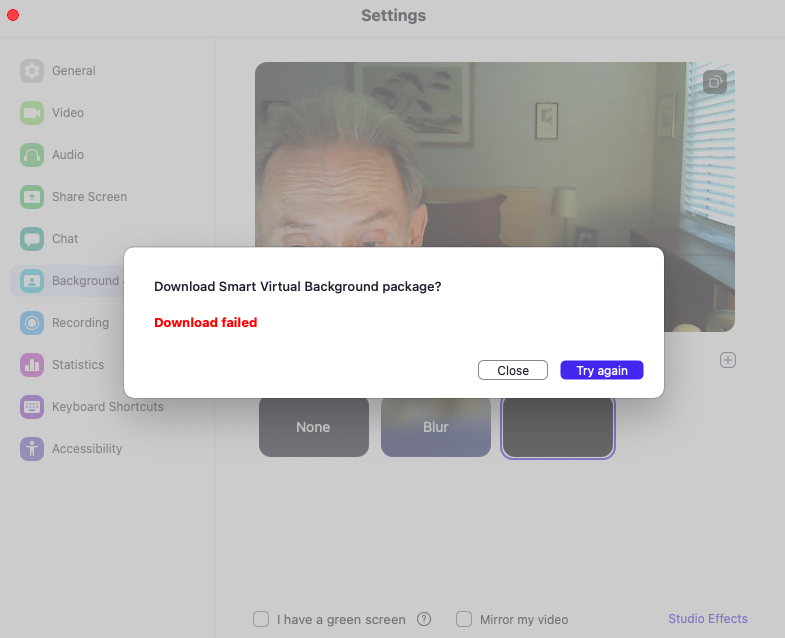
The error message is simple, "Download failed."
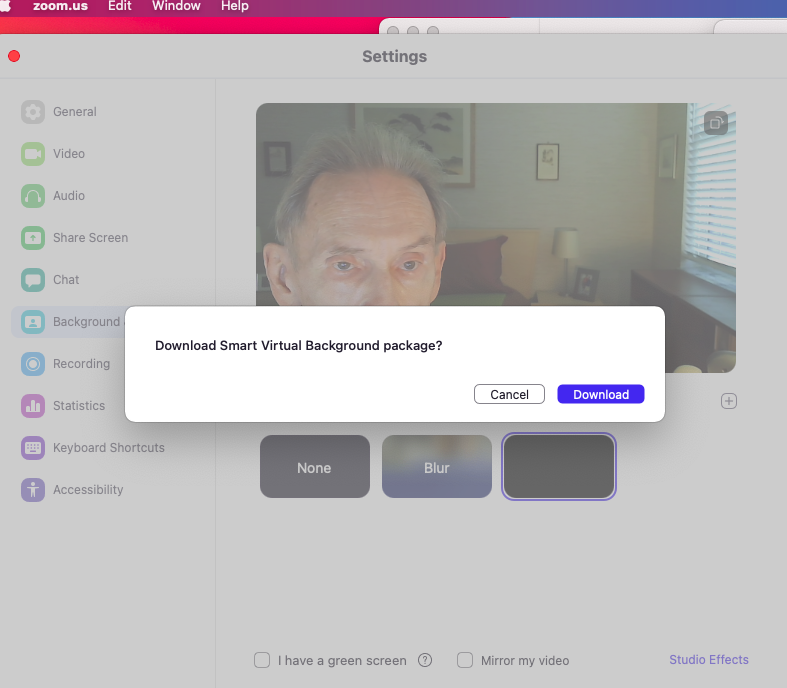
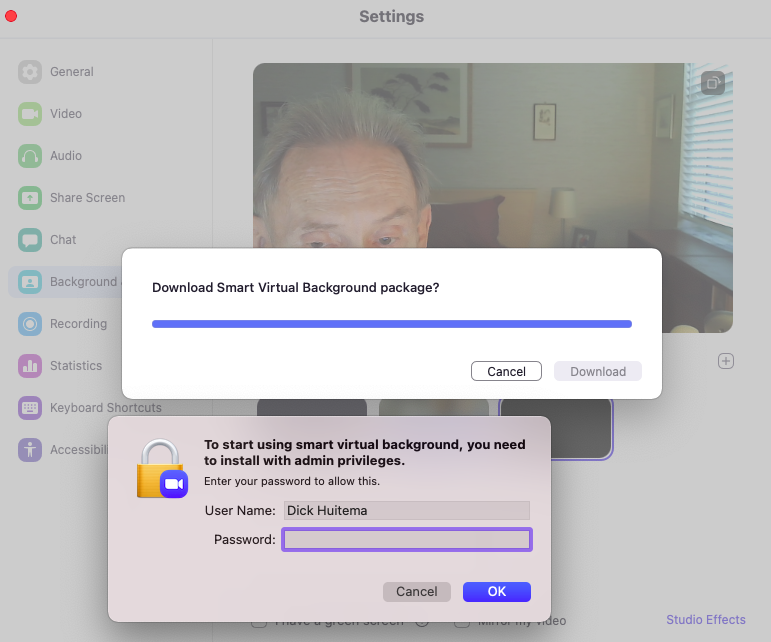
Screenshots are attached. The second one shows a progress bar that behaved normally, but then the dialog shown popped up with the User Name field pre-filled. As soon as I entered my Mac's password and clicked OK, the dialog vanished, leaving the third screen ("Download failed"). [I then used the Try again button with the same experience.]
This might be useful: To make matters worse, when I tried to log into the Client to get the exact error message, Zoom said my credentials were wrong, but they were not. I followed Zoom's directions and set up a new account using the same ID and password as my original account which is a paid account. The new account is labeled "Basic" which is Zoom lingo for "free." So now I have to go fight that battle. But notice that the experience I had today with this new Zoom account is the same experience I've had all along: "Download failed."
Also, as a refresher (not sure how much you've seen), Safe Mode made no difference, I have no Startup Items, but using a fresh new User Account found the download and Virtual Backgrounds worked fine. I guess that could be a work-around, but I'd like to get things working normally if possible.
Cheers!!
Dick