Thanks Gary,
Right after my first post I began to examine a way to narrate on a slide by slide basis.
Correct, one way to do that is to go slide by slide and do the Insert > Record Audio. That imbeds a discreet narration of each individual slide.
When complete I believe the program pacing can be set using using delays or played and triggered manually into a movie file… At least I think.
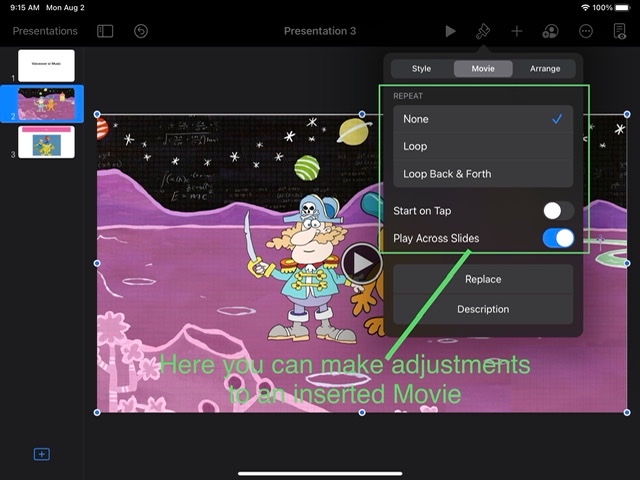
I also found that I could take a file created in Garageband and export it in native Apple format that can also be “inserted” in a slide and if you wanted played across several slides to enable say a music intro.
I also imported an Mp4 movie I did of an animation in Adobe Character Animator. I was able to edit the length of the movie to the segment that I wanted within.
As I refine some of these techniques I’ll be back to do hopefully even a better explanation.

