
“Used” AirPods from Amazon
I purchased a pair a AirPods pros from Amazon that were listed as used. When I try to pair with my phone, it says they are still linked with someone else’s account. What should I do?
iPad mini, iOS 9
I purchased a pair a AirPods pros from Amazon that were listed as used. When I try to pair with my phone, it says they are still linked with someone else’s account. What should I do?
iPad mini, iOS 9
Hi MrsT12,
We see your used AirPods are linked to another user's account. This advises how to proceed If an item or device is connected to another Apple ID:
"If you try to set up an Apple device, AirTag, or Find My network item and see a message that says it's connected to another Apple ID, ask the previous owner to follow the steps below to disconnect it from their iPhone, iPad, or iPod touch.
Remove a Find My network item or device from your Apple ID
Use these steps to remove devices such as AirPods Pro, AirPods Max, and iPhone Leather Wallet, AirTag, or Find My network items.
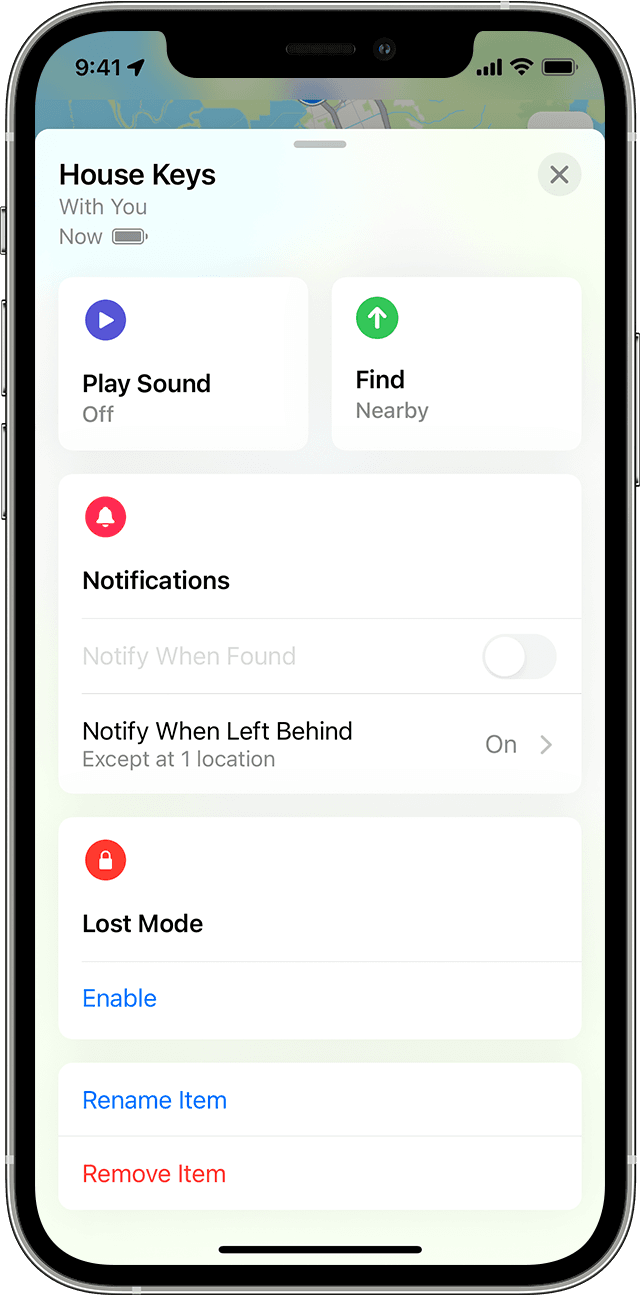
These steps are the only way to remove an item from an Apple ID. Apple can't remove Pairing Lock for you."
We hope this helps. Kind regards.
“Used” AirPods from Amazon

