Hi rocker,
I opened a new document using the "Modern Resume" template in Pages 11.2, then set these items for a closer look:
Click Format Brush and choose Document.
In View menu: choose Show Rulers, Show Layout.
Here's the resulting view of the top part of the unedited document:
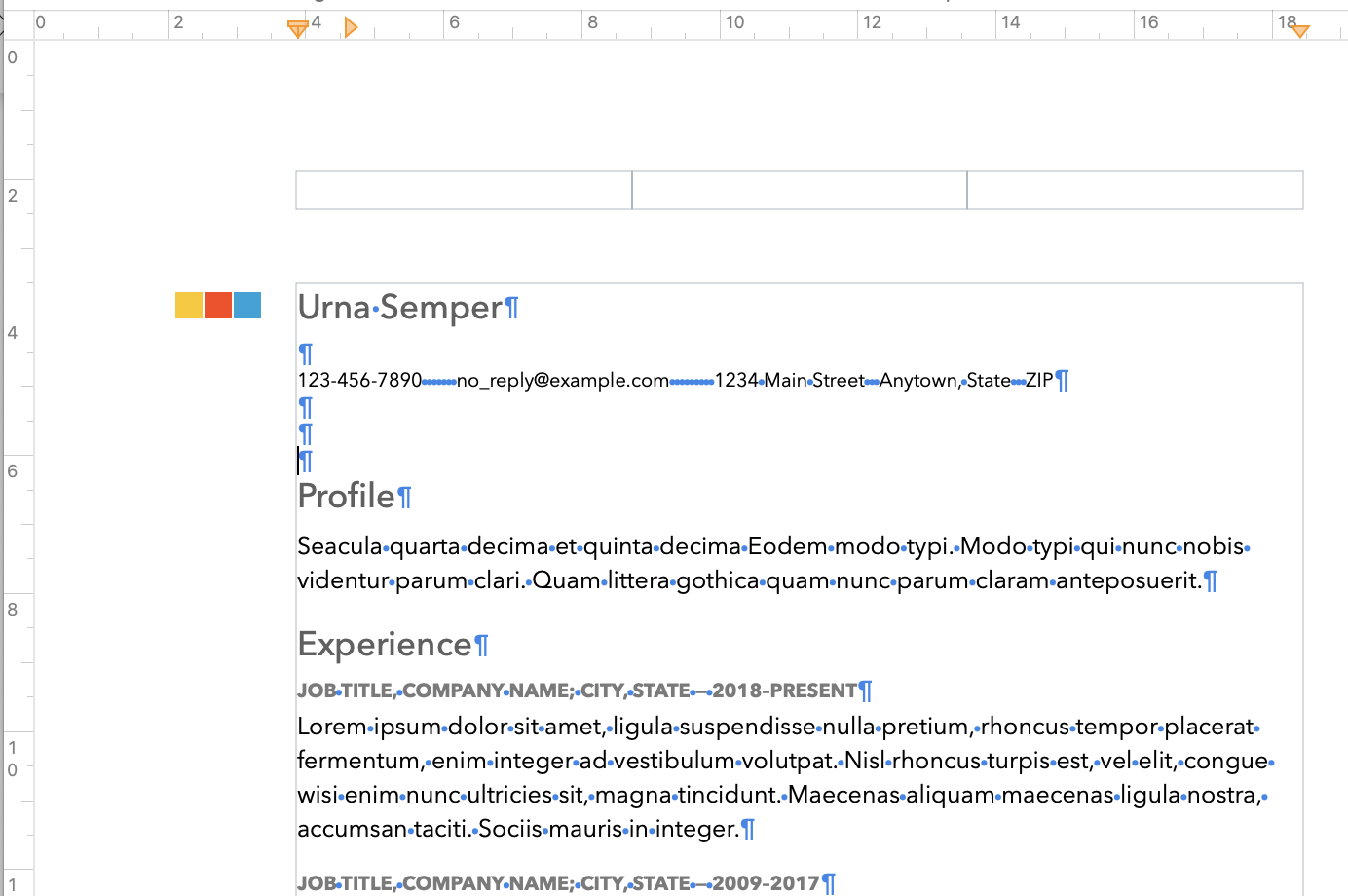
There are no "Text Boxes" in this document.
There are three "Header" boxes at the top of the page, and a matching set of three "Footer" boxes near the bottom of the page.
These are useful for holding page numbers, or for text that you want to repeat on each page of the resume.
If you do not want to use headers or footers, you can remove these boxes by unchecking the checkboxes for Headers and Footers in the Document Inspector, shown in picas' post above.
If you want to use a header, but move that header closer to the top of the page, leave the checkbox checked, and reduce the number in the stepper below Header either by using the stepper control or by entering the distance you want between the top of the page and the top of the header in the box.
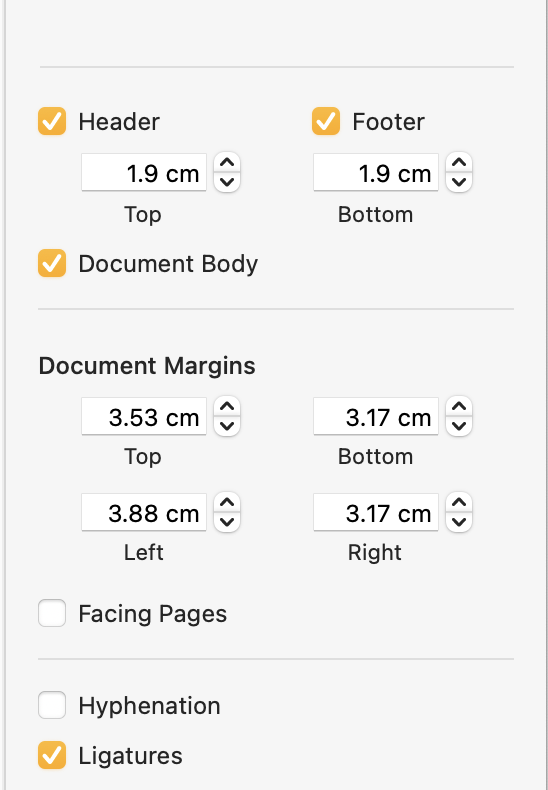
Two clicks on the 'down' v for Header brought the space between the top of the Header and the top of the page down from 1.9cm to 0.63 cm.
Three clicks on the v for the Top margin reduced that margin from the 3.53 cm setting seen above to 1.9 cm.
The effect on the page's top area is shown below.
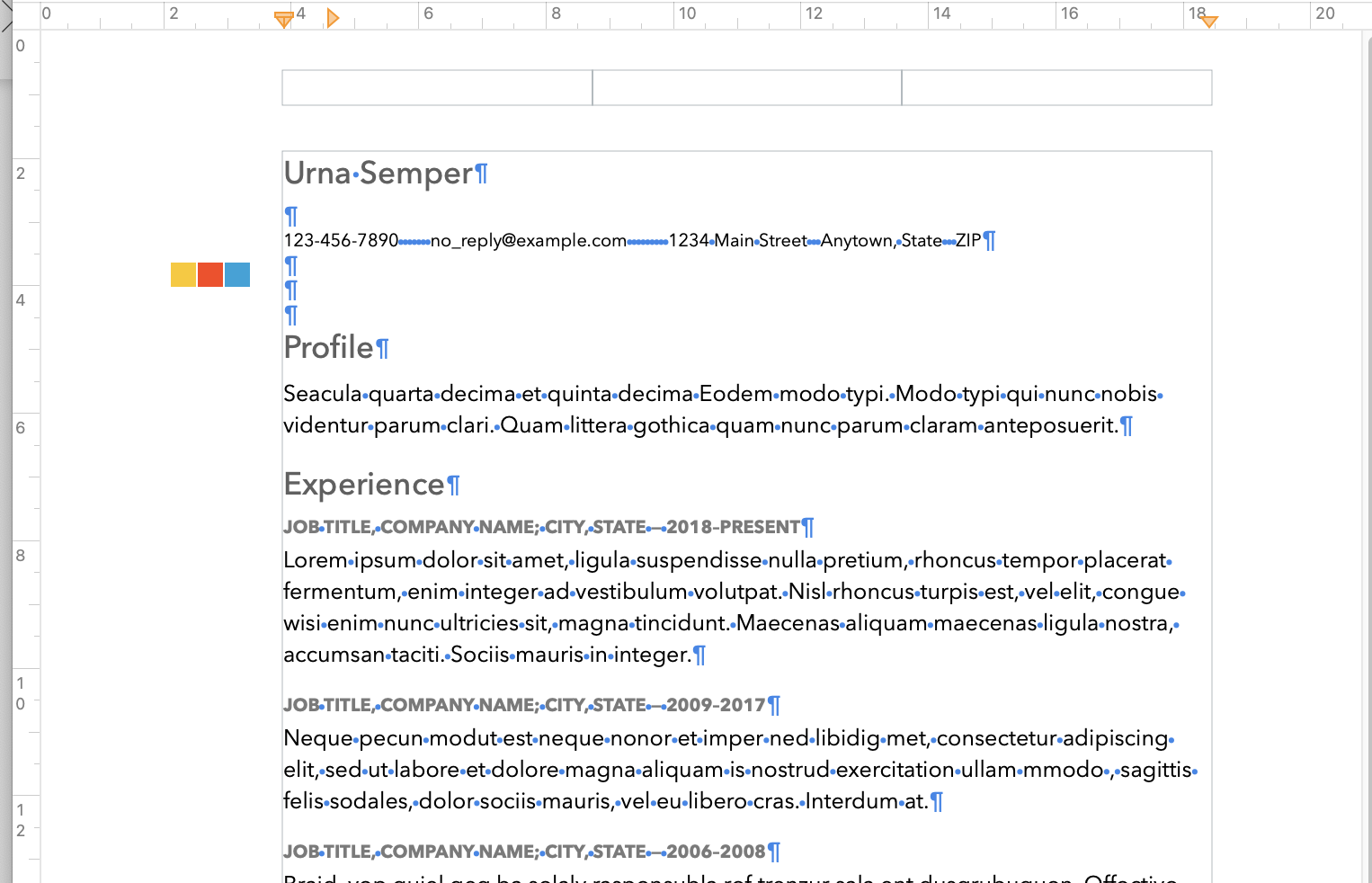
Note that the three-squares image, which is outside the print space determined by the Page margin settings, did not move up with the text when the Top margin and header were moved. This is a grouped object consisting of three Shapes. Click on it to select it, then use the up arrow key to move it up to align with the name again.
You may also have noticed that clicking in the two lines of text below "Profile" immediately Selects all of that placeholder text, and the first keystroke in the selection deletes the placeholder text, and places the typed character at the beginning of the space the placeholder was holding. This is normal, and the designed behaviour of Placeholder text.
All text on that page is Placeholder text.
But the three pilcrows ( ¶ ) stacked between the contact information and the Profile heading show the location of line feed characters. They are not placeholders, and can be deleted individually using the delete key.
Hope you find this information useful.
Regards,
Barry

