5a377 firmware on AirPods Pro 2
Why is the ANC so bad on firmware 5a377 for AirPods Pro 2? I can hear hear every metal clinking squeaky sounds on the train. 😕
Why is the ANC so bad on firmware 5a377 for AirPods Pro 2? I can hear hear every metal clinking squeaky sounds on the train. 😕
Hello and welcome to Apple Support Communities, Seeto84!
We understand you're hearing through Noise Cancellation on your AirPods Pro. We'd be happy to provide information to help you troubleshoot.
Try resetting your AirPods using these steps: How to reset your AirPods and AirPods Pro - Apple Support
1. Put your AirPods in their charging case, and close the lid.
2. Wait 30 seconds.
3. Open the lid of your charging case.
4. With your AirPods in your ears and connected to your iPhone, iPad, or iPod touch, go to Settings > Bluetooth, or Settings > [your AirPods], and tap the More Info buttonnext to your AirPods. If you don't see your AirPods in Settings > Bluetooth or in Settings > [your AirPods], just go to the next step.
5. Tap Forget This Device, and tap again to confirm.
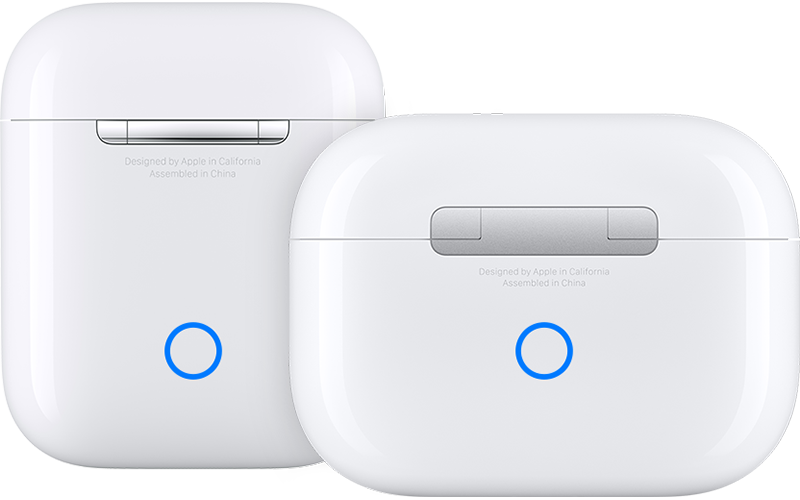
6. With the lid open, press and hold the setup button on the back of the case for about 15 seconds, until the status light on the front of the case flashes amber, then white.*
7. Reconnect your AirPods: With your AirPods in their charging case and the lid open, place your AirPods close to your iPhone, iPad, or iPod touch. Follow the steps on your device's screen.
Once done, pair them again and test to see if the issue continues.
Have a great day!
Hello Seeto84,
At this point, we recommend reaching out to Apple Support directly for further help with this issue.
Thank you for using Apple Support Communities.
Take care!
Thank you for the information however, I think it’s the latest firmware that is causing this. 😞 Hopefully we will get an update soon to fix this problem.
5a377 firmware on AirPods Pro 2