Which iMac??? Some should not be opened at home.
As for cleaning, opening any iMac made after 2011 requires getting into a sealed case and, depending on model, you may need to gut the computer to get to the fan. Can't recommend a non-professional cleaning, and a pro job could be expensive--about US $160 for labor not counting the resealing kit.
What you can inspect and clean if needed are the air vents and your workstation setup:
1) Vents: Cool air intakes are on the bottom edge of the case and can get dusty:

DO NOT use canned air! It can blow any dust/lint deeper into the computer, requiring professional repair. Place the computer facedown on a soft cloth. Get a small brush and your vacuum cleaner. Without touching the vac's nozzle to the computer, hold it about an inch from the vents and use the brush to flock dirt toward the nozzle.
The exhaust vent is located under the stand:
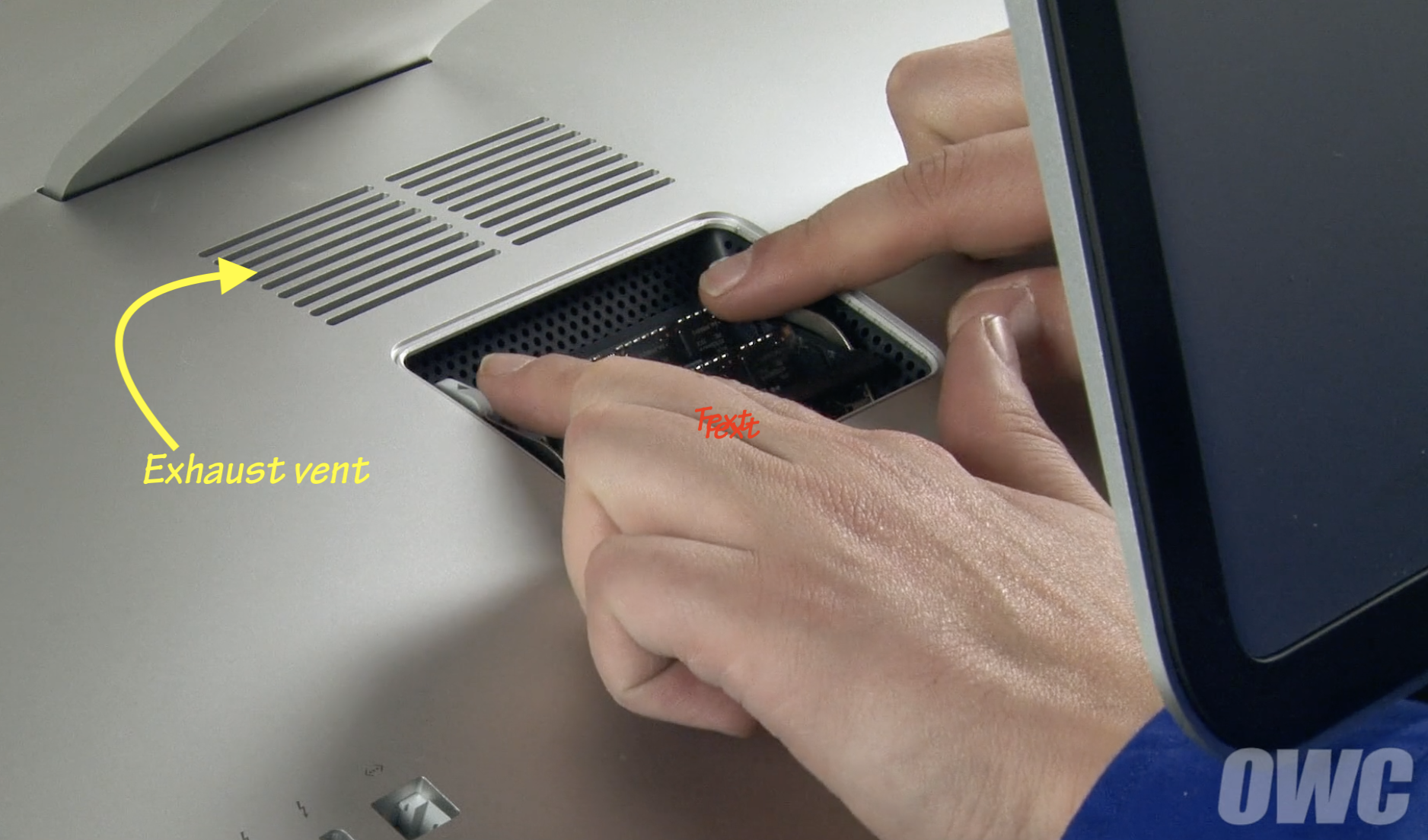
It seldom gets dirty BUT can be obstructed. If you have the computer positioned high and have to tip the display to fully down to use, the stand is too close to the vent and temps can rise fast. I've reproduced that on my 2017 iMac 5K at will. A poster here last year report it was enough to go past the fan speedup and CPU clock-back and shut his iMac down.
2) Workstation: place NOTHING between the intake vent and the deskt surface. Any rducitonin the space can reduce colling capacity. Maintain that approx 3 inches of clearance.

