iOS 16.1 bugs during calling screen screen black and also power button end call not respond whenever other person doesn’t cut the call after that screen outomatically turn on
iPhone 11, iOS 16
iPhone 11, iOS 16
The phone is designed to turn off the screen when you hold the phone to your ear, so your face doesn’t touch any buttons (such as hang up). It does this using a “proximity detector” near the top of the screen that senses no light hitting the screen. However, if your cover the proximity detector, either with your hand, a screen protector or a case that extends over the edge of the screen it will fool the phone into thinking it is against your face. So check your case and be aware of where you put your hand.
The phone is designed to turn off the screen when you hold the phone to your ear, so your face doesn’t touch any buttons (such as hang up). It does this using a “proximity detector” near the top of the screen that senses no light hitting the screen. However, if your cover the proximity detector, either with your hand, a screen protector or a case that extends over the edge of the screen it will fool the phone into thinking it is against your face. So check your case and be aware of where you put your hand.
Greetings Pranjul272
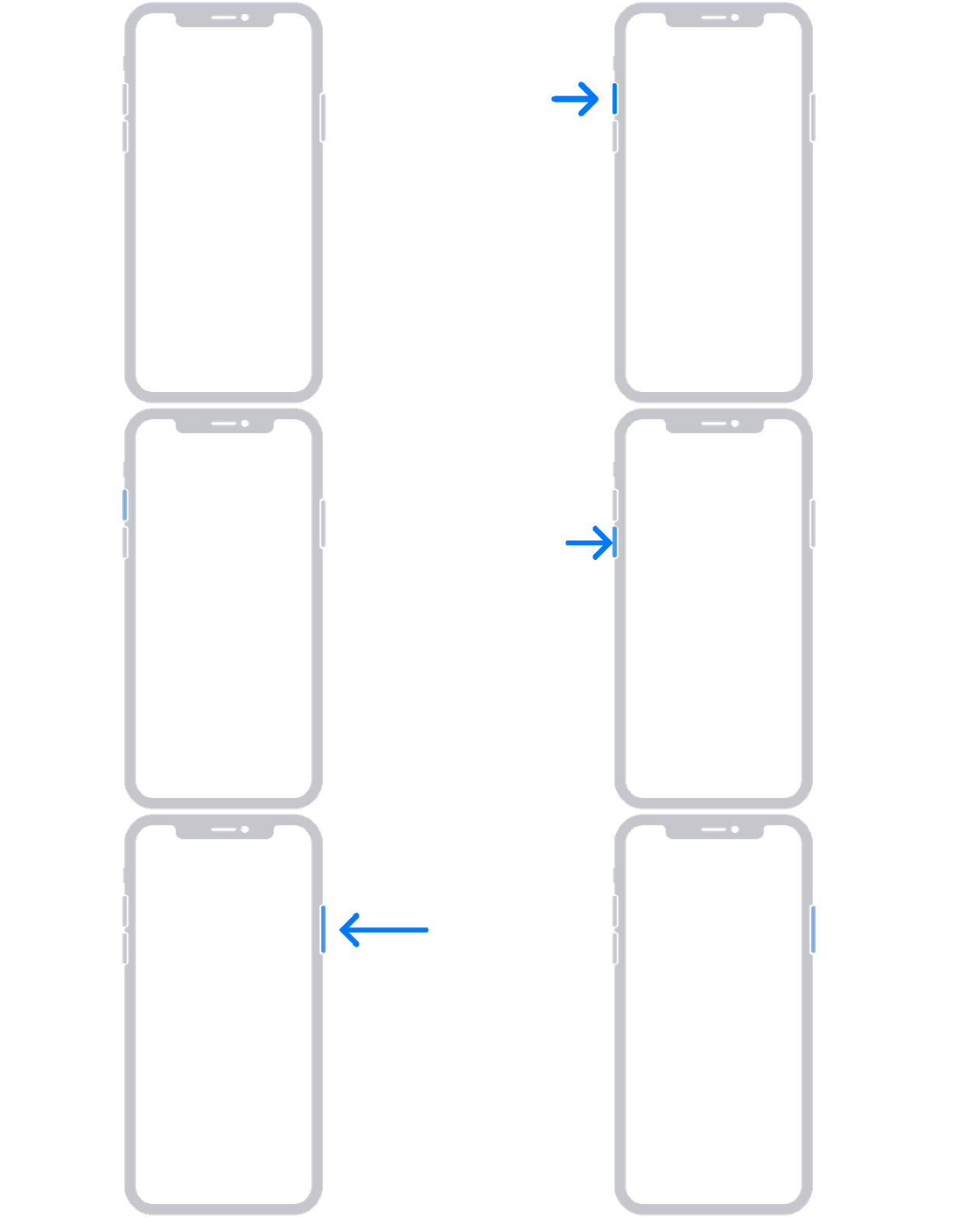
To clarify, does your screen go black and become unresponsive while on a call? If so, let's try force restarting it by completing the following steps:
1. Press and quickly release the volume up button.
2. Press and quickly release the volume down button.
3. Press and hold the side button until you see the Apple logo.
4. If your phone doesn't turn on, follow these steps to check your hardware and charge your phone. You might need to charge for up to an hour.
More details here: If your iPhone won't turn on or is frozen
If you continue to experience the same behavior, we suggest reaching out to Apple directly. Follow this link to connect with them:
Take care.
iOS 16.1 bugs during calling screen screen black and also power button end call not respond whenever other person doesn’t cut the call after that screen outomatically turn on