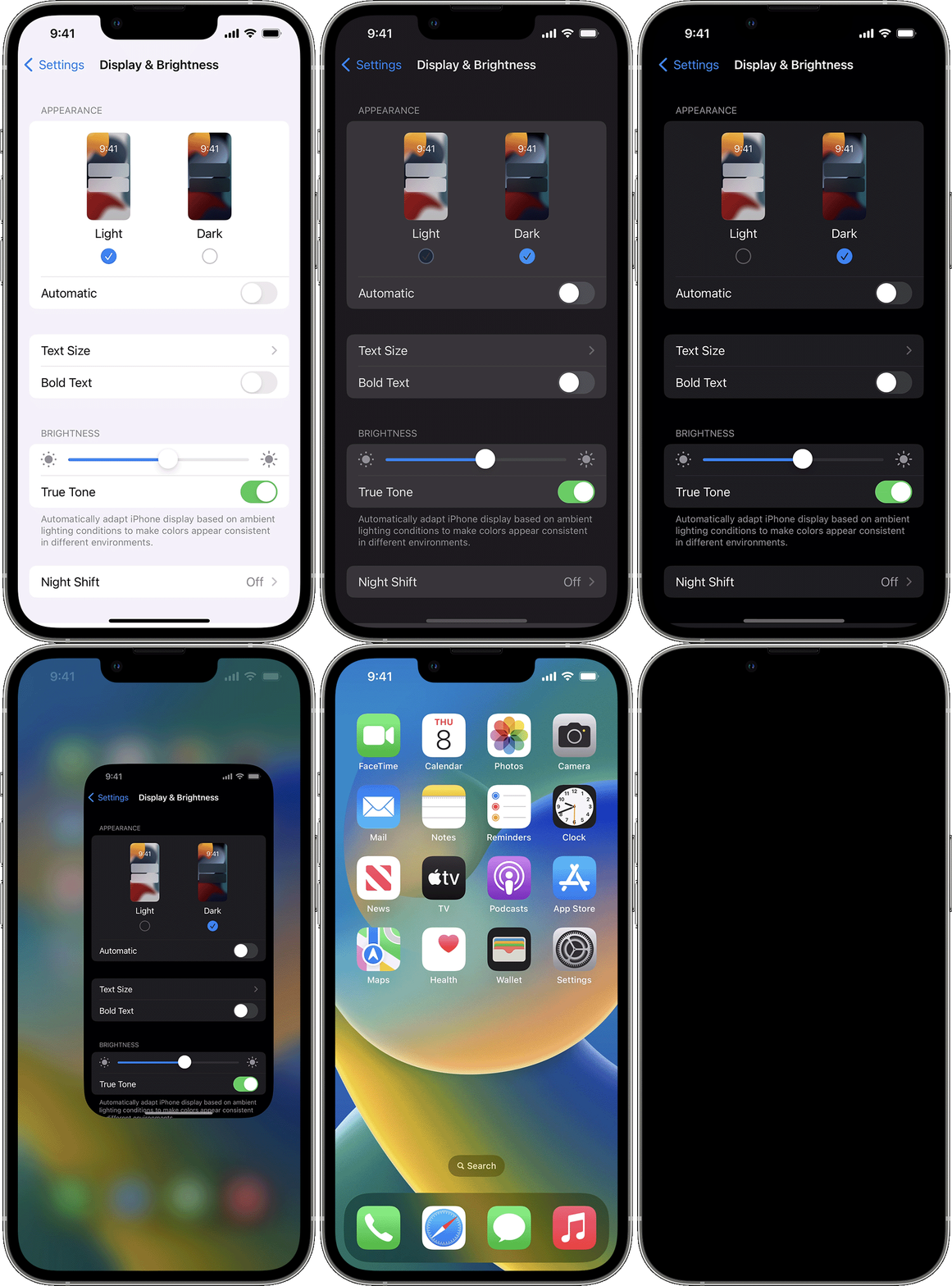
Thank you for your reply, however, I'm still unable to turn Dark Mode off and keep it off. In response to each of your tips:
1 - I have never turned on Dark Mode, it just happened after the iOS 16 update.
2 - I was able to add Dark Mode to the Control Center, but when I select either Dark or Light Mode from the Control Center, nothing changes.
3 - When I go to Settings and select Display & Brightness and switch between Light and Dark in that area, the screen switches from Light to Dark and vice versa but when I close out of Settings I'm still in Dark Mode no matter what I selected - even if I set a schedule for Dark Mode.
4 - as I said in my original post, if I power off my phone and restart, it opens in Light Mode, but randomly switches to Dark Mode as I navigate around and open apps. The only thing I think I've noticed is that it switches to Dark Mode if I use an app that requires the internet. It doesn't happen if I open iMessage, Phone, Contacts, Apple Mail, Calendar, Music, Utilities, Wallet or apps like FaceBook. But when I open my banking app or Safari, for example, it flips to Dark Mode.
Any further advice? Could it be an iOS 16 issue? Thanks for any advice and hoping for a resolve!