iPad pro

The grayed out area at the top of my iPad happened last week, don’t have any idea how this occurred and I took it into Best Buy geek squad, I was told they have never seen this happen to an iPad, this tablet is an iPad Pro, it’s less than a year old…has anyone else had this occur to their tablet?

Posted on Jan 30, 2023 2:09 AM

Reply
Question marked as Top-ranking reply

Posted on Jan 31, 2023 3:31 PM

Hi CathyG1260,


For help with your iPad display, you can test the issue when rotating the screen. The steps below found in the article here: Rotate the screen on your iPad


"How to rotate the screen on your iPad

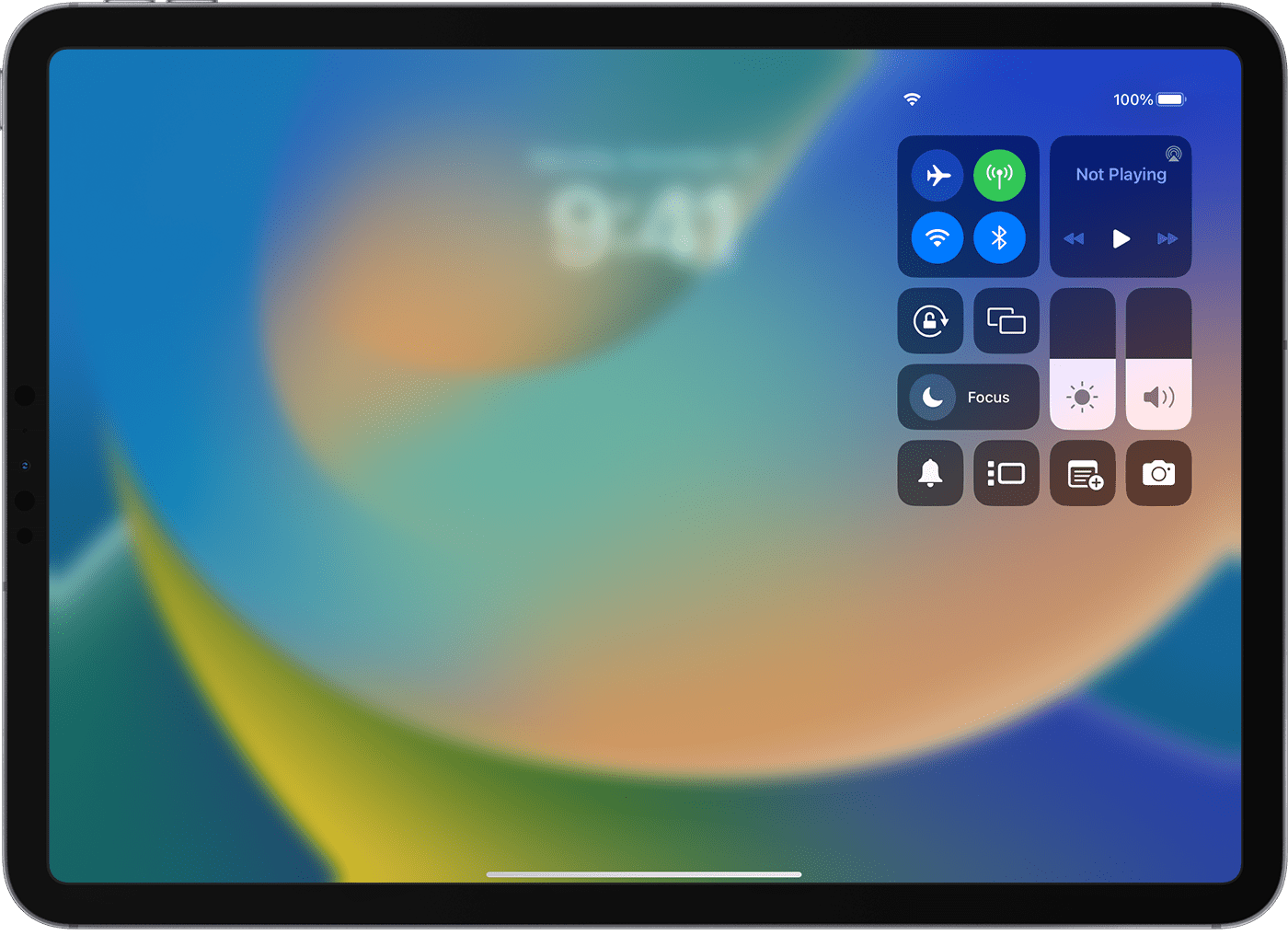
  1. Make sure that Rotation Lock is off: Swipe down from the top-right corner of your screen to open Control Center. Then tap the Rotation Lock button  to make sure it's off.
  2. iPad screen showing Control Center.
  3. Turn your iPad sideways. 

If the screen still doesn't rotate, try a different app like Safari or Messages, which work in landscape mode, and check to see if your iPad has a side switch."


If the band of grey remains in the same area, it's very likely a hardware issue and service needed to be completed. You can check on your options here: iPad Repair & Service - Apple Support


You can also find helpful steps for getting your iPad ready for service here: Get your iPhone, iPad, or iPod touch ready for service


For most assistance, reach out to Apple Support directly.


Contact - Official Apple Support


Contact Apple for support and service - Apple Support


Best.

1 reply
Question marked as Top-ranking reply

Jan 31, 2023 3:31 PM in response to CathyG1260

Hi CathyG1260,


For help with your iPad display, you can test the issue when rotating the screen. The steps below found in the article here: Rotate the screen on your iPad


"How to rotate the screen on your iPad

  1. Make sure that Rotation Lock is off: Swipe down from the top-right corner of your screen to open Control Center. Then tap the Rotation Lock button  to make sure it's off.
  2. iPad screen showing Control Center.
  3. Turn your iPad sideways. 

If the screen still doesn't rotate, try a different app like Safari or Messages, which work in landscape mode, and check to see if your iPad has a side switch."


If the band of grey remains in the same area, it's very likely a hardware issue and service needed to be completed. You can check on your options here: iPad Repair & Service - Apple Support


You can also find helpful steps for getting your iPad ready for service here: Get your iPhone, iPad, or iPod touch ready for service


For most assistance, reach out to Apple Support directly.


Contact - Official Apple Support


Contact Apple for support and service - Apple Support


Best.

This thread has been closed by the system or the community team. You may vote for any posts you find helpful, or search the Community for additional answers.

iPad pro

Welcome to Apple Support Community
A forum where Apple customers help each other with their products. Get started with your Apple Account.