Hi CathyG1260,
For help with your iPad display, you can test the issue when rotating the screen. The steps below found in the article here: Rotate the screen on your iPad
"How to rotate the screen on your iPad
- Make sure that Rotation Lock is off: Swipe down from the top-right corner of your screen to open Control Center. Then tap the Rotation Lock button
 to make sure it's off.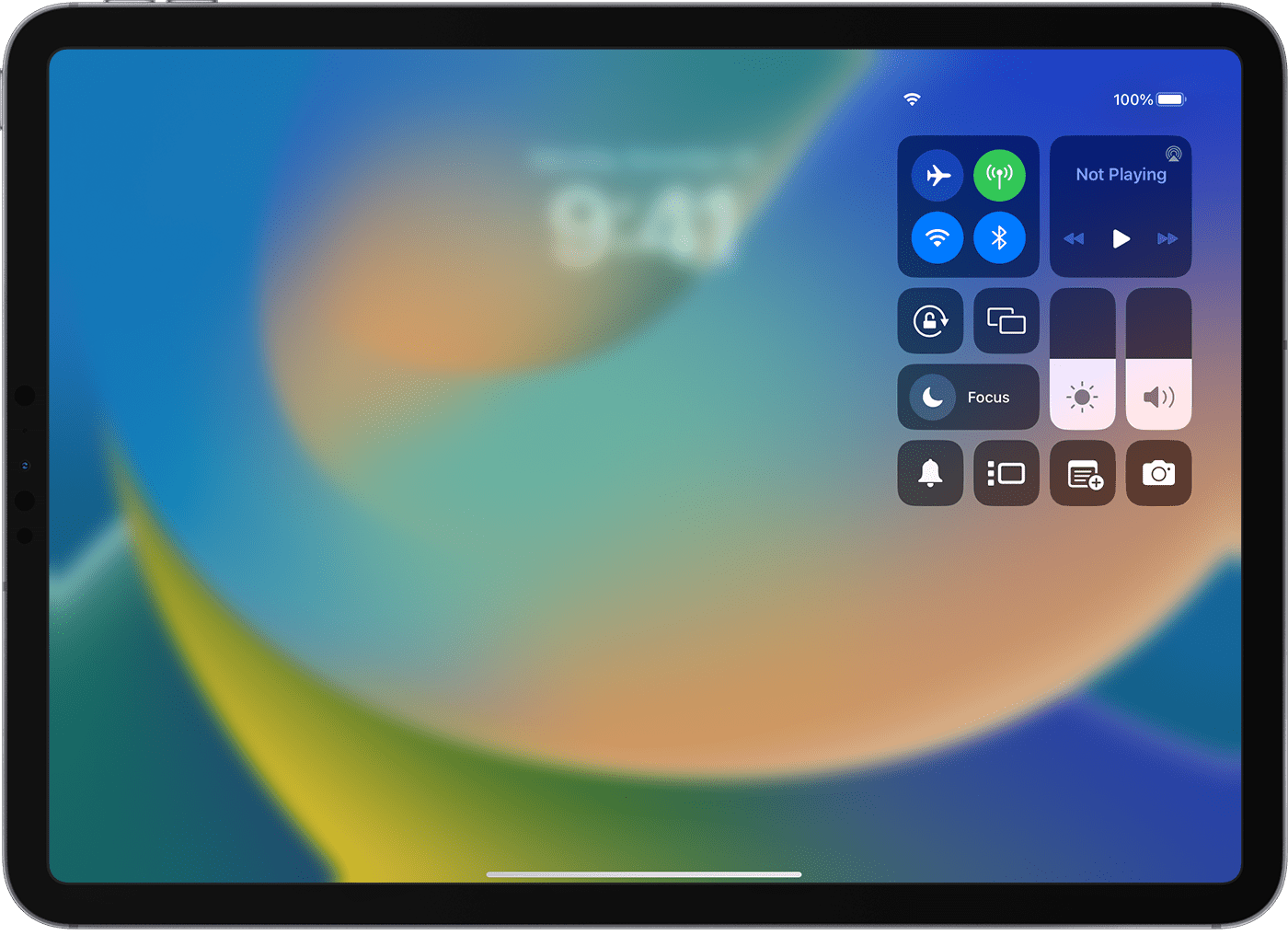
- Turn your iPad sideways.
If the screen still doesn't rotate, try a different app like Safari or Messages, which work in landscape mode, and check to see if your iPad has a side switch."
If the band of grey remains in the same area, it's very likely a hardware issue and service needed to be completed. You can check on your options here: iPad Repair & Service - Apple Support
You can also find helpful steps for getting your iPad ready for service here: Get your iPhone, iPad, or iPod touch ready for service
For most assistance, reach out to Apple Support directly.
Contact - Official Apple Support
Contact Apple for support and service - Apple Support
Best.


