Hi j_nay_765,
Are you referring to the sound that plays on a lost device as laid out in the steps below and article here?: Play a sound on a device with Find Devices on iCloud.com - Apple Support
"Play a sound on your iPhone, iPad, iPod touch, Mac, or Apple Watch
- In Find Devices on iCloud.com, click All Devices, then select the device you want to play a sound on.
If you don’t see All Devices, it’s because you’ve already selected a device. Click the name of the current device in the center of the Find Devices toolbar to see the Devices list, then select a new device.
2. Click Play Sound.
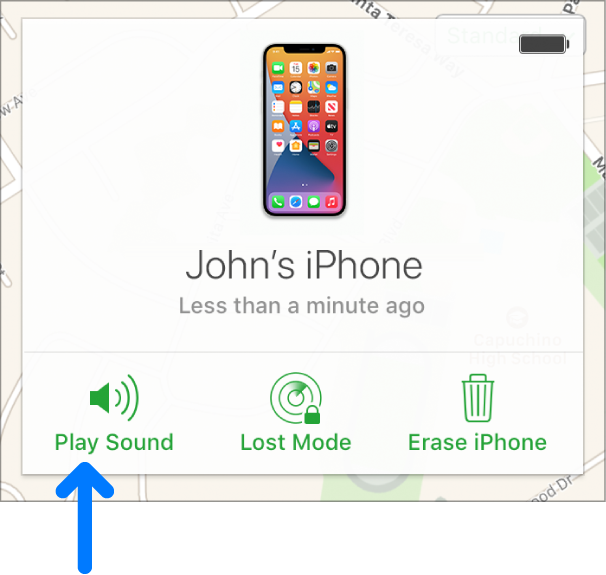
- If the device is online, a sound starts after a short delay and gradually increases in volume, then plays for about 2 minutes. A Find My alert also appears on the device’s screen, if applicable.
- If the device is offline, the sound plays the next time it connects to a Wi-Fi or cellular network.
After the sound plays, a confirmation email is sent to your Apple ID email address."
If so, while there isn't a way to customize or change this sound, feel free to leave feedback for Apple here: Product Feedback - Apple
Best.

