Silence phone buttons
How do I silence buttons on iPhone 14?
How do I silence buttons on iPhone 14?
Hey akeithley,
If you're referring to making your iPhone have no sound when using your device, you can silent the device by using the Ring/Silent switch on the left side of your iPhone. Check out this article here: How to put your iPhone on vibrate, ring, or silent mode
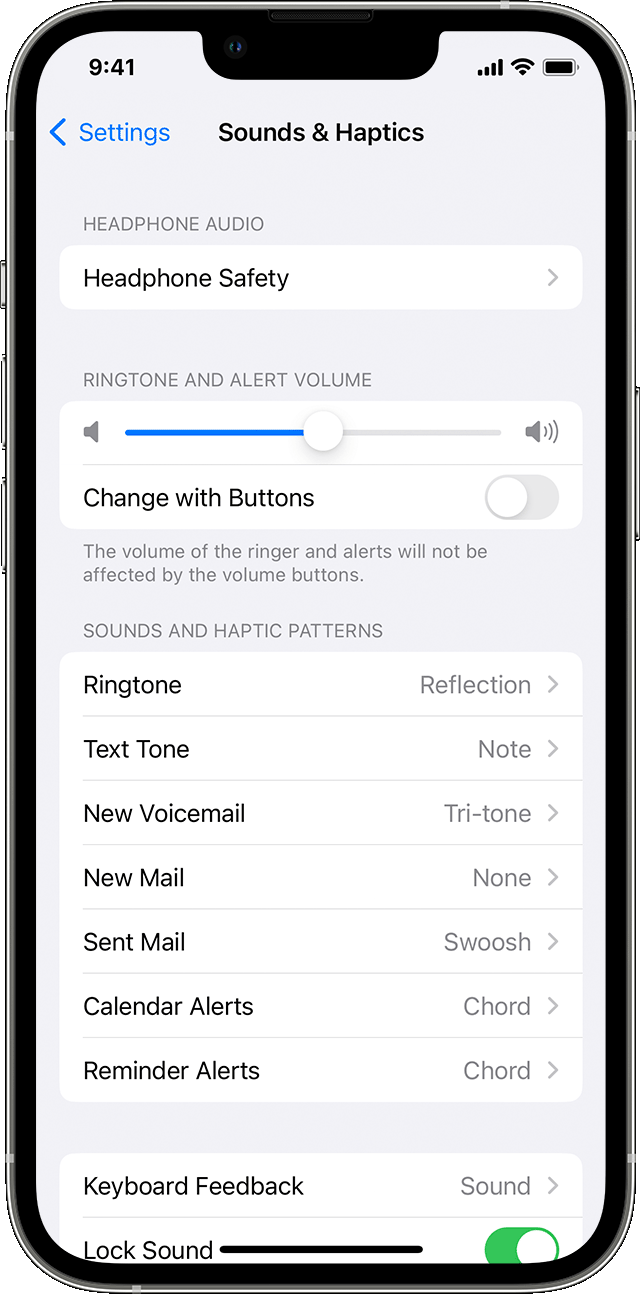
In addition, you can also change the ringtones, sounds, and vibrations by following the steps below:
1. On iPhone 7 and later, go to Settings > Sounds & Haptics. On earlier iPhone models, go to Settings > Sounds.
2. Choose what you want to adjust, like Ringtone or New Mail.
3. Tap the alert tone that you want. You can also tap Vibration and choose a vibration pattern or make a custom vibration.
We hope this helps answer your question!
Best regards.
Silence phone buttons