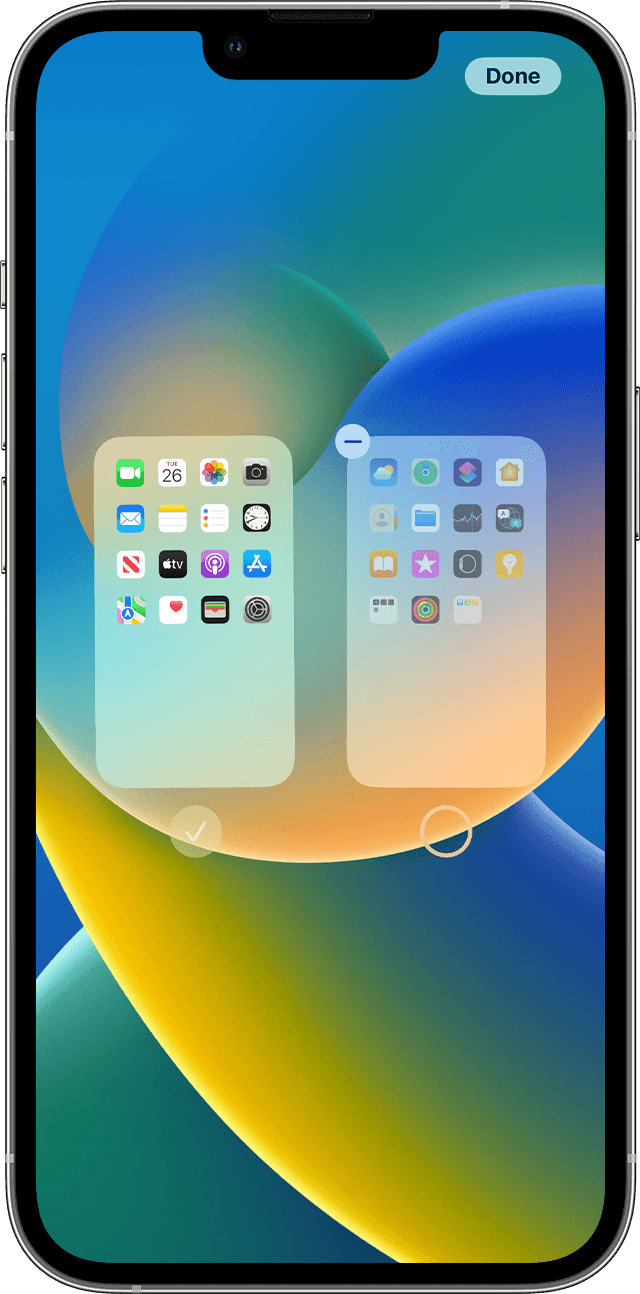
How to turn off App Library on iPhone?

I’ve seen several posts from other users, why isn’t Apple listening. Not everyone wants App Library. I had my apps organized in folders the way I wanted them. Now I only have one Home Screen and a jumble in the App Library. I don’t want to have to reorganize everything again.


[Re-Titled by Moderator]

iPhone 12 mini, iOS 16

Posted on Aug 3, 2023 3:53 AM

Reply
49 replies

Sep 23, 2024 2:53 PM in response to azjp35

azjp35 wrote:

Could we have the option to disable or remove the App Library from the Home Screen?

Currently, that is not an option. You can let Apple know what you'd like to see here:


Product Feedback - Apple

I’m trying to remove addictive apps like social media from my Home Screen, but they still appear in the App Library, making it harder to avoid them.

Your issue isn't with the App Library. It's with how to delete apps.


Having the App Library doesn't mean you can't delete apps. Either when you are deleting apps from the Home Screen, you're not choosing the correct option (Chose "Delete App", not "Remove from Home Screen) or you have deleting apps restricted in Settings>Screen Time>Content & Privacy Restrictions>iTunes & App Store Purchases>Deleting Apps.


If you chose the wrong option but deletion isn't restricted, you can delet the apps from the App Library (and the phone) by pressing and holding on the icon in App Library.

Sep 30, 2024 12:36 PM in response to Keepitsimplealready

Keepitsimplealready wrote:

iPhone users have taken great lengths of time to organize their phones the way that works best for them. The organization on peoples phones is probably as different as every fingerprint on the planet because no one is the same. Get rid of this the front door, Apple library because it’s a pain in the butt when restarting voiceover it’s in my face and it’s really ticking me off. It’s one of the stupider things Apple‘s done lately. Thanks a bunch.

You clearly didn't read past the first post of this thread. If you had, you'd have seen you are NOT writing anyone from Apple on this user to user only forum and NO, you can't turn off the App Library. It is baked into iOS and there is simply no way to turn it off. Telling only other users to make such a change will get you nothing.

This thread has been closed by the system or the community team. You may vote for any posts you find helpful, or search the Community for additional answers.

How to turn off App Library on iPhone?

Welcome to Apple Support Community
A forum where Apple customers help each other with their products. Get started with your Apple Account.