Only one be earbud works

Only music and sound only comes out of one earbud

AirPods Pro (2nd generation)

Posted on Aug 8, 2023 10:11 AM

Reply
Question marked as Top-ranking reply

Posted on Aug 9, 2023 9:36 AM

Hey there ry276, 


Taking a look at If your left or right AirPod isn't working, there are a few steps you'll need to take:

  1. "Make sure that your charging case is fully charged.
  2. Place both AirPods in your charging case and let them charge for 30 seconds.
  3. Open the charging case near your iPhone or iPad.
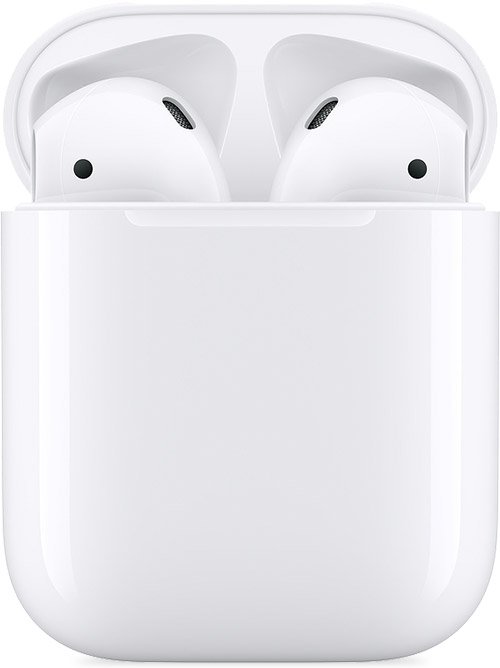
  4. AirPods and charging case
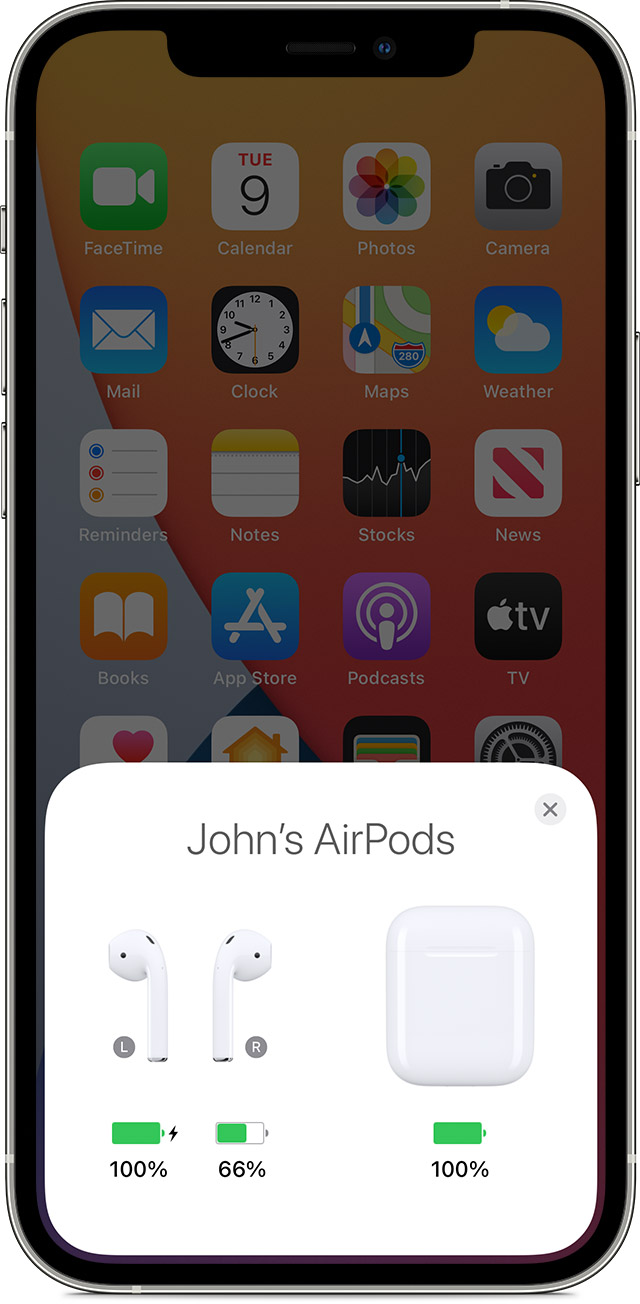
  5. Check the charge status on your iPhone or iPad to make sure that each AirPod is charging .
  6. AirPods charging status on your iPhone screen
  7. Put both AirPods in your ears.
  8. Play audio to test both AirPods.
  9. If an AirPod still isn't working, reset your AirPods or contact Apple Support.

If there's low volume in one AirPod

If your left or right AirPod isn't playing any sound, or if the volume is too quiet, follow these steps:

  1. Check the microphone and speaker mesh on each AirPod. 
  2. microphone and speaker on an AirPod 
  3. If you see any debris, clean your AirPods using the guidelines in this article, and see if that fixes the issue.
  4. Go to Settings > Accessibility > Audio/Visual > Balance, and make sure that the balance is set in the middle."


Have a good one!

1 reply
Question marked as Top-ranking reply

Aug 9, 2023 9:36 AM in response to ry276

Hey there ry276, 


Taking a look at If your left or right AirPod isn't working, there are a few steps you'll need to take:


  1. "Make sure that your charging case is fully charged.
  2. Place both AirPods in your charging case and let them charge for 30 seconds.
  3. Open the charging case near your iPhone or iPad.
  4. AirPods and charging case
  5. Check the charge status on your iPhone or iPad to make sure that each AirPod is charging .
  6. AirPods charging status on your iPhone screen
  7. Put both AirPods in your ears.
  8. Play audio to test both AirPods.
  9. If an AirPod still isn't working, reset your AirPods or contact Apple Support.

If there's low volume in one AirPod

If your left or right AirPod isn't playing any sound, or if the volume is too quiet, follow these steps:
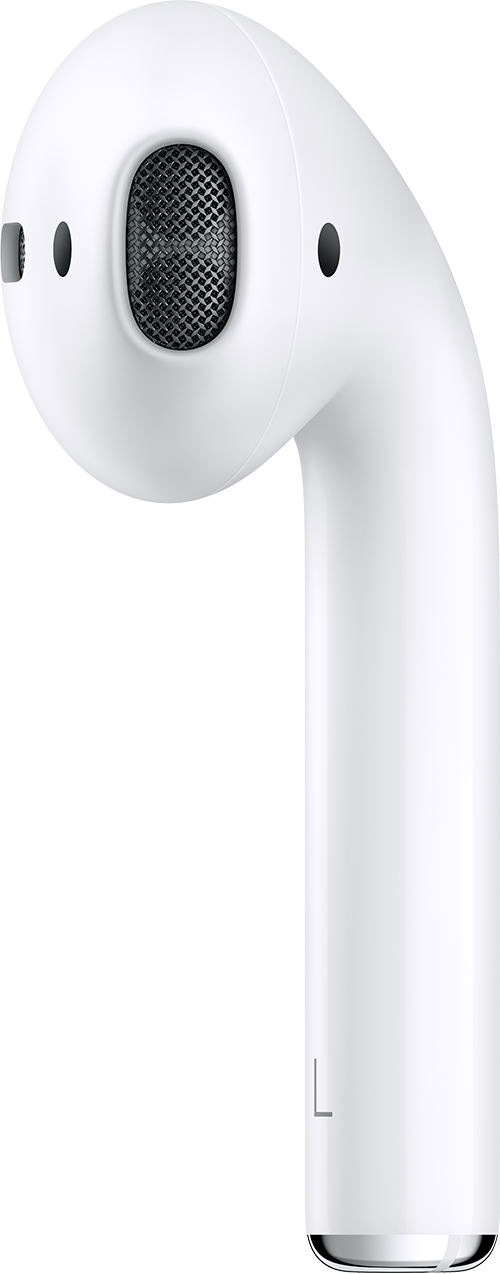
  1. Check the microphone and speaker mesh on each AirPod. 
  2. microphone and speaker on an AirPod 
  3. If you see any debris, clean your AirPods using the guidelines in this article, and see if that fixes the issue.
  4. Go to Settings > Accessibility > Audio/Visual > Balance, and make sure that the balance is set in the middle."


Have a good one!

This thread has been closed by the system or the community team. You may vote for any posts you find helpful, or search the Community for additional answers.

Only one be earbud works

Welcome to Apple Support Community
A forum where Apple customers help each other with their products. Get started with your Apple Account.